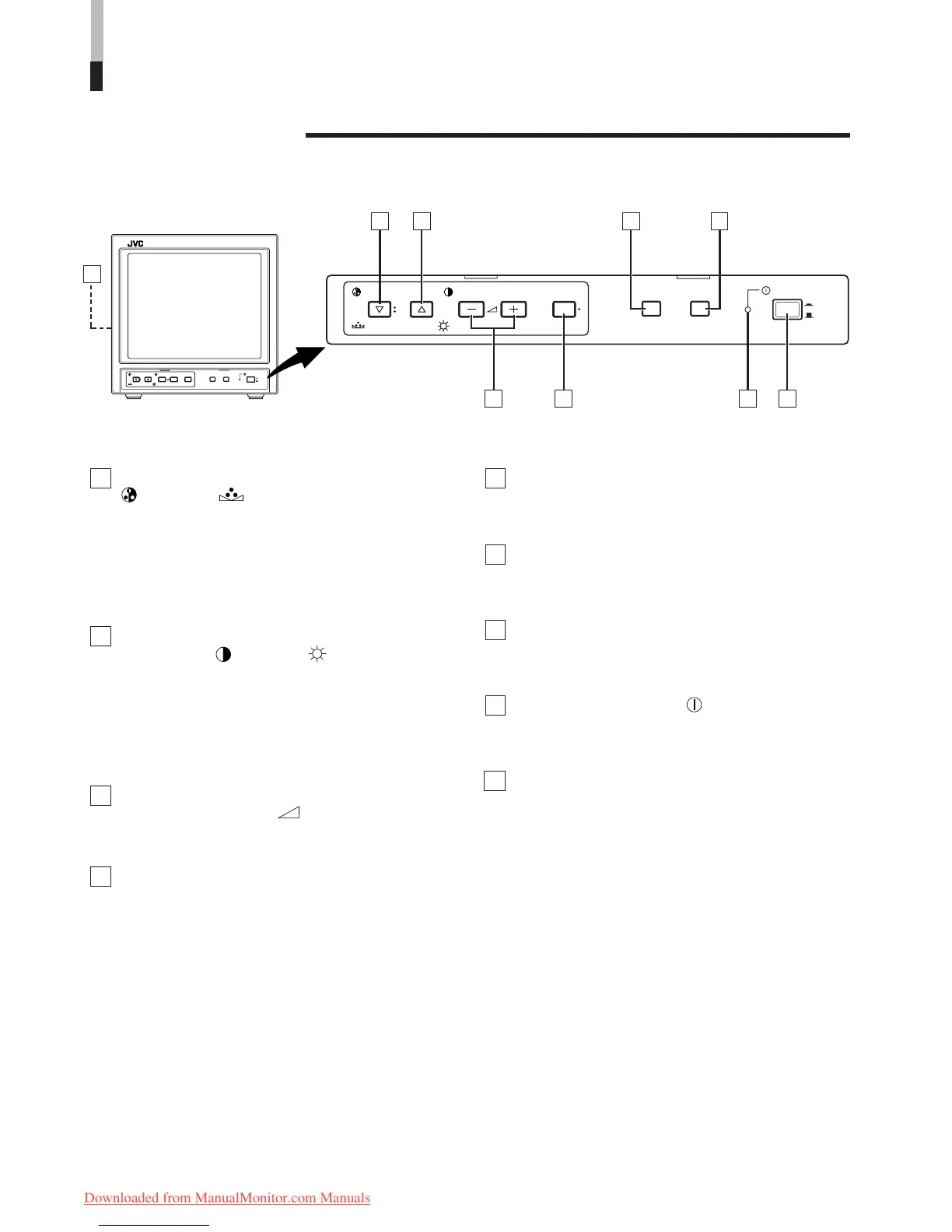
Chroma/Phase button
[
CHROMA/ PHASE]
Press this button to activate the picture color density
adjustment mode or picture hue adjustment mode. Each
time you press the button, the adjustment item changes.
Picture color density f Picture hue
Adjust the value with the VOLUME/SELECT buttons 3.
Also used as a control button in the menu function mode.
Contrast/Brightness button
[CONTRAST
/ BRIGHT ]
Press this button to activate the picture contrast adjust-
ment mode or picture brightness adjustment mode. Each
time you press the button, the adjustment item changes.
Picture contrast
f Picture brightness
Adjust the value with the VOLUME/SELECT buttons
3.
Also used as a control button in the menu function mode.
Volume/Select buttons
[VOLUME/SELECT –
+]
Adjusts the speaker volume. Also used as a control
button in the menu function mode.
Menu button [MENU]
Displays and disappears the <MENU> screen.
Pressing the CHROMA/PHASE button 1 with the Menu
button depressed will display the <SET-UP MENU>
screen.
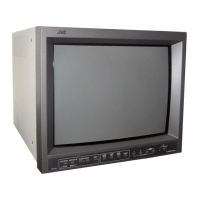
CONTROLS AND FEATURES
FRONT VIEW
<Front Panel>
Input A (VIDEO) button [INPUT SELECT A]
Selects the video and audio signals input to the VIDEO A
0 and AUDIO A @ terminals on the rear panel. The
button lights when selected.
Input B (VIDEO) button [INPUT SELECT B]
Selects the video and audio signals input to the VIDEO B
! and AUDIO B # terminals on the rear panel. The
button lights when selected.
Power indicator
Lights in green when the power is ON.
Lit : When the power is on.
Unlit : When the power is off.
Power switch [POWER ]
Press this switch to turn the power on or off.
g ON : Power is turned on.
G OFF : Power is turned off.
Speaker
A built-in speaker is located inside the left side panel
when the monitor is viewed from the front.
1
2
3
4
5
6
7
8
9
4








 To Next Page