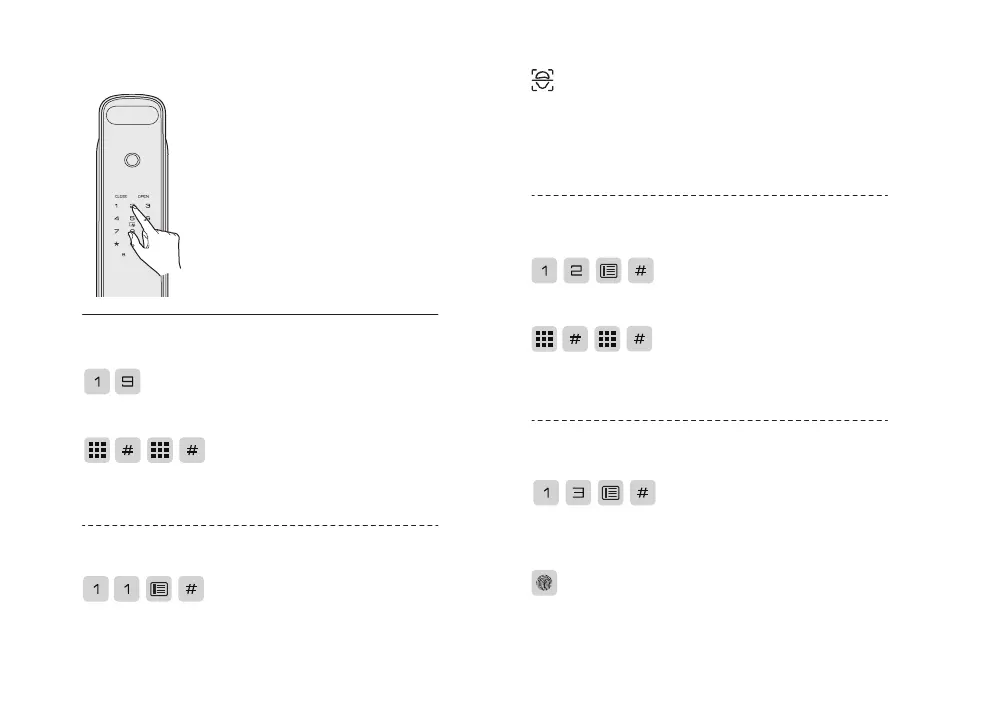
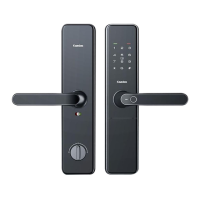
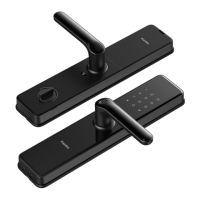
1.Touch the keypad area to wake up
the keypad.
2.Press * twice and enter the master
PIN code (default is12345678 )
with # key to confirm.
3.Voice prompt: master mode.
Enter master mode
Enter master mode
Enroll user PIN code
Note:
If the master pin code is default ,
please change to a new master pin
code first.
Under master mode:
Under master mode:
Enroll User fingerprint
Under master mode:
Enroll user face
Under master mode:
Press 1 for user setting, then press 9 to modify the master
PIN code.
Enter the new master PIN code and press # key to confirm ,
then repeat the above operation again . Voice prompt :
settings succeeded.
Press 1 for user setting, then press 1 to enroll user face.
Enter 2 digital user number and press # to confirm.
Please follow the voice prompts, stand one arm distance
about 60cm, and look at the camera; and adjust the position
according to the prompt till waiting for you to hear,After
the voice prompt setting succeeded. it means that the
user's face has been added successfully.
Press 1 for user setting, then press 2 to enroll user PIN
code. Enter 2 digital user number and press # to confirm.
Press 1 for user setting, then press 3 to enroll user
fingerprint. Enter 2 digital user number and press # key to
confirm.
Place your finger on the fingerprint sensor and then take
away your finger after voice prompt “ remove your finger
and scan again ”. Repeat the above steps until voice prompt
Enter 6-12 digitals user PIN code and press #key to
confirm , then repeat the above operation again. Voice
prompt : setting succeeded.



 To Next Page