WWW.KAARTA.COM 23
It is important to occasionally connect the device to the internet, such as through the
internal Wi-Fi or a USB to ethernet converter. Upon booting Stencil Pro, the system will
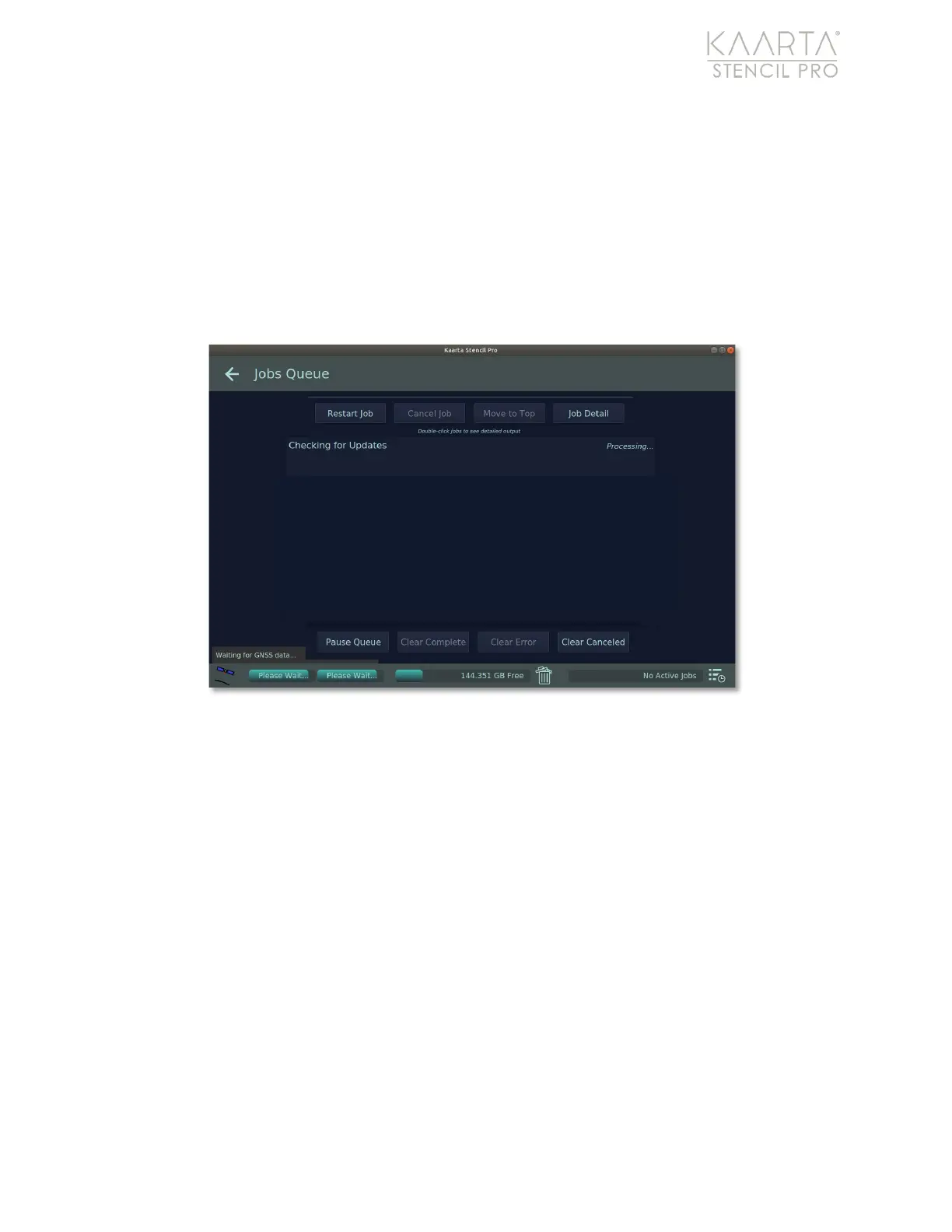
automatically check for software updates. You can use the Check for Updates button to
manually search for available software upgrades as well. You will be taken to the Jobs
Queue to check for any updates (Figure 10). When the search is complete, click the back
arrow in the upper left to return to the Main Gallery. Use the Main Gallery Menu to return
to the About tab of Device Settings. You will be prompted to update your device if a
software upgrade is available. The progress bar at the bottom of the UI will keep you
apprised of the software installation.
After successful installation, reboot the system.
Figure 10: Checking for software updates in the Jobs Queue.
Albums and File Hierarchy
The Main Gallery shows all albums and any prior scans not in an album. Kaarta has
implemented a flat, single hierarchy for establishing albums, folders, and individual files.
File folders are maintained by Stencil Pro to hold an individual scan and any pointclouds
and associated files that are generated through Stencil Pro’s post-processing tools. Every
time a scan is initiated, a new folder is created.
Create a New Album
You can organize the files by creating albums. Folders can then be selected and moved
into a new or existing album. Albums should be named in a manner that is descriptive of
their contents. From the Main Gallery Menu, choose Select Scans. Click on a scan(s) to
select it. A selection checkmark is shown in the upper right corner of each scan that is
successfully selected. Press the Album button in the upper right corner of the UI. Choose
+New Album or select a Current Album to place the scan, and the Name this new album



 To Next Page