WWW.KAARTA.COM 24
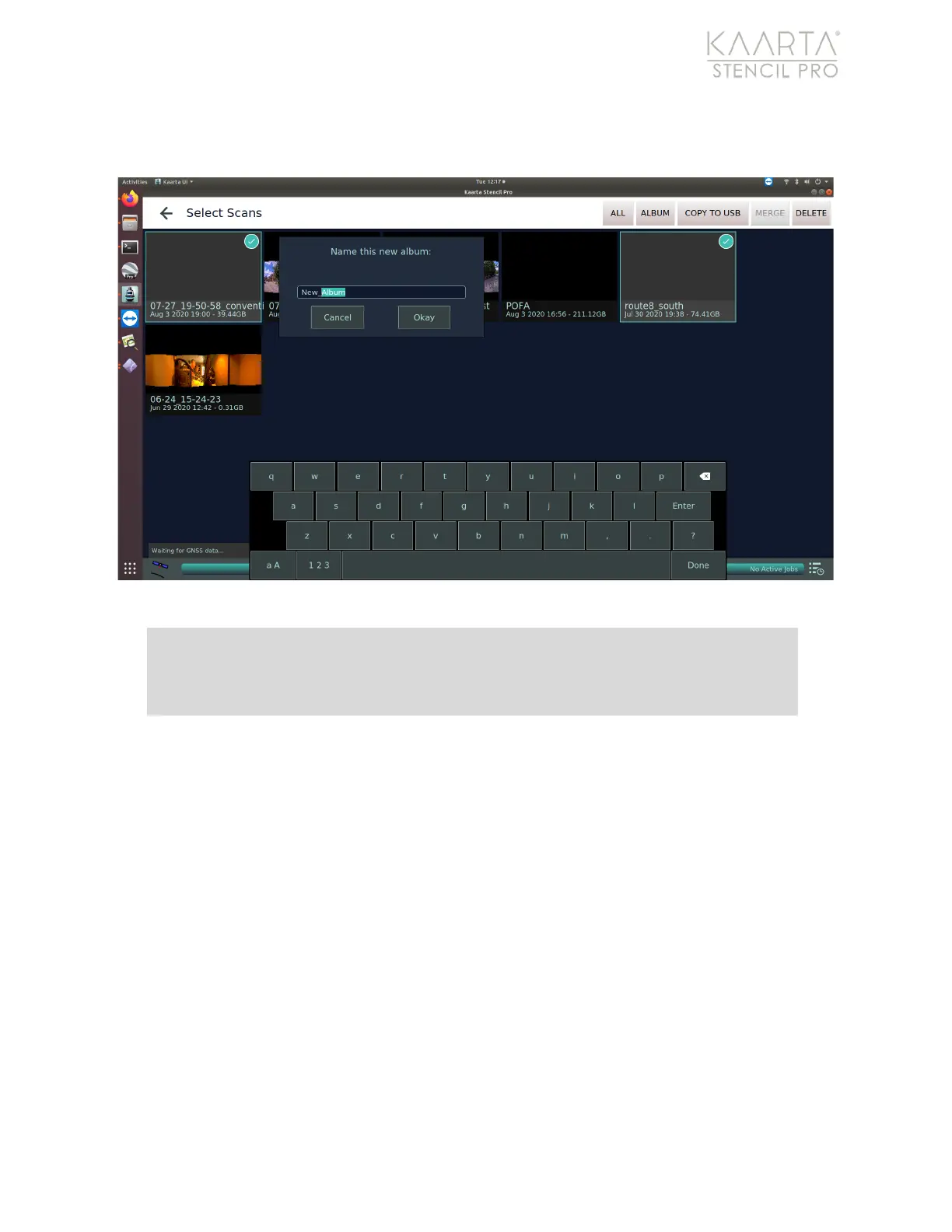
window displays, where you can name your newly created album. Click Okay to create
album (Figure 11).
Figure 11: Create a New Album.
Scan Tip: Albums cannot be nested, so establishing a methodology for
organizing albums by customer or location, combined with unique folder titles,
goes a long way to keeping your scans organized.
Selecting an individual album shows all the folders/files within a single album. When in
album view, additional buttons are displayed under the Main Gallery Menu which allow
you to Rename, Copy, or Delete an album. Pressing the back arrow in the upper left
returns you to the Main Gallery (Figure 12).



 To Next Page