WWW.KAARTA.COM 25
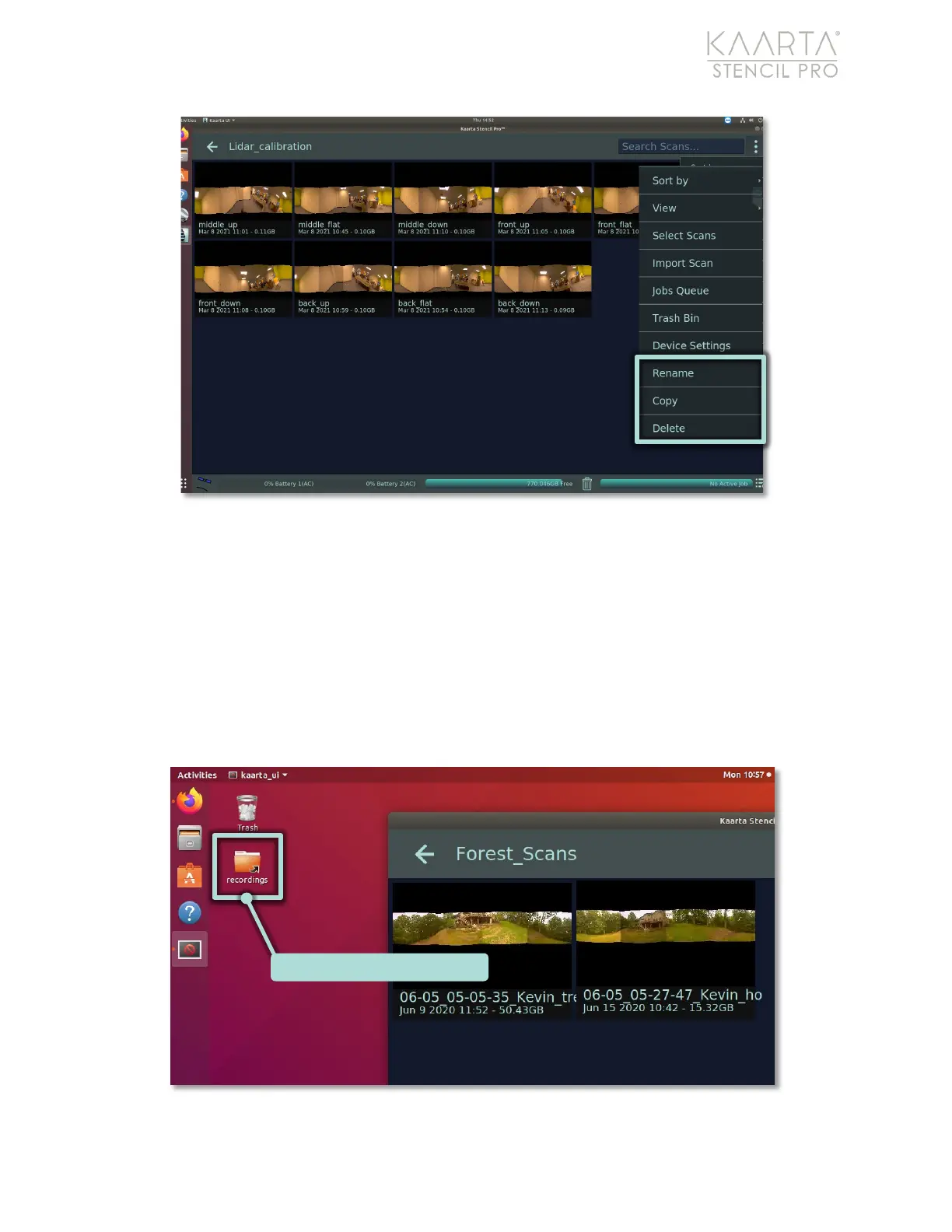
Figure 12: Album view.
Selecting an individual scan, either from the Main Gallery or the Album View, displays the
Scan Details. For more information on the Scan Details screen, see the Scan Details
section on page 47.
Scan Folders on Machine
As an alternative to the Stencil Pro UI, all scan data files can be accessed in the
Desktop/recordings folder (Figure 13). The desktop folder scheme mirrors what is shown
in the UI.
Figure 13: Stencil Pro recordings folders on desktop.
RECORDINGS FOLDER ON DESKTOP



 To Next Page