WWW.KAARTA.COM 27
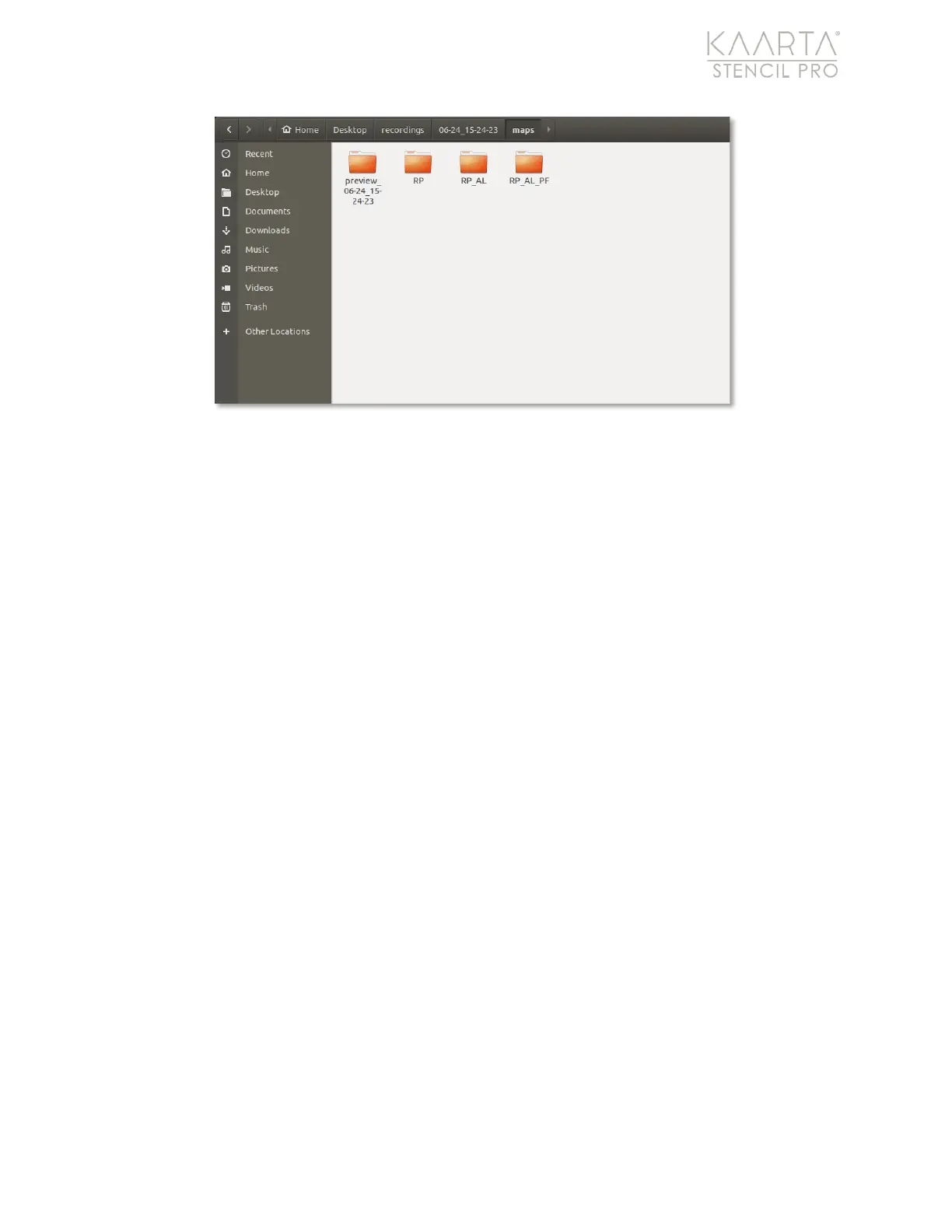
Figure 15: Processed scans within the Maps folder.
The table below lists files and folders found within each main folder scan and indicates
whether the file is an artifact of post-processing. In addition, there are several files that
Stencil Pro uses repeatedly throughout the folder structure of a scan; you may see these
files in multiple folder locations. For example,
scan_info.txt
and
scan_info.yaml
are found
within all folders where processing has occurred, and provide summary information
regarding the processing parameters and the Stencil Pro settings utilized.
Those files include:
• scan_settings.ini - summary information of scan (including average confidence,
notes, and start time), as well as Stencil Pro software version and serial number. A
copy of this file is included in each processed folder.
• scan_info.txt - summary information of the Stencil Pro mode, start/end times,
trajectory length, number of map and trajectory points, and information related to
the GNSS data available during the scan. A copy of this file is included in each
processed folder.
• scan_info.yaml - yaml file containing information during scanning/playback used to
perform processing tasks. A copy of this file is included in each processed folder.
• logXXXXXXXXX.txt - log files of post-processing run from the Processing tab of
Scan Details. There is also a logXXXXXXXXX.txt file located in the recordings/Main
Folder that tracks uploads to Kaarta Cloud (see table below).
• stencil_XXXX_calibration.json - panoramic camera calibration information. A copy
of this file is included in each processed folder.
• velodyne_XXXXXXXXXXXXXX.yaml – Velodyne scanner calibration information. A
copy of this file is included in each processed folder.



 To Next Page