WWW.KAARTA.COM 34
Scan Tip: It is important to establish a data management policy early on where
data is transferred from Stencil Pro to either Kaarta Cloud or a backup system.
Consider keeping a blank USB 3.0 external drive with your Stencil Pro when
you need to make room for more scanning while in the field.
Battery Power
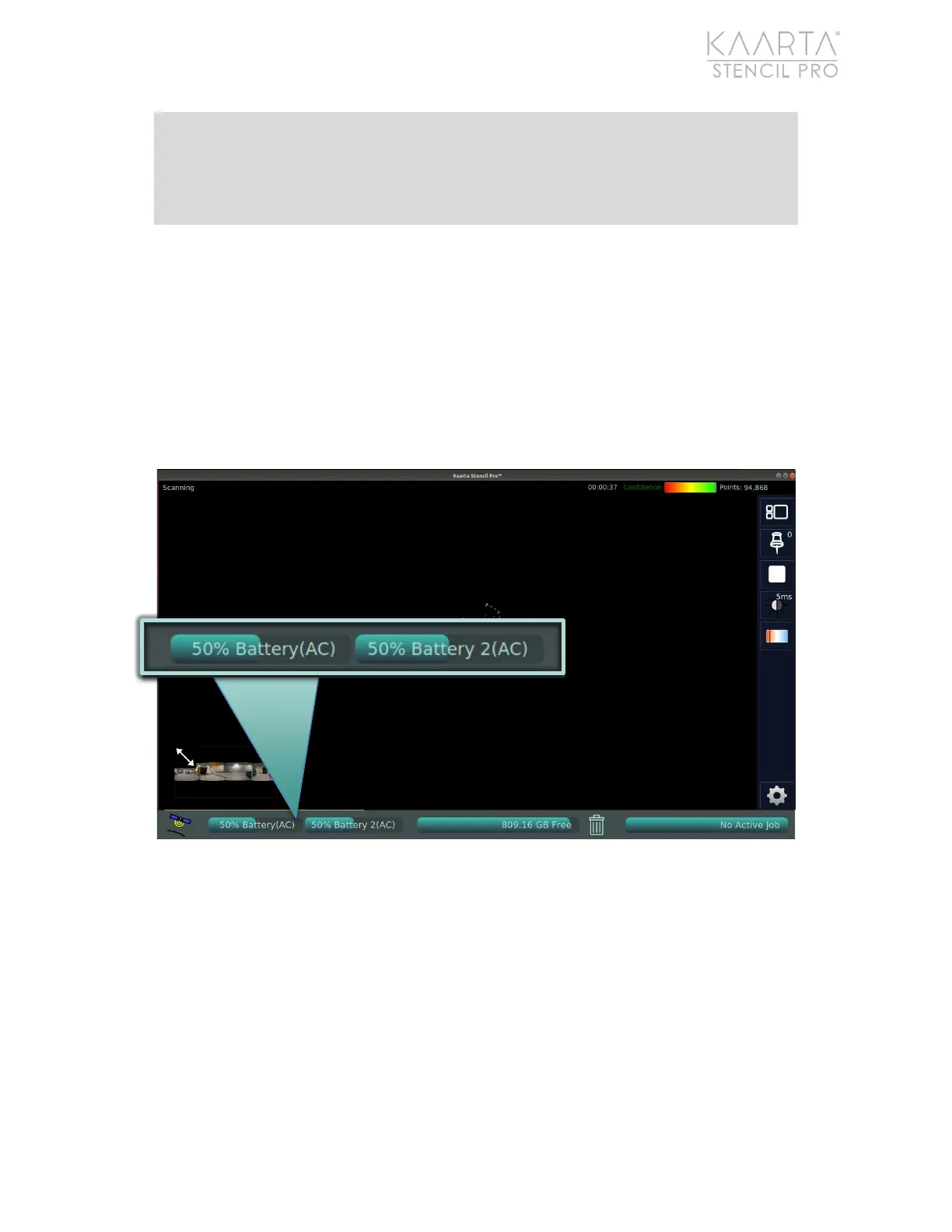
When external batteries are mounted onto the controller, the UI estimates their
remaining battery life. Note this is just an estimate – continue to monitor the power
status gauge on each battery during scanning. See Charge Batteries on page 14 for more
information. As shown on the Main Menu, the percentage of remaining battery power is
estimated for Battery (the left battery) and Battery 2 (the right battery) (Figure 20). The
battery level displays a Please Wait message if either the left or right side batteries are
disengaged (see Figure 19).
Figure 20: System Information: Battery Power Indicators.



 To Next Page