WWW.KAARTA.COM 42
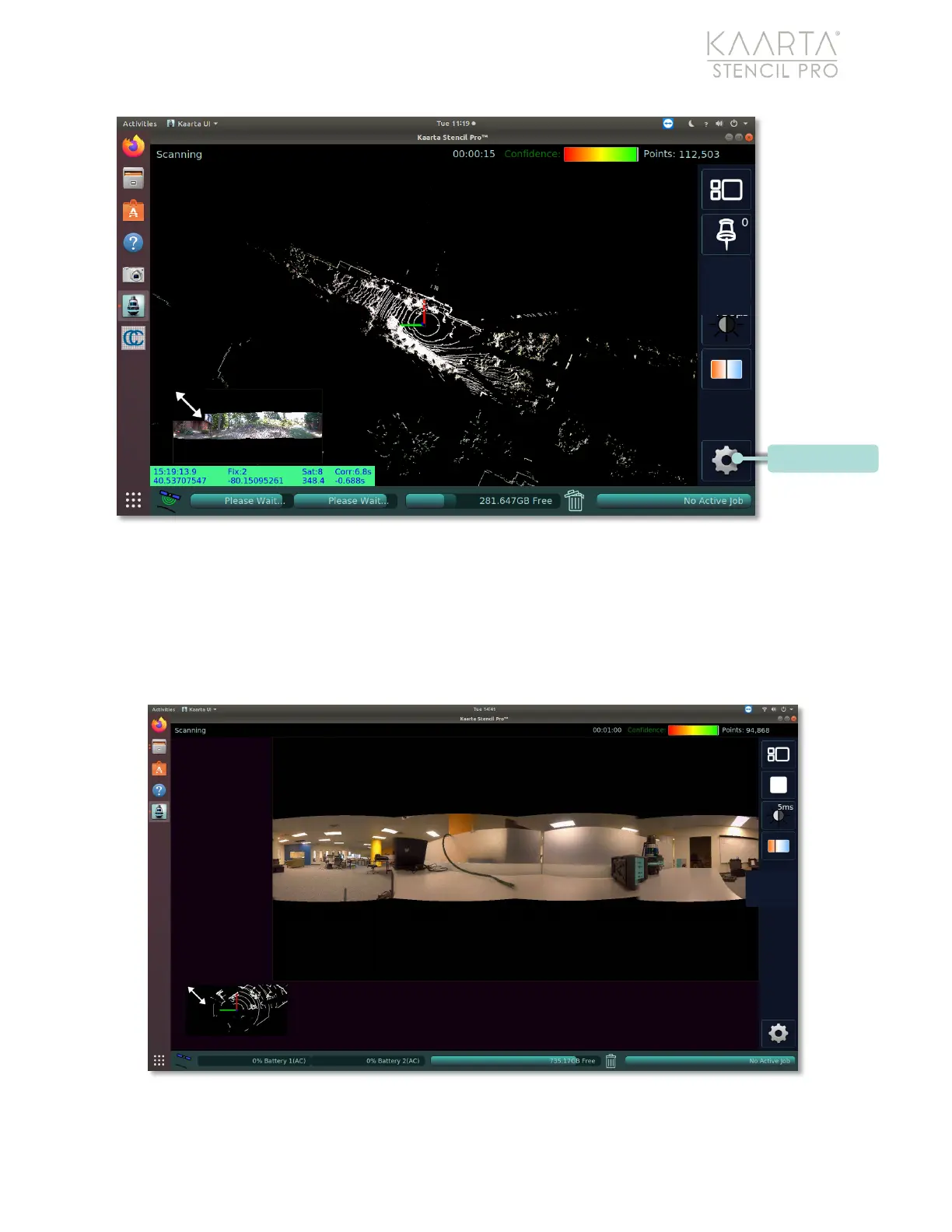
Figure 26: Scanning Menu’s Scan Settings button.
Some tools are available when the Panoramic Camera view is enabled. See Scan View on
page 45 for more information about Stencil Pro’s two views (the Map Data view, and the
Panoramic Camera view). For example, with the Panoramic Camera view in focus or
enlarged, tools specific to the operation of the four panoramic cameras will become
available (Figure 27).
Figure 27: Panoramic camera view displayed.



 To Next Page