10
EN
Set Up Your X150 Camera
Turn the X150 on – press and HOLD the POWER button for a
few seconds.
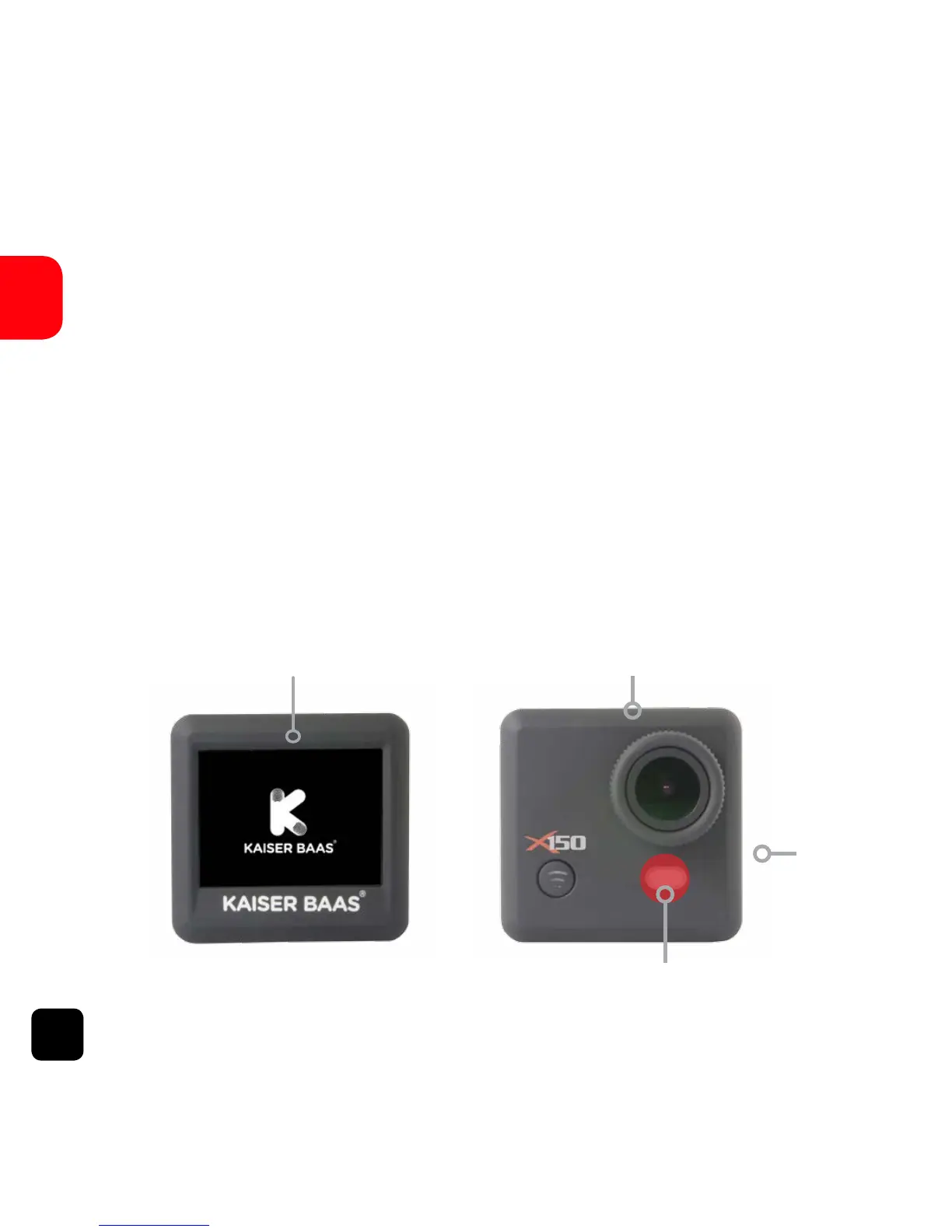
When the X150 is on the Kaiser Baas logo will appear on the
screen and the Red LED lights will glow. The X150 is now in
Video Mode.
Insert a Micro SD Card (A Class-6 or Class-10 Micro SD Card
up to 32GB is recommended)
Logo on screen Red LED Light
Red LED light
Red LED
Light



 To Next Page