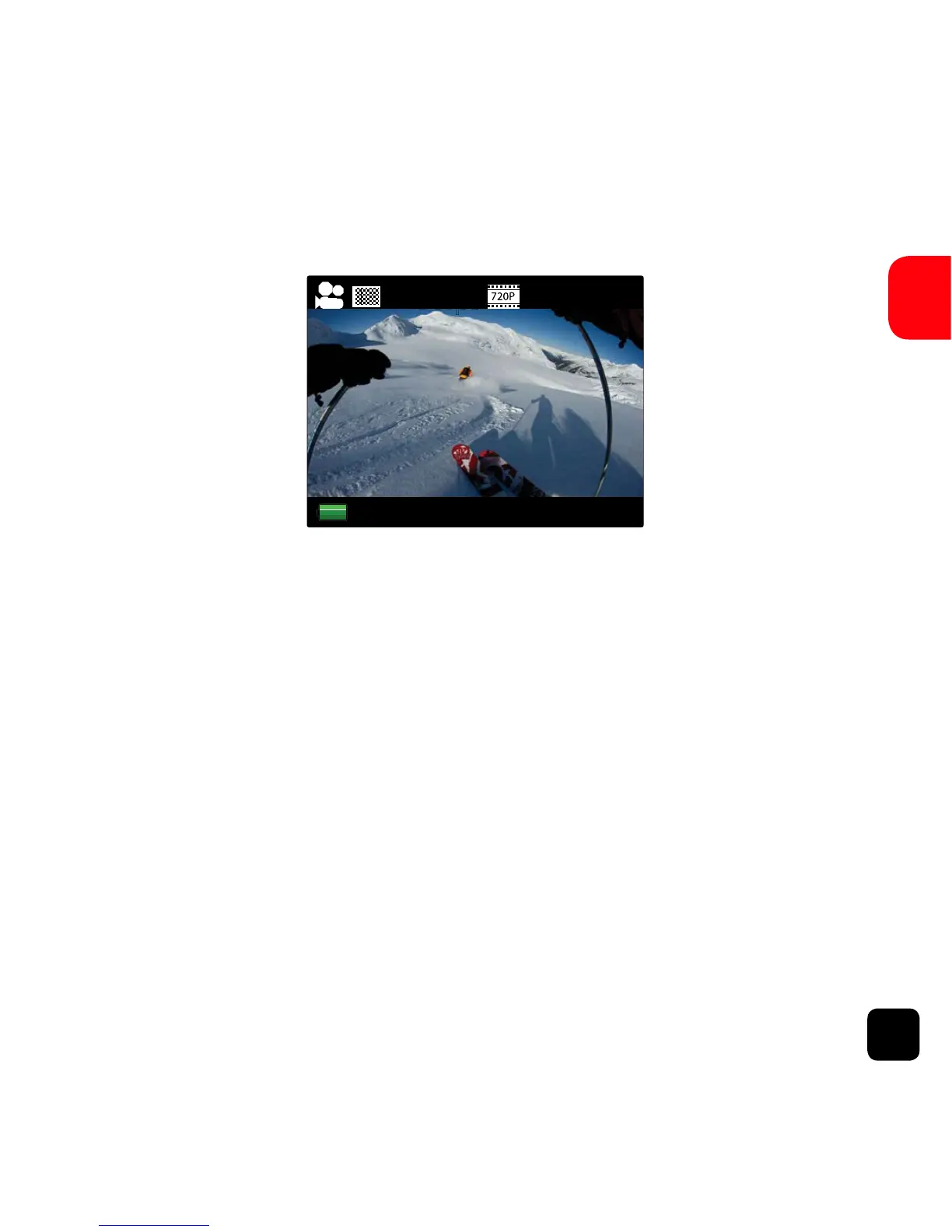
Video Mode Screen
Once the X150 is turned on, Video Mode is selected by
default. Press the SHOOT button to start recording. When the
recording starts, you will see all three red lights on the X150
start flashing. To end recording, press the SHOOT button
again.
NOTE : 2.7K resolution is not recomended for capturing footage that
involves quick movements.
KB TIP: For footage with quick movements, we recommend using the
lower 1080p 60fps or 720p 120fps instead of 2.7K.



 To Next Page