14
EN
Buttons and Navigation
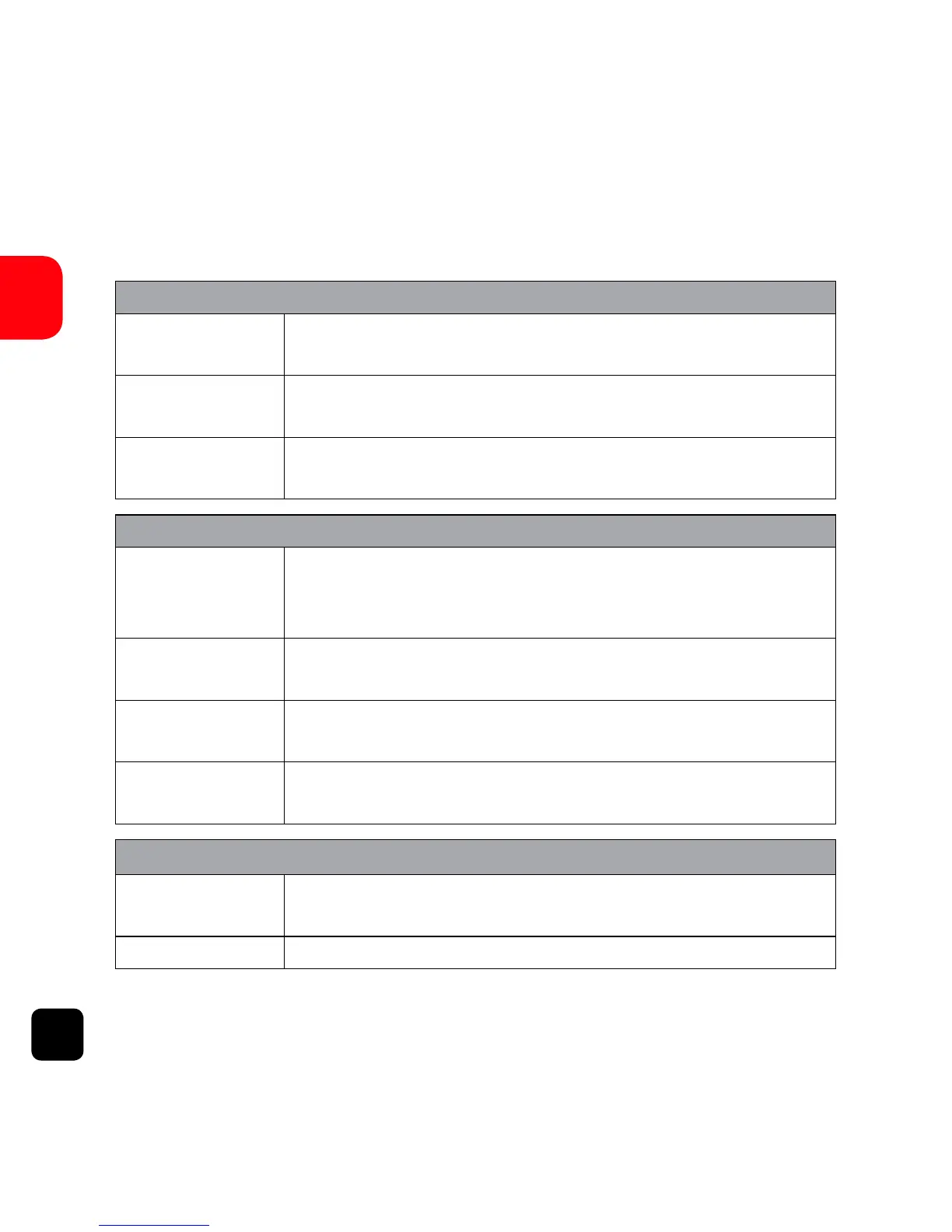
POWER Button
In Video
Mode
PRESS - Video Mode Settings
HOLD - Off
In Picture
Mode
PRESS - Picture Mode Settings
HOLD - Off
Menus PRESS - Back
HOLD - Off
SHOOT Button
In Video
Mode
PRESS - Start/Stop recording
1st HOLD - Swap to Slo-mo Mode
2nd HOLD - Swap to Picture Mode
In Picture
Mode
PRESS - Capture Image
HOLD - Swap to Playback Mode
In Playback
Mode
PRESS - Enter
HOLD - Swap to Video Mode
Menus PRESS - Enter
HOLD - Swap to General Settings
WiFi Button
In Video/
Picture Mode
PRESS - Turn WiFi on/off
Menus PRESS - Scroll



 To Next Page