26
EN
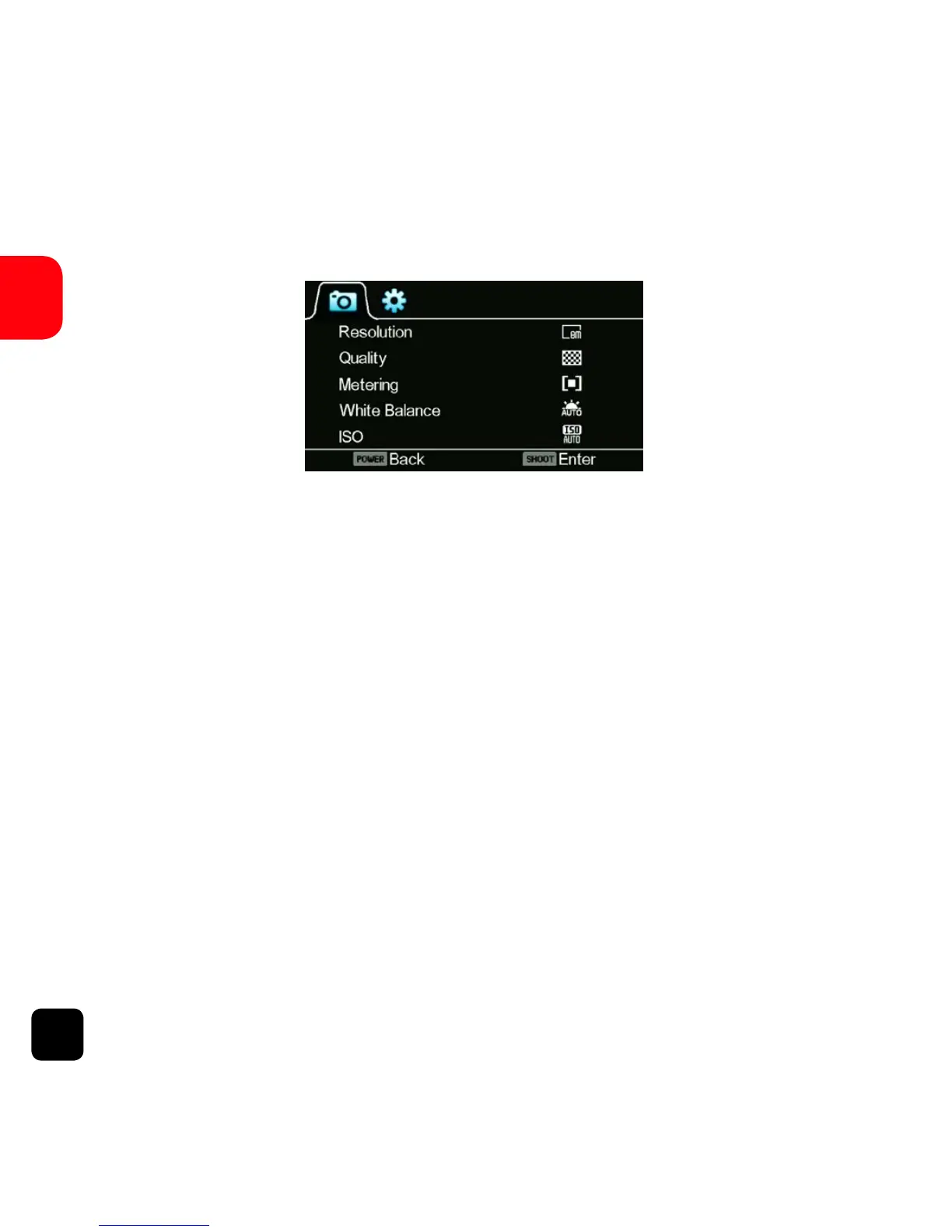
Picture Settings
To enter the Set-up menu for Picture Mode, ensure the X150
is set in Picture Mode and press the POWER button (press
and release immediately – don’t forget, if it is held too long,
the X150 will switch o).
Resolution
Select the image resolution to capture Photos.
Quality
Sets the image capture quality.
Picture Settings Screen



 To Next Page