24
EN
Slo-mo Mode
One of the great features of X150 is the ability to capture
slow motion footage.
NOTE: Slo-mo mode can only be activated at a video
resolution of 1080P @ 60fps or 720P @ 120fps.
To activate this mode:
• Turn the X150 on.
• Press and HOLD the SHOOT button for 3 seconds.
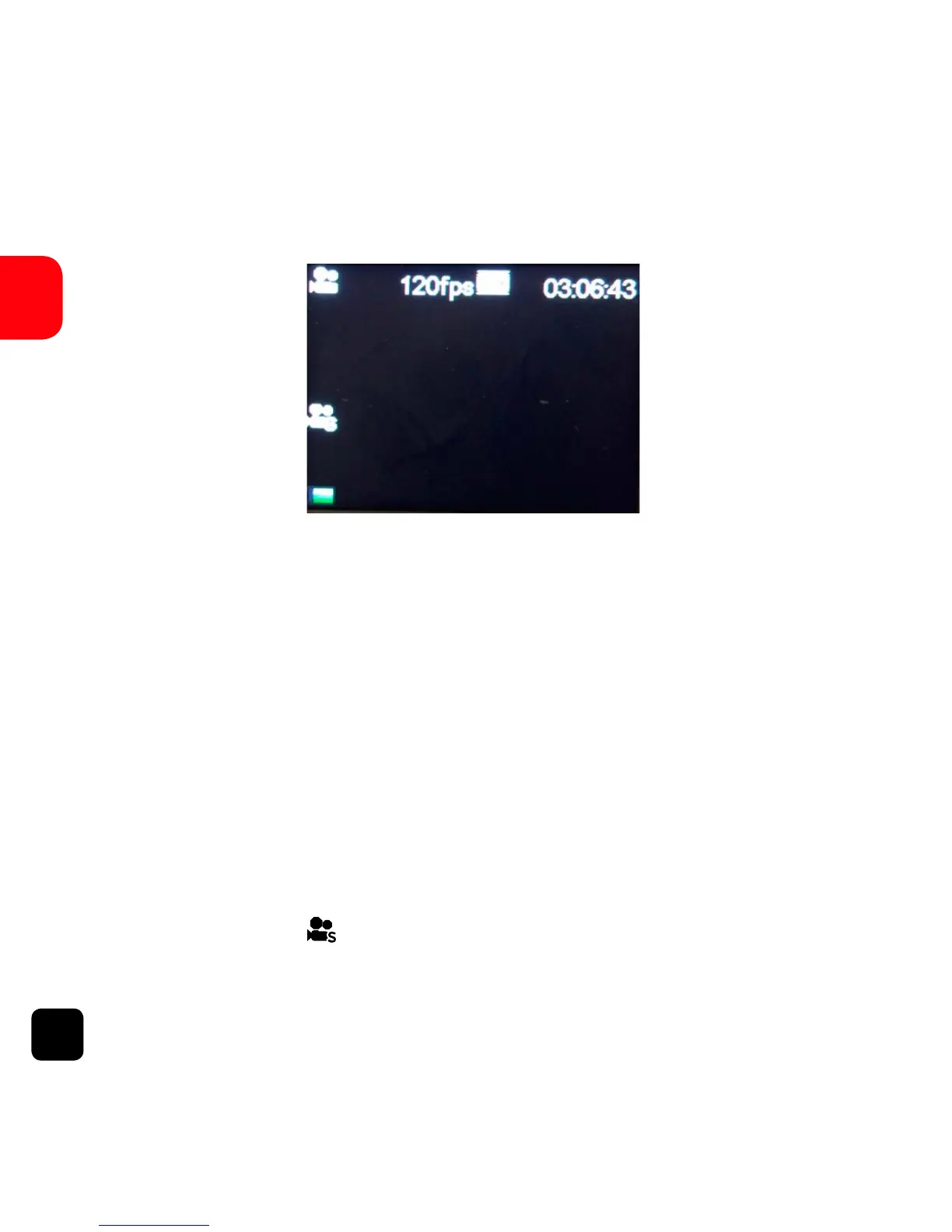
• You will see ( ) at the left hand side of the screen.
• Press the SHOOT button to start/stop recording.
Slo-mo Mode Screen



 To Next Page