16
EN
Video Settings
To enter the Settings menu, press the POWER button (press
and release immediately – if it is held too long the X150 will
switch o).
NOTE: The Setup menu accessed will depend on the current mode of
the X150. If the “Video Mode ” is active, it will display video capture
settings or if the “Picture Mode” is active, it will display the Image
capture settings. By default, Video Mode is the active mode when you
turn the device on.
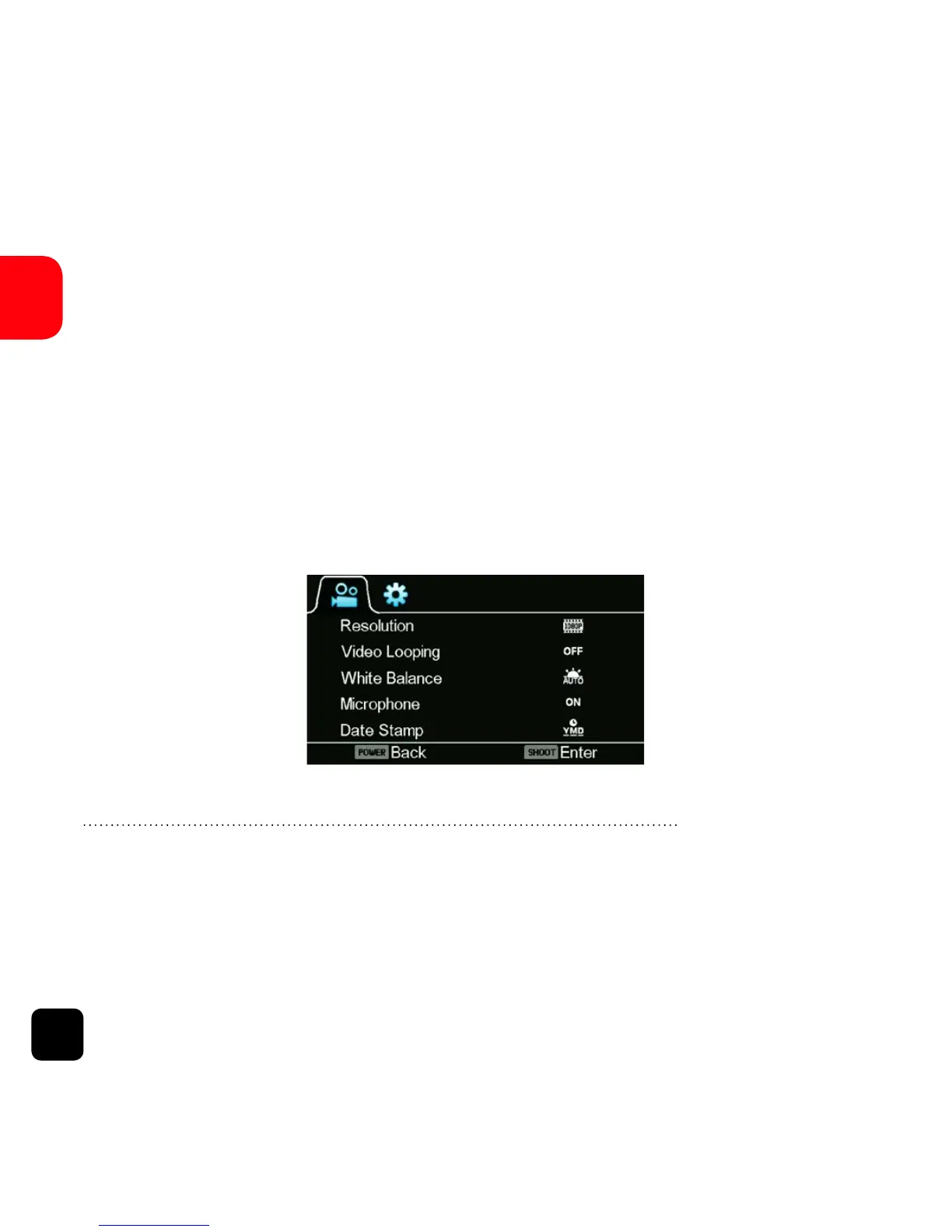
Video Settings Screen (Page 1)
This allows user to adjust video quality settings:
Navigation: WiFi button - Scroll
SHOOT button - Enter
POWER button - Back



 To Next Page