23
EN
WiFi Passsword
This will allow you to change the WiFi password. Use the
WiFi button to change the digits, HOLD the SHOOT button
to jump to the next digit. When finished, press the SHOOT
button to save & exit.
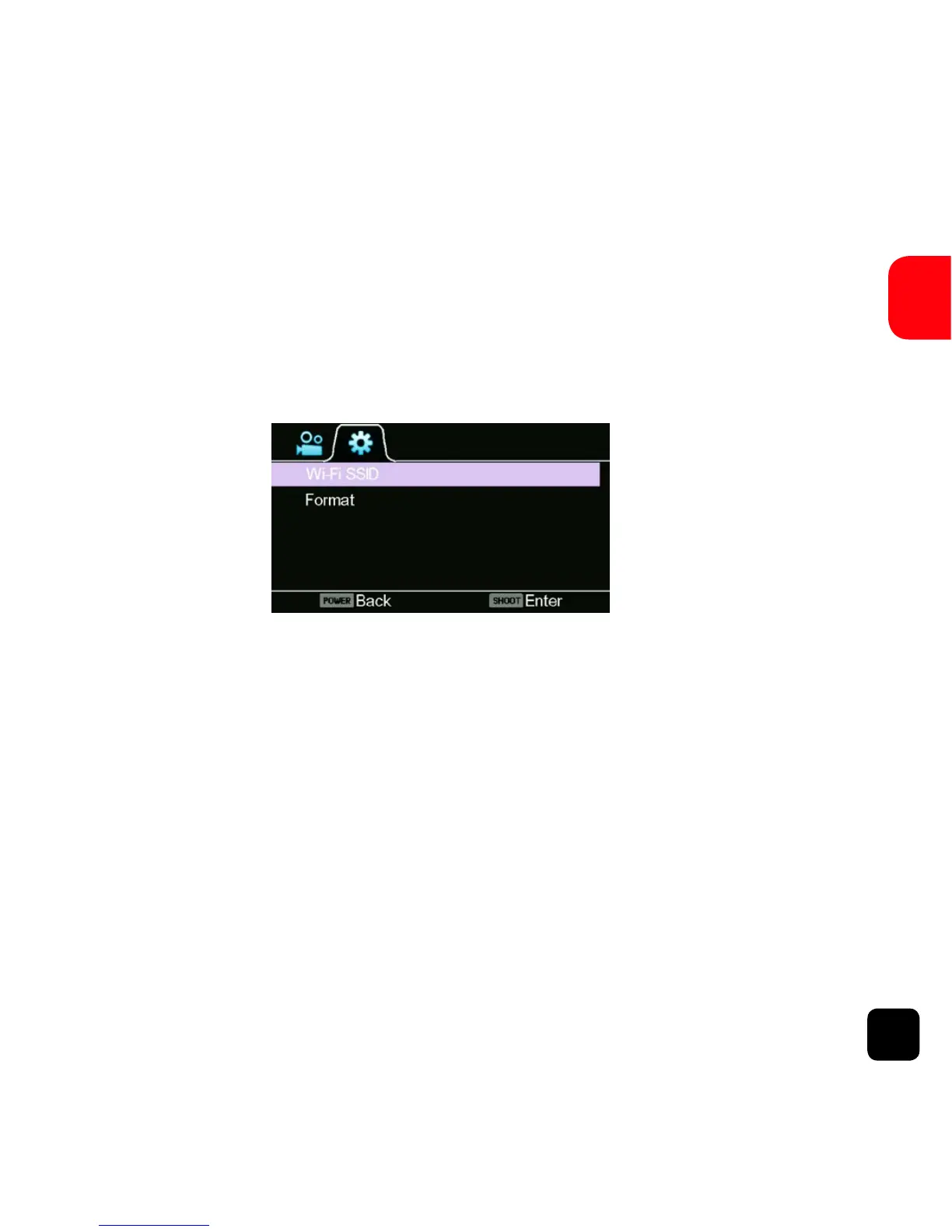
WiFi SSID (SSID - Service Set Identifier)
This will allow you to change the last 3 digits of the SSID. Use
WiFi button to change the digits, HOLD the SHOOT button
to jump to next digit and at the end press the SHOOT button
to save & exit.
Format
This will format the Micro SD card and permanently erase all
data on the card. Use wisely.
Slo-mo Mode
General Settings Screen (Page 2)



 To Next Page