22
EN
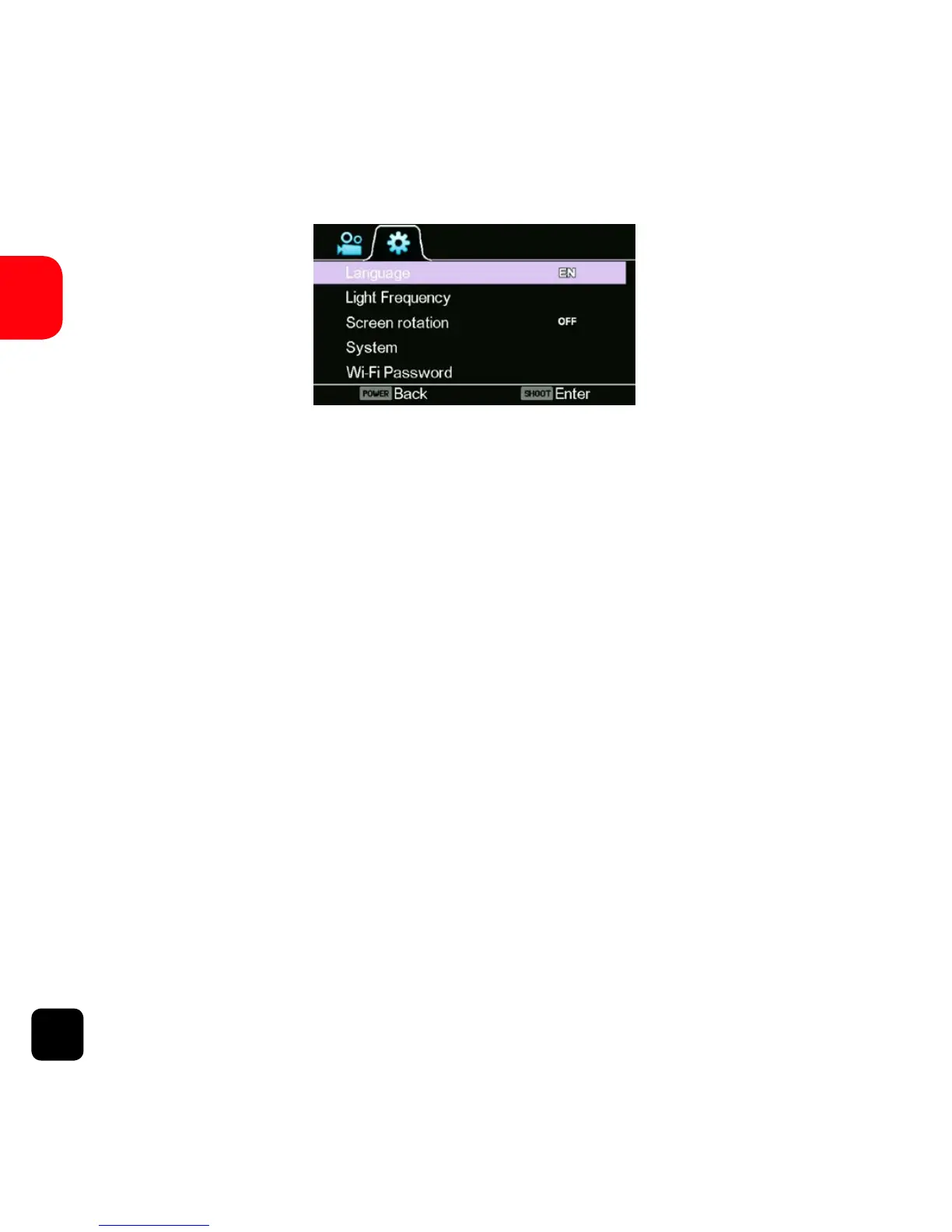
Language
Select the device language.
Light Frequency
Selecting the correct light frequency will avoid the possibility
of strobing. Strobing is the flickering eect on screen when
recording light or other elements. If this occurs, try switching
to a dierent light frequency setting.
Screen Rotation
Rotate the screen.
System
• Factory Reset - Resets the X150 to factory
default settings.
• System Info - Checks the firmware version.
• Card Info - See the SD card status.



 To Next Page