29
EN
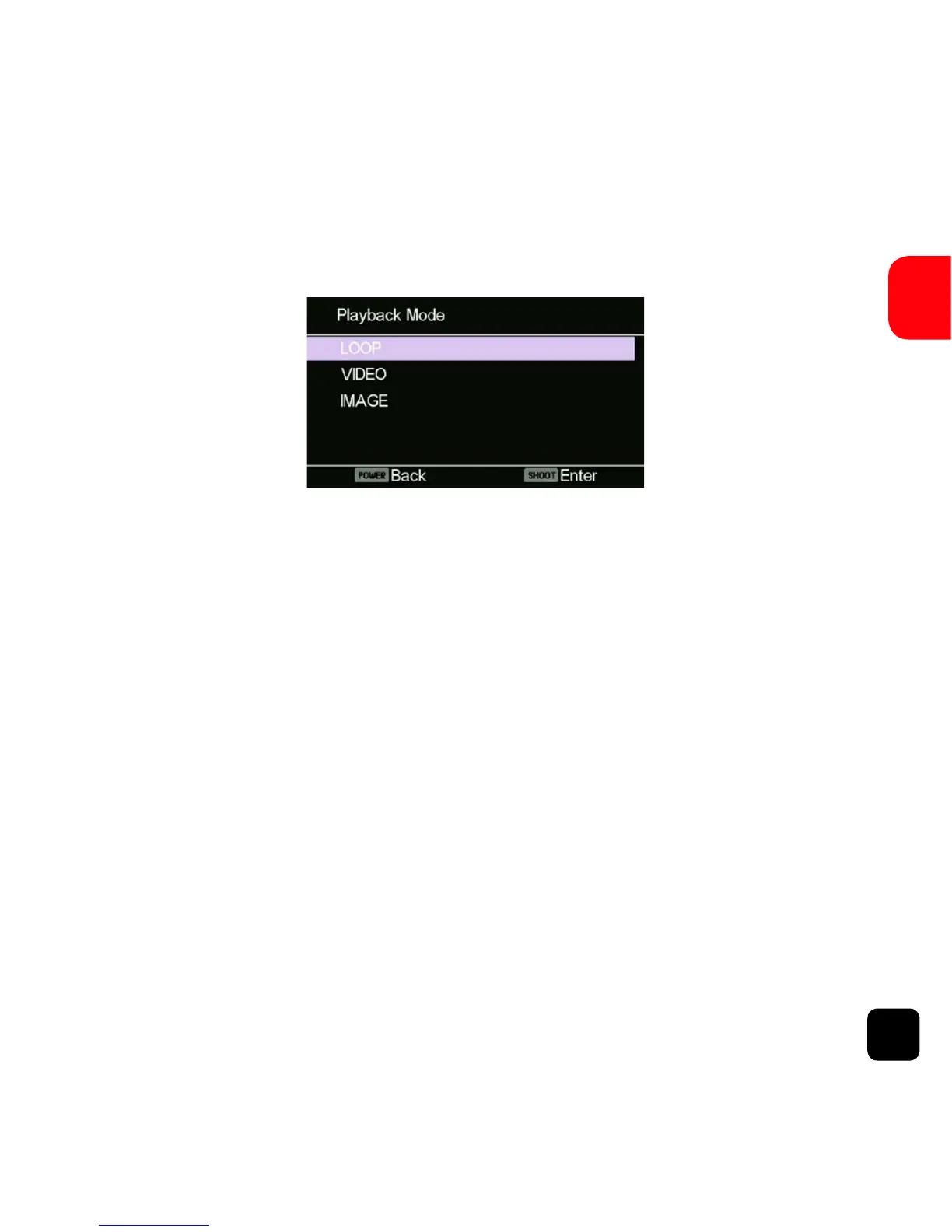
Playback Mode
Navigation: Use the WiFi button to navigate, SHOOT button to
Enter/Confirm selection and the POWER button to go back.
This will allow you to view captured videos &
images. Enter the Picture Mode first, then press and HOLD
the SHOOT button for 3 seconds.
Loop - Video files that are recorded with Loop mode ON are
saved to this folder.
Video - Video files that are recorded with Loop mode OFF
are saved to this folder.
Image - Images are saved to this folder.
Playback Mode Screen



 To Next Page