32
EN
Note: WiFi will be turned o automatically if
the X150 is not connected within 2 minutes.
6. Once your device is connected to the X150, launch the
‘Kaiser Baas X150’ app.
Important: Make sure the app is downloaded on to your
Smart Phone or Tablet before co nnecting it to the X150
via WiFi.
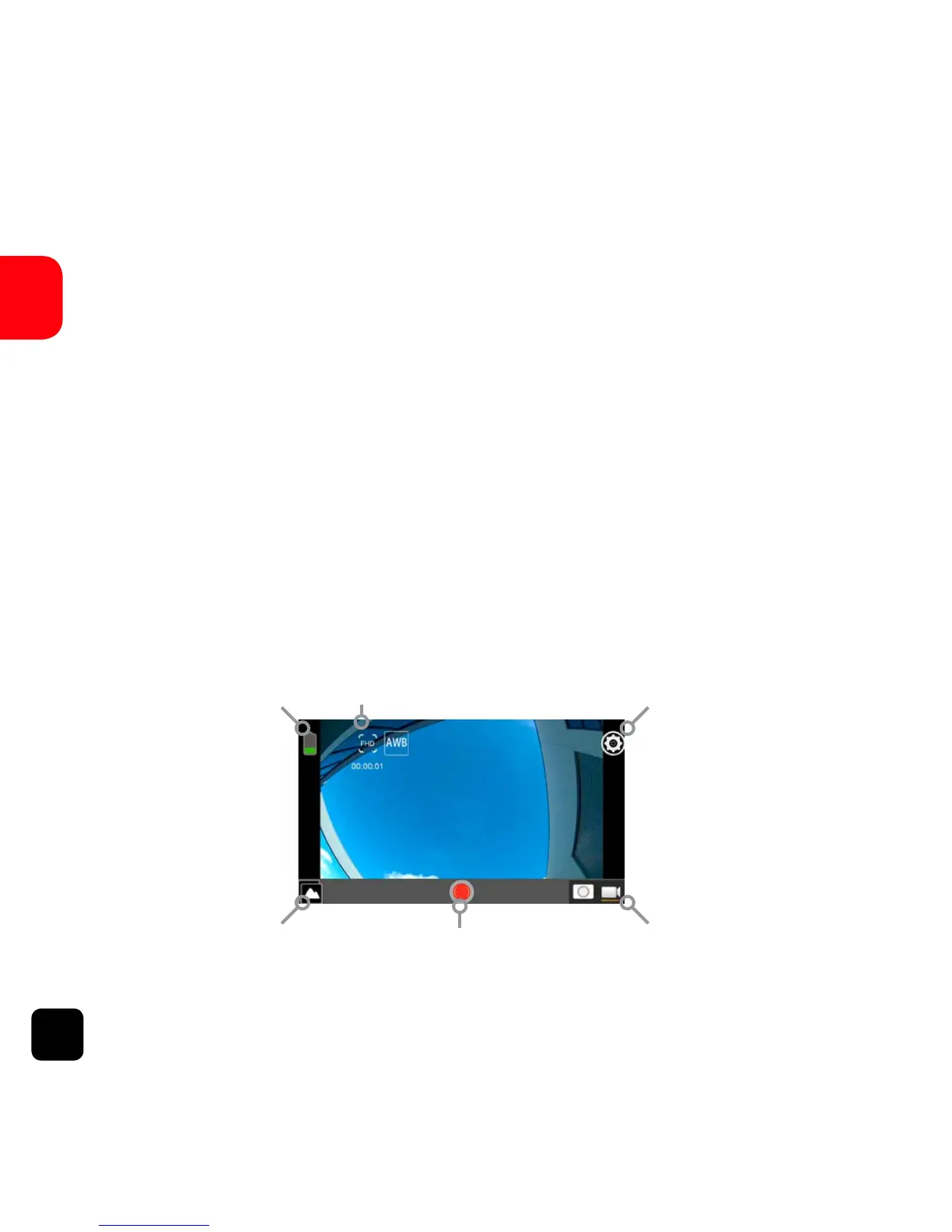
App Interface Diagram
RecordPlayback Mode
Battery Icon Video Resolution Settings
Switch Photo/Mode



 To Next Page