10
1)
Long press “ ” key to turn on the power.
2)
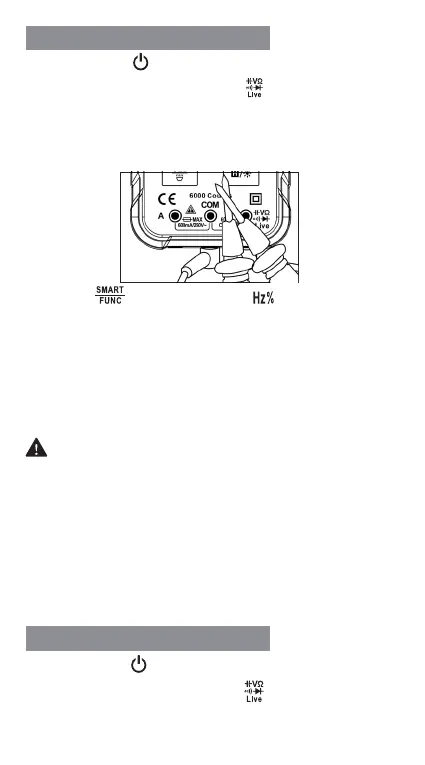
Insert the red probe into the “ ” jack and the black
probe into the “COM” jack.
3)
Touch the test lead tips together to check if they are
connected normally. The indicator light should turn
green and the buzzer sounds.
4)
Press “ ” key to switch to “ ” function.
5)
Connect the probe with voltage source or both ends
of load in parallel for measurement.
6)
After the reading stabilizes, record the reading from
the screen.
7)
When the measurement is completed, disconnect
the test leads from the measured object.
WARNING
1. A voltage higher than 250V cannot be measured;
otherwise, the meter may be damaged.
2. Pay special attention to safety when measuring
high voltage to avoid electric shock or personal
injury.
3. Before use, test on known voltage to confirm
intact function.
1)
Long press “ ” key to turn on the power.
2)
Insert the red probe into the “ ” jack and the black
probe into the "COM" jack.
Frequency/Duty Measurement
Capacitance Measurement



 To Next Page