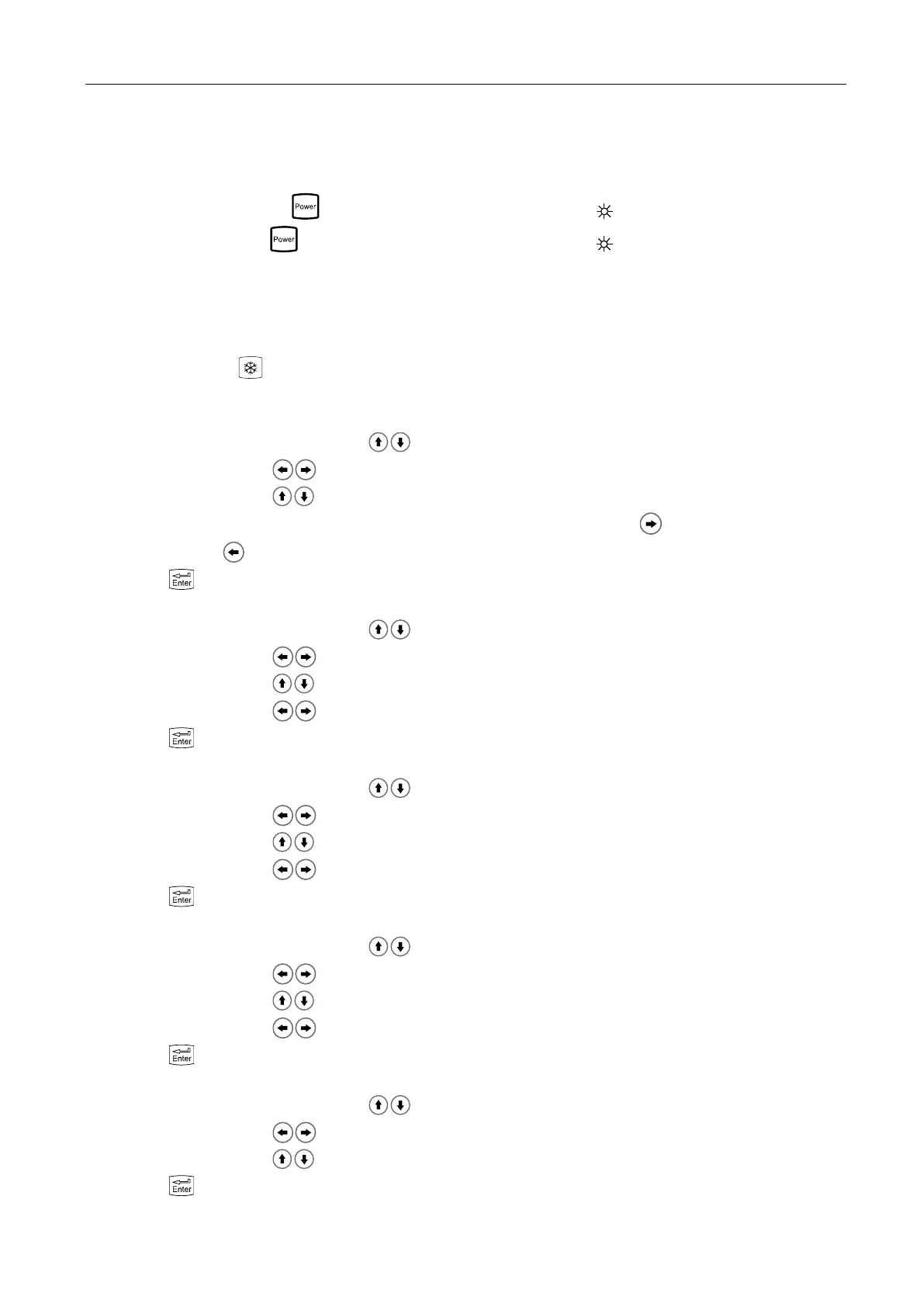
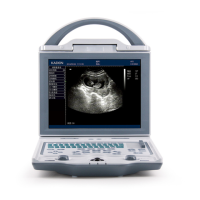
Full Digital Mechanical Sector Scanning Ultrasonic Diagnostic Instruments (Vet) User’s Manual V2.14
Chapter Six Functional Operation
6.1 Startup and Shutdown
In shutdown status, press key, machine starts up, power indicator lights.
In startup status, press key, machine shuts down, power indicator goes out. Please note that when
shut down the machine, the time of pressing key is a rather long than normal pressing key.
Note: When below 0℃, probe may turn abnormal after startup, later enter into normal state; Lower
temperature, the recovery time will be slightly extended.
6.2 Screen display reverse
Hold down freeze key for some time to achieve the screen display reverse, to meet left/right hand use.
6.3 System Functions Setting
6.3.1 Time Setting
1. Freeze image, press direction keys to move cursor to “Preset”;
2. Press direction keys to enter setting interface;
3. Press direction keys to select “Minutes, Hours, Day, Month and Year”;
4. When setting minutes, hours, day, month and year, press direction key to increase value or press
direction key to decrease value;
5. Press key to confirm this time setting and quit setting interface.
6.3.2 TV Mode Setting
1. Freeze image, press direction keys to move cursor to “Preset”;
2. Press direction keys to enter setting interface;
3. Press direction keys to move symbol “<” to point to “TV mode”;
4. Press direction keys to achieve TV mode conversion between PAL and NTSC;
5. Press key to quit setting interface.
6.3.3 Energy Saving Setting
1. Freeze image, press direction keys to move cursor to “Preset”;
2. Press direction keys to enter setting interface;
3. Press direction keys to move symbol “<” to point to “Sleep”;
4. Press direction keys to select energy saving time among 01~99 minutes or select “Off”;
5. Press key to quit setting interface.
6.3.4 Characters Brightness Setting
1. Freeze image, press direction keys to move cursor to “Preset”;
2. Press direction keys to enter setting interface;
3. Press direction keys to move symbol “<” to point to “Font Bright”;
4. Press direction keys to select characters brightness among 160, 192, 224 and 255;
5. Press key to quit setting interface.
6.3.5 Hospital Name Setting
1. Freeze image, press direction keys to move cursor to “Preset”;
2. Press direction keys to enter setting interface;
3. Press direction keys to move symbol “<” to point to “Hospital”;
4. Press key, the cursor is located above “EAR ID”; at the same time characters input menu will be
shown at the bottom of the screen:


 To Next Page