13
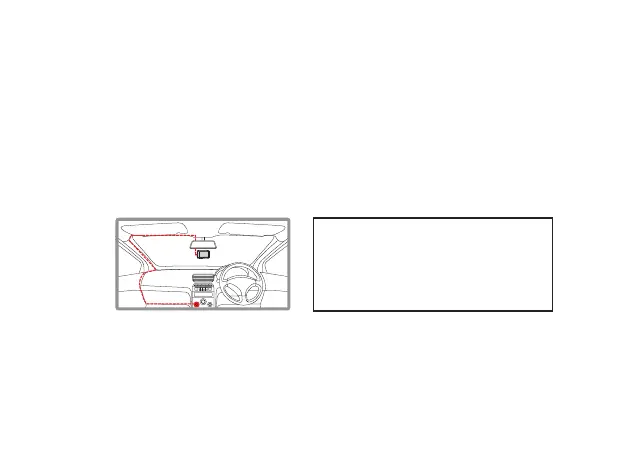
4.3 INSTALLING THE KPT522
1. Connect the Window mount from the top of the DVR and rotate the wheel
(See Fig 1 on page 14) clock wise till it is tight.
2. Please follow the instructions on page 6 before continuing.
3. Remove the protective stickers from the Car DVR and the 3M Mount.
4. Press the mount base irmly against the windscreen and hold for 30 seconds.
5. Insert the power cable adapter onto the dash camera power socket.
6. Rear camera connector has to be inserted in HDMI port of the dash camera.
NOTE:
• It is advised that the KPT-522
is installed in the centre of the
windscreen behind the rear view
mirror.



 To Next Page