PROGRAM FEATURES
PROGRAMMING MENUS
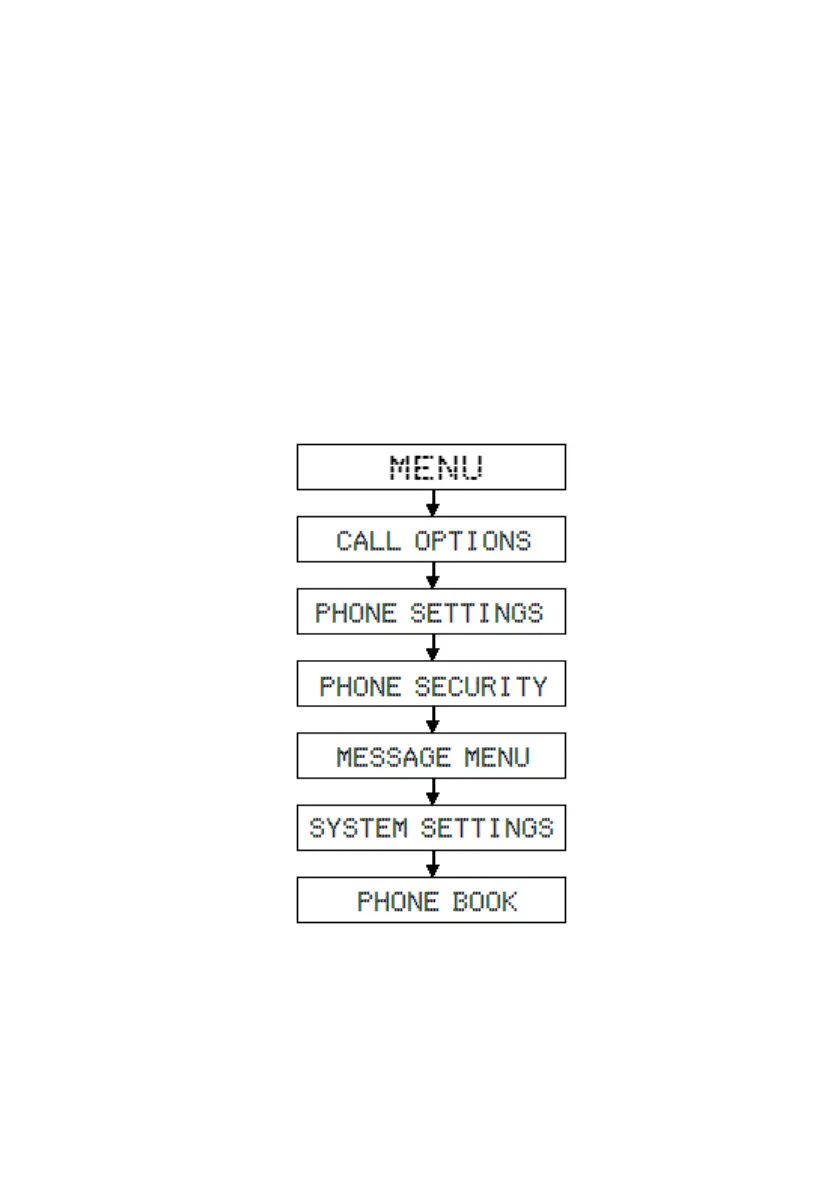
The user performs entrance to programming by making use of the flexibly functional
selection key that is under the option “menu” that appears on the display or specially
functional MENU key, while the telephone is off hook and dial tone is being received. In
order for the user to activate the services s/he makes use of or deactivate the active
ones within the program menus, a single menu comes to view. If the service, which the
user would like to do operations on, is active, then the “Disable” menu, or else the
“Enable” menu come to view. The programming features consist of 6 main menus and
their submenus.
Characteristics of the entire menus have been explained below.



 To Next Page