Operating Instructions | KBL Tower space 2000
26
8.7 PIN protection
In delivery condition some menu items are protected
by a factory “PIN”. Optionally, the factory “PIN” can
be replaced by a personal “PIN”.
• You will receive the personal “PIN” with the prod-
uct documentation.
• The personal “PIN” may be activated or deacti-
vated by selecting the “SERVICE/Personal PIN”
setting in the service menu.
Every software update deactivates the
personal “PIN”.
Personal ”PIN” protected menu items
may be identified by the personal “PIN”
logo as given in the service menu.
8.8 Service menu - options
• In order to avoid operating errors,
read through the basics at the begin-
ning of the “Service Menu” section.
• Always remember to save your settings by pressing
STORE.
• All menu items that comprise further submenus are
displayed in CAPITAL LETTERS.
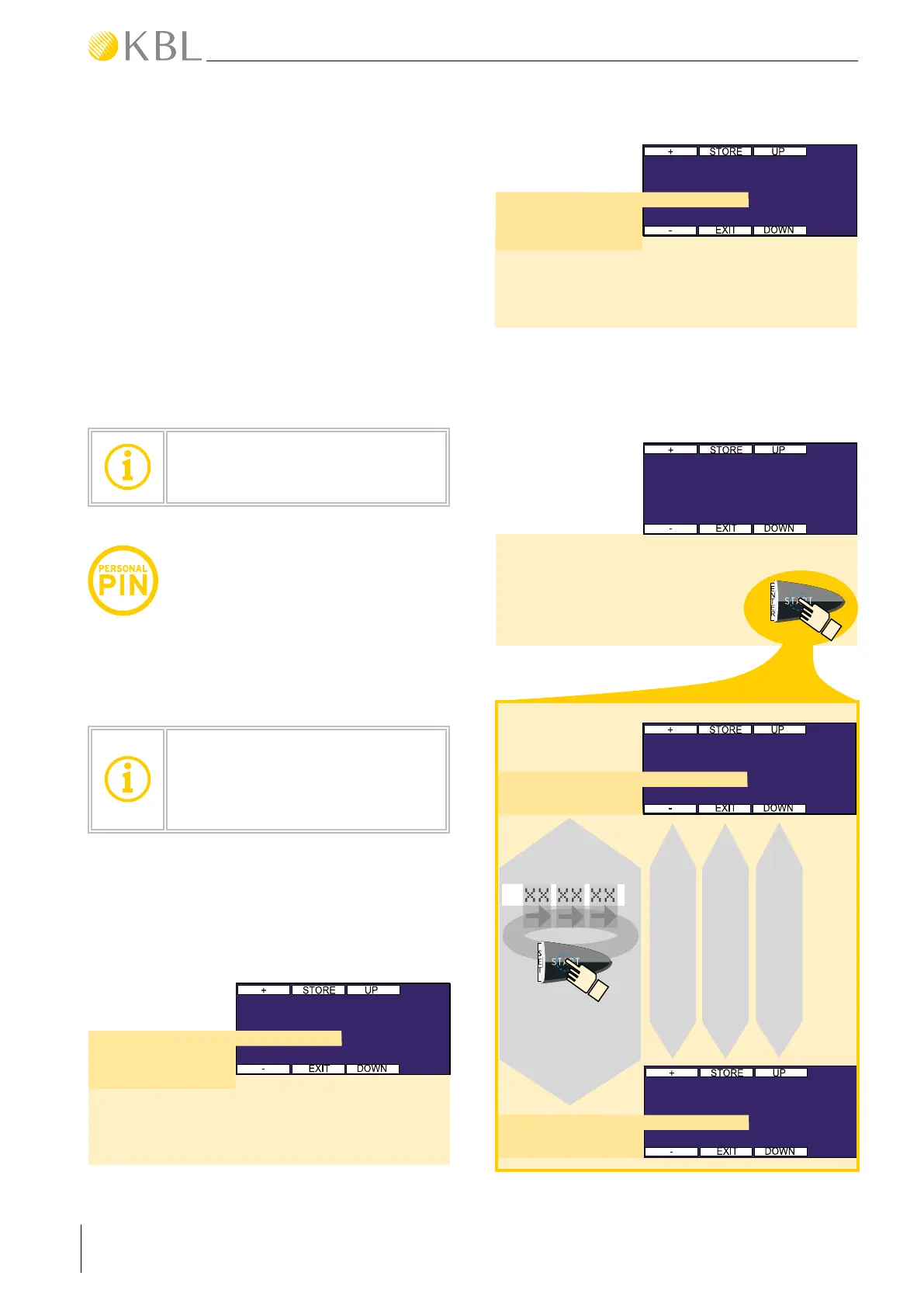
Sets the language of the menu.
Factory setting: German
①
>
> German
> English
ENVIRONMENT 01/05
Language
Sets the contrast of the interior control panel
display.
Factory setting: 00020
②
>
> 00000.. . 00030
ENVIRONMENT 02/05
Contrast
Entry of date and time. Invoke the submenu by
pressing START (ENTER).
③
ENVIRONMENT 03/05
TIME AND DATE
> press ENTER
ZEIT
DATUM
ENVIRONMENT\TIME & DATE 01/02
Time
>
> 00:00 - 23:59
ENVIRONMENT\TIME & DATE 02/02
Date
>
> 19.08.08 Tu
SUBMENU
TIME & DATE
> XX XX XX
Select input
fields
(start / set)
Set value
Store / Exit
Select time or date


 To Next Page