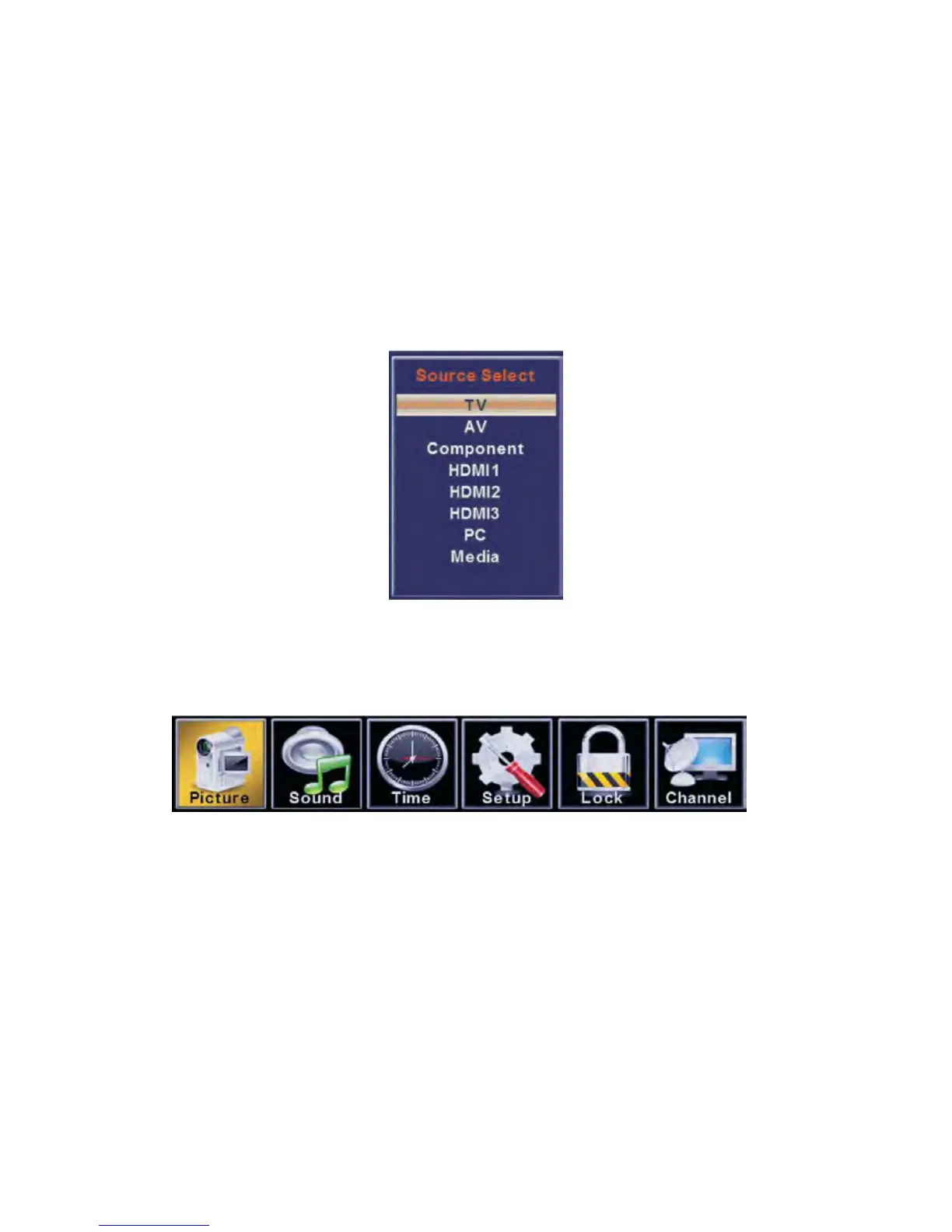
You can select between the TV signal and the input signal of other
equipments connected to the TV.
Use this function to switch to the input source you wish to view.
Press SOURCE button on the remote control.
Use ▲/▼ buttons to move to the desired input source.
Press ► button to select.
Press MENU to display the main menu or return to the previous menu or close the
main menu.
Press ◄/► to highlight the desired menu icon, and press ENTER to select.


 To Next Page