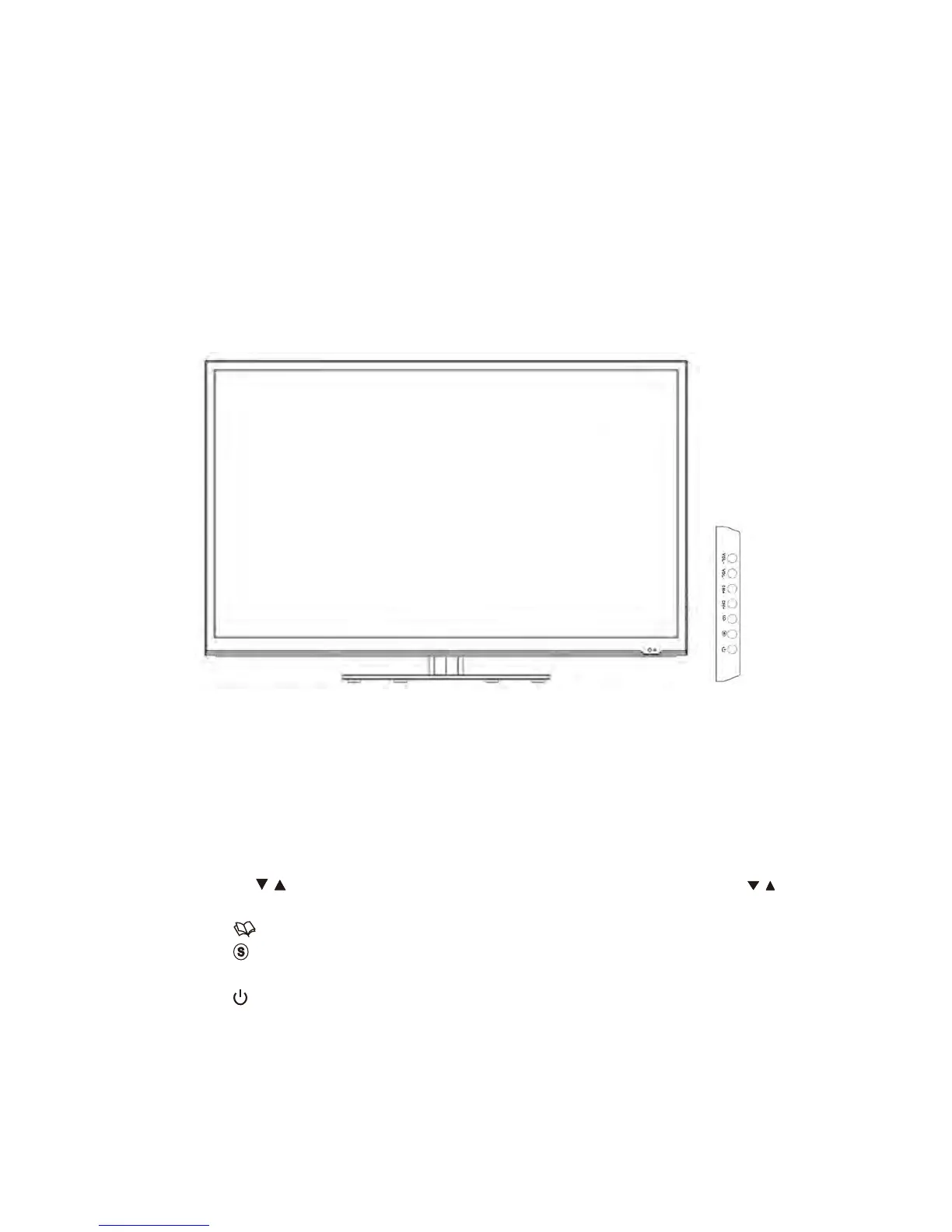
The product color and shape may vary depending on the model.
You can use a button by pressing the side panel buttons.
1. VOL-/+: Press to increase or decrease the volume. In the on-screen menu, use
the
VOL+/- buttons as you would use the VOL+/- buttons on the remote
control.
2. CH
/ : Press to change channels. In the on-screen menu, use the CH / :
buttons as you would use the CH+/- buttons on the remote control.
3.
: Press to see an on-screen menu of your TV’s features.
4.
: Toggles between all the available input sources. In the on-screen menu,
use this button as you use the ENTER button on the remote control.
5.
: Press to turn the TV on and off.


 To Next Page