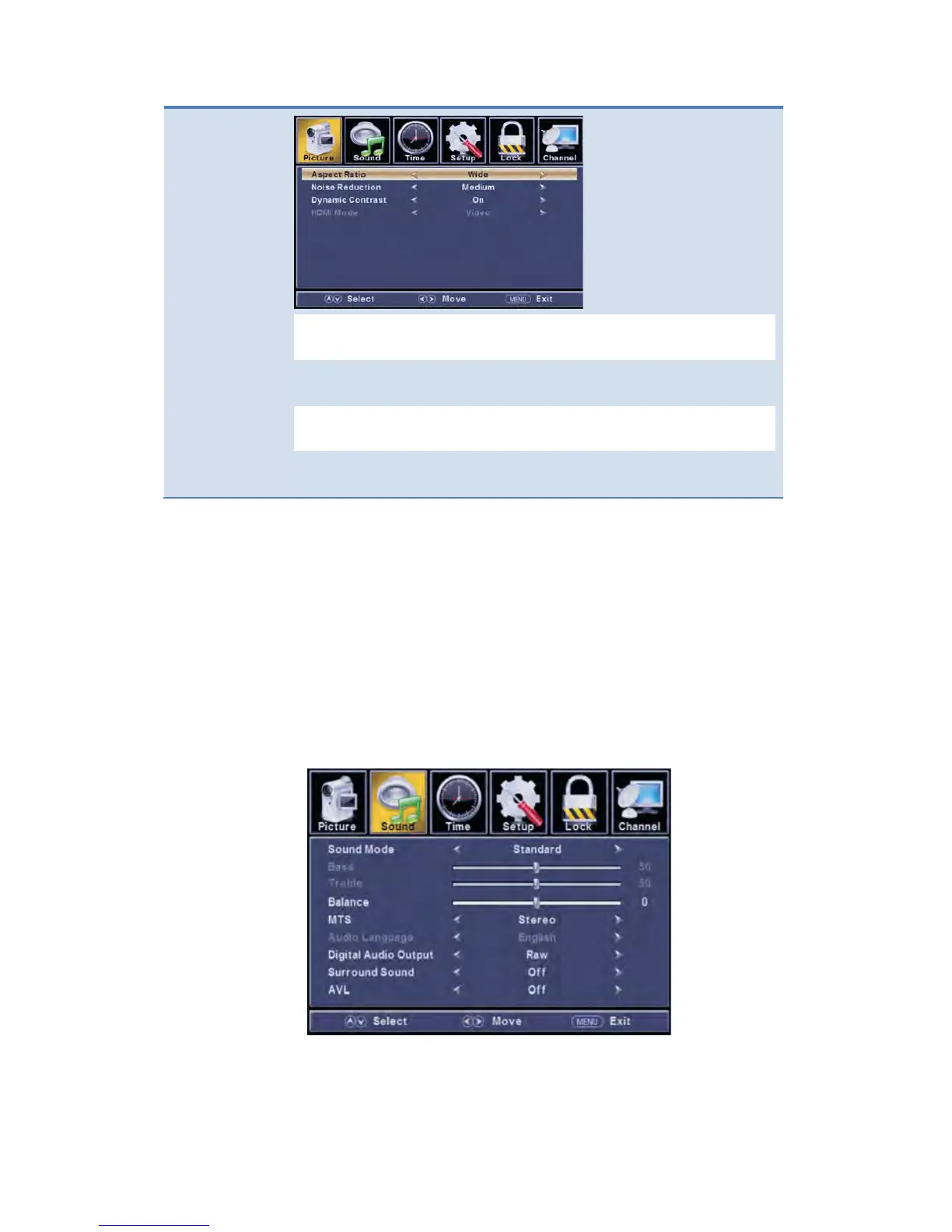
Allow you to use the ◄/► buttons to select: Normal,
Wide, Zoom, Cinema.
Allow you to use the ◄/► buttons to
Low, Medium, High, and Auto.
Dynamic
Contrast
buttons to select: Off, On.
HDMI
Mode
Allow you to use the ◄/► buttons to select: Video,
Graphic.
Customizing the Audio Settings
Select TV source for example. (Press SOURCE button to select TV mode)
1. Press the POWER button to turn the LED TV on.
2. Press the MENU button on the remote control to display the Main menu, and use
the ◄/► buttons to select the AUDIO.
3. Use the ▲/▼ buttons to highlight an individual AUDIO option, use the ◄/►
buttons to change the setting, and press the MENU button to exit the menu.


 To Next Page