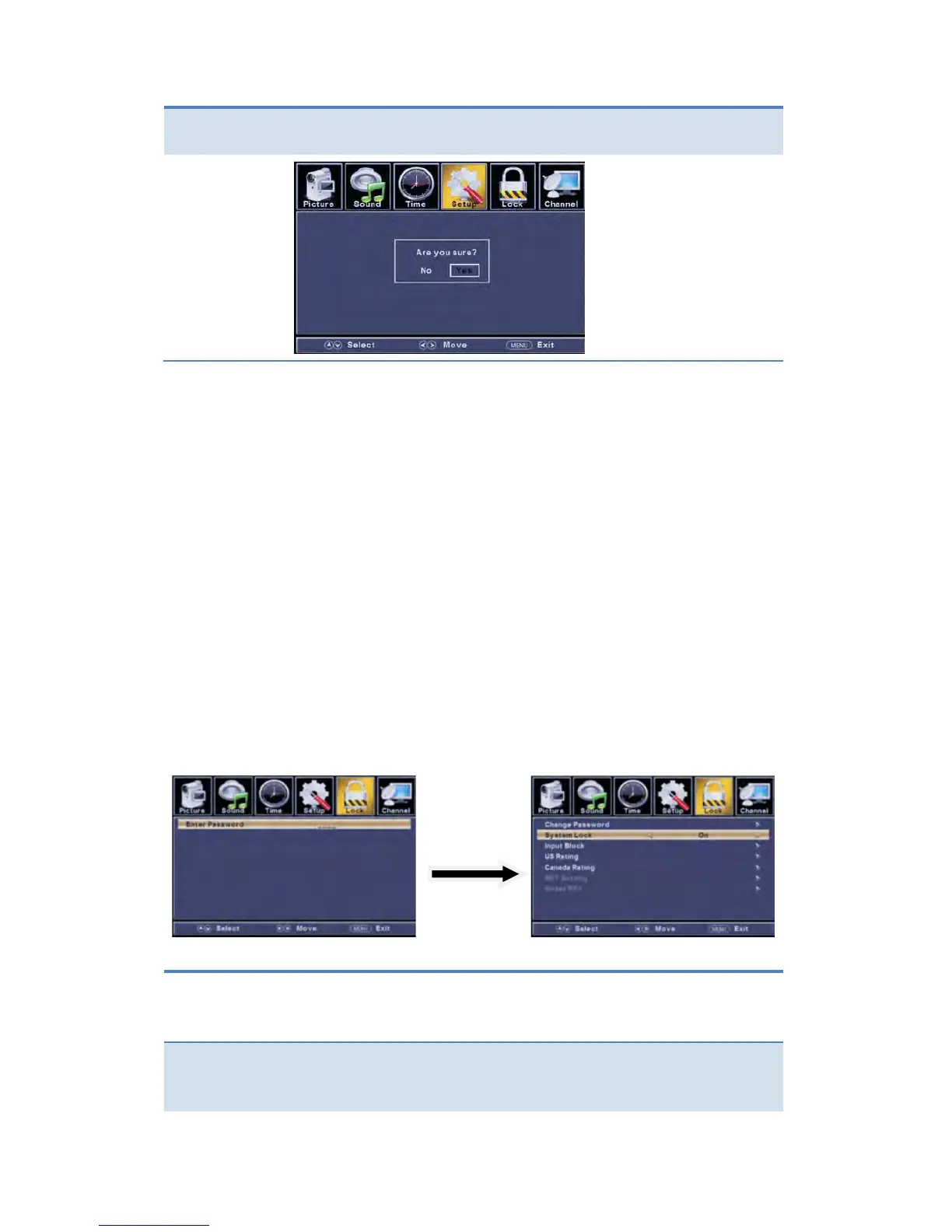
Select TV source for example. (Press SOURCE button to select TV mode)
1. Press the POWER button to turn the LED TV on.
2. Press the MENU button on the remote control to display the Main menu, and use
the ◄/► buttons to select the LOCK.
3. Use the ▼ button to highlight “Enter Password” item, use the numeric keys to input
4-digital password. After you that, the screen will display the junior menu. After
settings, press menu button to exit.
NOTE: The factory password is 0000.
The LOCK menu includes the following options:
button to select the “Change Password” item, then
press the ► button to enter into the following menu.
Input the new 4-digital password and input it again to confirm.


 To Next Page