This system defines the rating control, which comes from MPAA
rules.
General audience. All ages admitted.
Parental guidance suggested. Some material
may not be suitable for children.
Parental strongly cautioned. Some material may
be inappropriate for children under 13.
Restricted. Children under 17 require
accompanying parent or adult guardian.
No one 17 and under admitted.
Restrict movie and TV programs by US Ratings. Only available
when “System Lock” is “on”. Press ► button to enter.
Chip rating table for digital channels. The
item is available only When
current stream has downloadable
Allow you to reset the RRT setting.
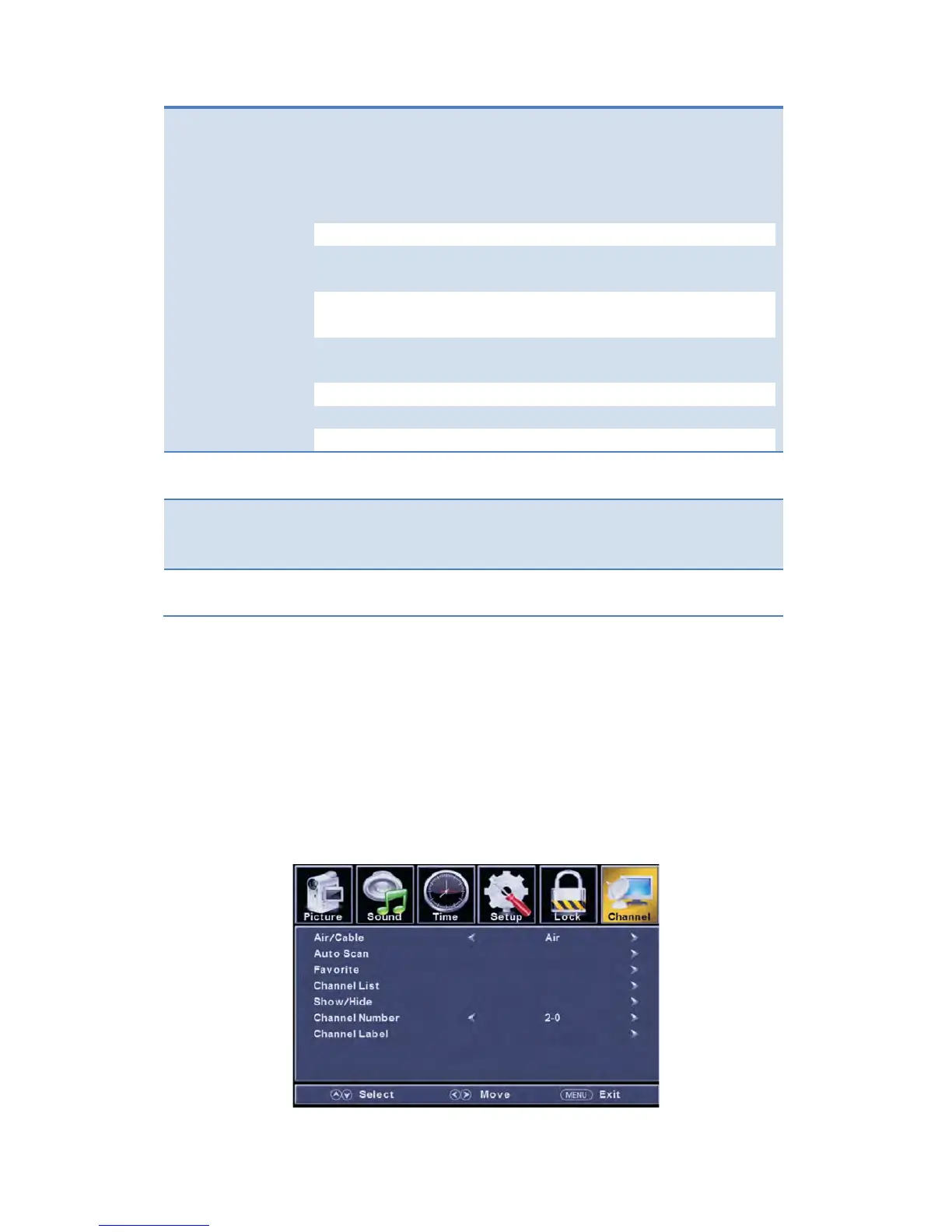
Customizing the CHANNEL Settings
Select TV source for example. (Press SOUCE button to select TV mode)
1. Press the POWER button to turn the LED TV on.
2. Press the MENU button on the remote control to display the Main menu, and use
the ◄/► buttons to select the CHANNEL.
3. Use the ▲/▼ buttons to highlight an individual CHANNEL option, use the ◄/►
buttons to change the setting, and press the MENU button to exit.



 To Next Page