-5 5 kV Power Supply User's Manual Section 1:
2290-5-900-01 Rev. A/December 2013 1-5
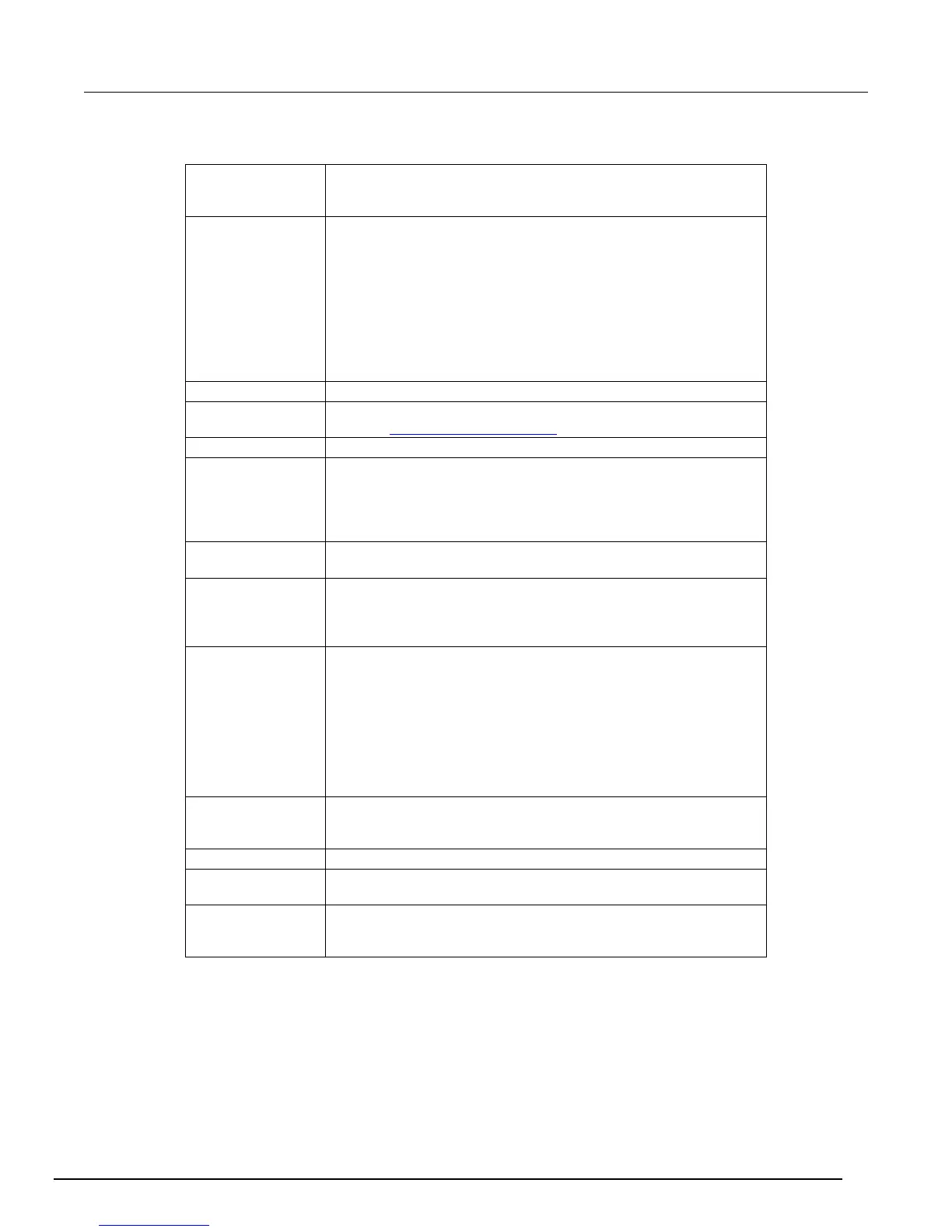
Press the POWER button so that it is in the on position to turn the
instrument on. Press the POWER button so that it is in the off
enable switch
This is a three position switch. In the OFF/RESET position, the high
voltage is off, and all trips are cleared. In this position, the high
voltage is locked off and cannot be turned on by computer control.
The ON position is a momentary-contact position and turns on the
high voltage for manual or rear panel analog control. Note that the
switch should be held in the ON position for at least a half second to
turn the high voltage on. In the middle position, the high voltage is
enabled and can be turned on by commands sent over the IEEE-488
bus. The ON LED above the switch indicates that the high voltage is
on; the yellow
LED indicates a trip has occurred.
Displays the output voltage.
Displays the value of the parameter that is entered or adjusted,
including Error and status messages that may occur.
Displays the output current.
CLR (Clear) button
The SELECT button is used to choose which parameter is being
displayed in the center display. The ENTER button enters the
parameter shown in the center display. The CLR (clear) button
erases the value in the center display and recalls the last value that
Numeric and cursor
All parameters are adjusted using the cursor or numeric buttons.
Three LEDs indicate the instrument's status. The LIMIT LED is on
when the unit is in current limit. The REM LED is on when the unit is
in remote, and the front panel is locked out. The FILTER LED is on
when one of the two available output filters is enabled.
Reset mode determines how the instrument responds after a voltage
or current trip. There are two modes: MAN and AUTO. In MAN
(manual) mode the high voltage remains off after a trip and requires
that the operator manually turn it back on.
In AUTO (automatic) mode the unit waits until the output voltage has
fallen to 2% of its full-scale value and then turns the high voltage
back on. This feature is useful when dealing with loads that
occasionally short circuit, but recover after high voltage has been
The output filter, which may be used to reduce output ripple and
noise, is controlled with the FILTER, NO FILTER, FILTER 1, and
The GPIB address buttons set the GPIB primary address.
The LOCAL button takes the instrument out of remote and restores
operation of other front panel controls.
buttons
STO (store) and RCL (recall) allow up to nine complete instrument
settings to be saved in nonvolatile memory. RCL 0 recalls the default




 To Next Page