12 PROFILER STAGE QUICKSTART
ADDING EFFECTS
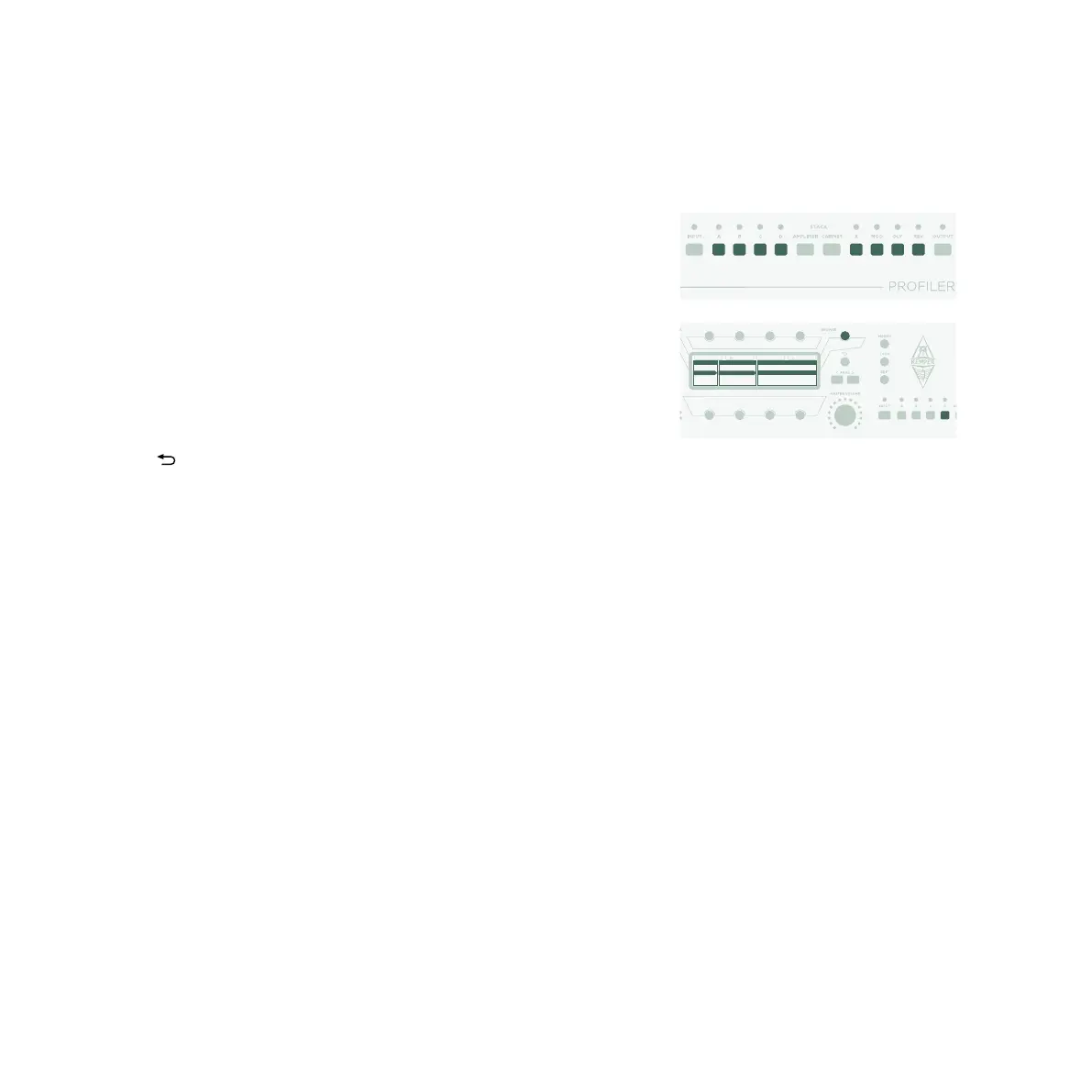
The PROFILER features eight eects modules. Four are located
before the amplifier module (pre), and four are located after it
(post). Modules A, B, C and D are pre amplifier and X, MOD, DLY
and REV are post amplifier.
» Hold the button of an empty eect module for a moment to
bring it into focus - e.g. module D.
» Turn the BROWSE knob to select one of the pre-installed
eect presets.
» Press to return to the home screen. Hold the button of
module D again to return to the edited module.
» Press the button of an eect module to activate or deactivate
the eect.
» Don’t forget to store the edited Rig!
Delete Preset<-- Category
Delay
Wah
Shaper
Distortion
Quad Harmonic
Wah Wah
Wah Low Pass
Wah High Pass
Cae
Cry
Dlp Hendrix
Ibz Wh Ten
Category Type Preset
Autoload Auto Type


 To Next Page