9PROFILER STAGE QUICKSTART
SWITCHING RIGS
The PROFILER comes with numerous guitar amp setups, including
eects. These are called “Rigs”, and the library of Rigs stored on
your PROFILER is called the “Rig pool”.
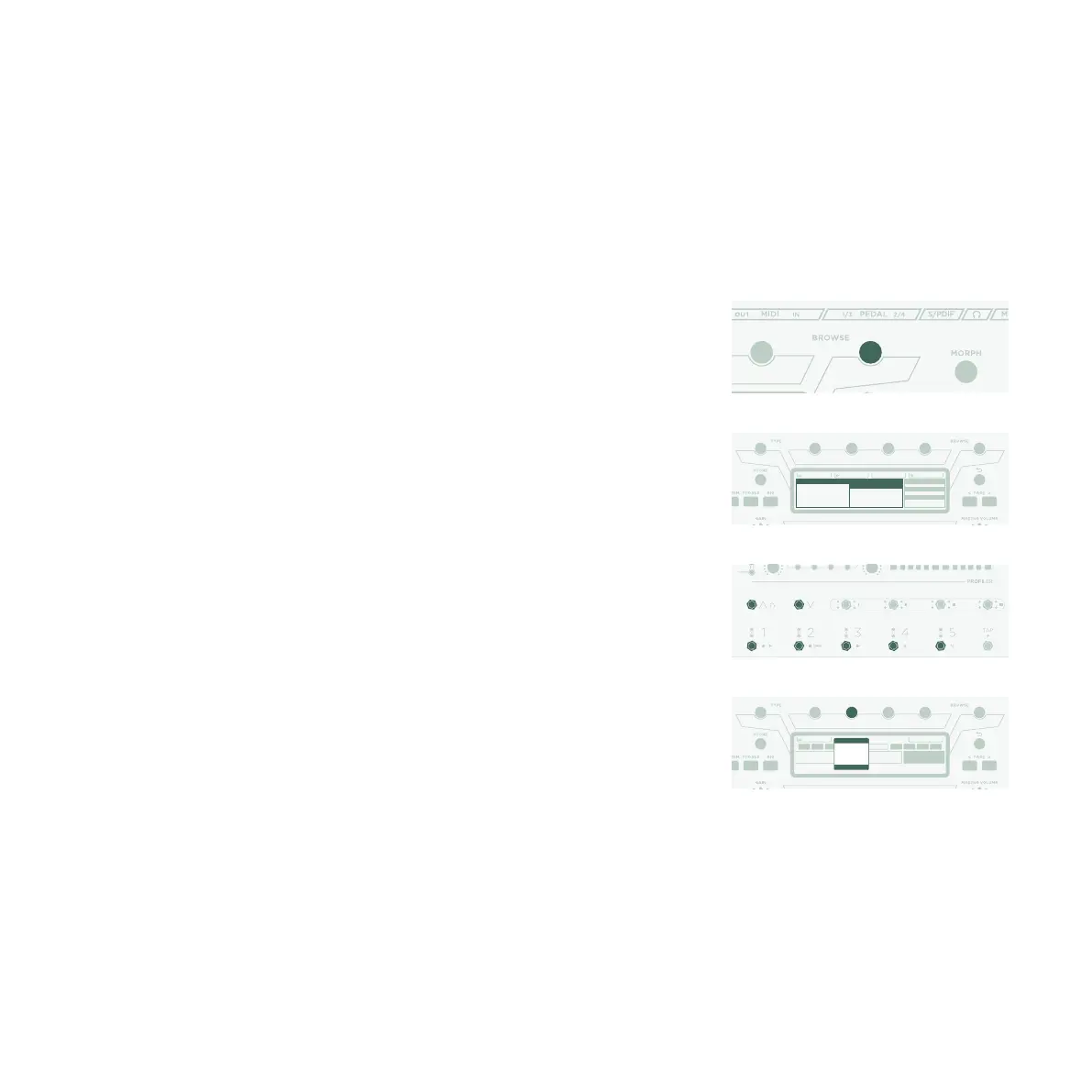
The BROWSE knob at the top middle of the unit is used to browse
the Rig pool.
A window will open with the list of Rigs to browse through. After a
short time, the selected Rig will load, the window will disappear
automatically, and the home screen will reappear.
The foot switches marked as 1-5 (Rig Buttons) and Up/Down
provide another option for browsing the Rig pool.
By default, the Rigs in the pool are organized in alphabetic order.
Other options may come in handy. For instance, use the
“Sorted by…” soft button and select “By Gain” to sort the Rigs
according to the level of distortion they produce.
All Rigs
Autoload
DeleteSorted by Name
Author
Date
Amp/Cab
FastRedPonyCar
2014-04-06 09:21:19
MadRyan Jubilee
MadRyan Jubilee
Mark 5 MK4
Mark 5 Var Crunch
Mark 5 Var IIC+
Mark 5 Xtreme
MR Jubilee Austin
Nitro 2015 A
Nitro 2015 B
Nitro 2015 Pre
Browse Rigs 45 of 108
All Rigs Store Snapshot
Bass Middle Treble Presence
EQNitro 2015 A DLYLOOP REV
Nitro 2015 B
FastRedPonyCar
Guitar Rig
Sorting
By Name
By Author
By Date
By Amp/Cab
By Gain



 To Next Page