17PROFILER STAGE QUICKSTART
MORE FUN WITH PEDALS
Here a few tips related to linking and checking pedal controllers:
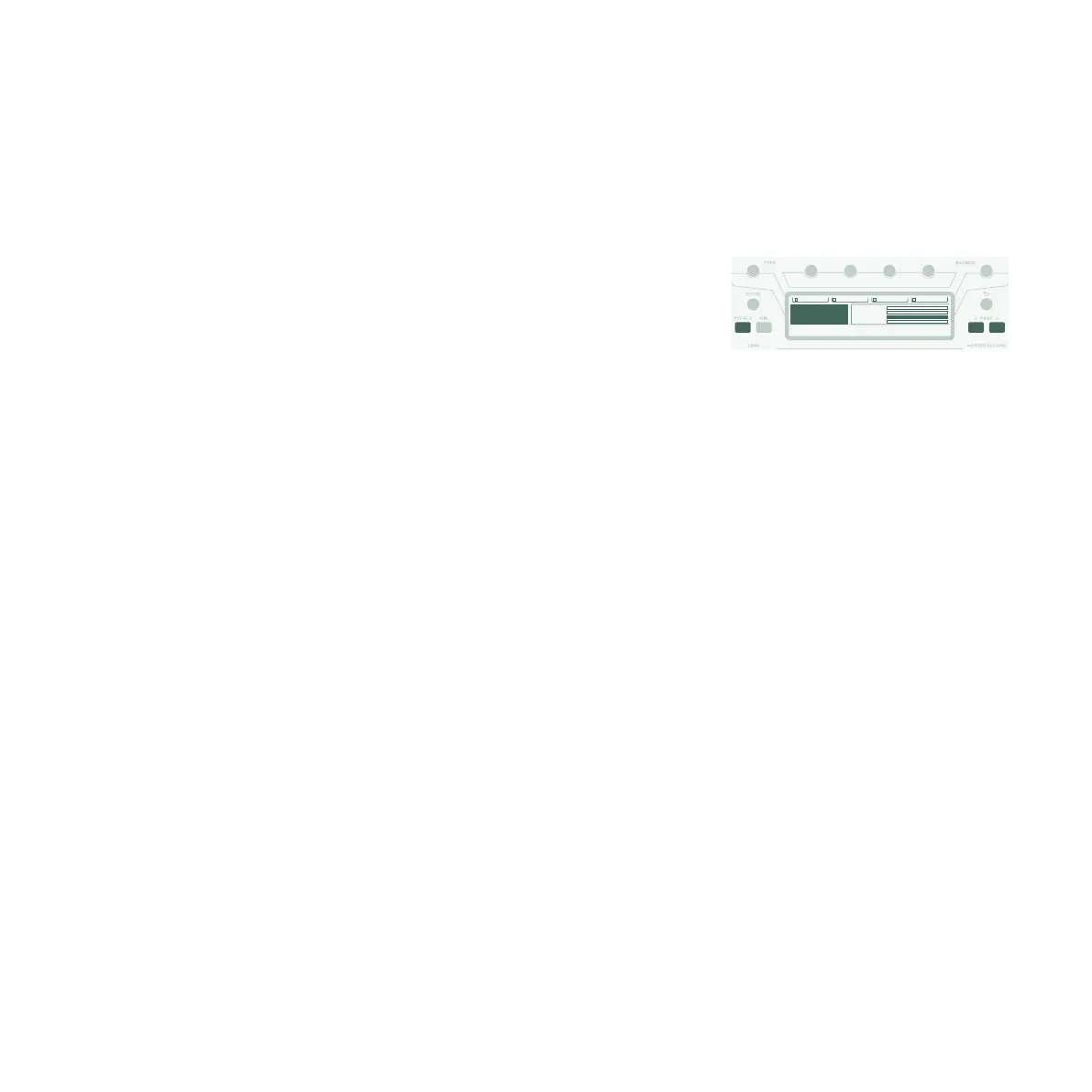
Press the PEDALS button to access several pages of global
settings. These are settings that don’t vary by Rig. Use the
<PAGE> buttons to navigate through these pages. Locate the
“Pedal Links” page.
This page helps you ensure that all your pedals are set up properly.
It shows the levels of all pedal controllers – moving a pedal results
in a change of the corresponding pedal controller(s) on screen.
If there is no movement on the screen, it means there is an issue
with either the cable, the controller assignment of the pedal, or the
pedal itself.
Details on the assignments can be found in the Main Manual and a
Video Tutorial available on:
www.kemper-amps.com
WahPedal > Vol. MorphPedal > WahWahPedal > Pitch MorphPedal > Pitch
0
Morph Pedal
0
Wah Pedal
127
Volume Pedal
0
Pitch Pedal
[Page 5/18]
System Settings
Pedal Links
Morph (CC11)
Wah (CC01)
Volume (CC07)
Pitch (CC04)


 To Next Page