13PROFILER STAGE QUICKSTART
TOGGLING EFFECTS ON/OFF WITH
EFFECT BUTTONS
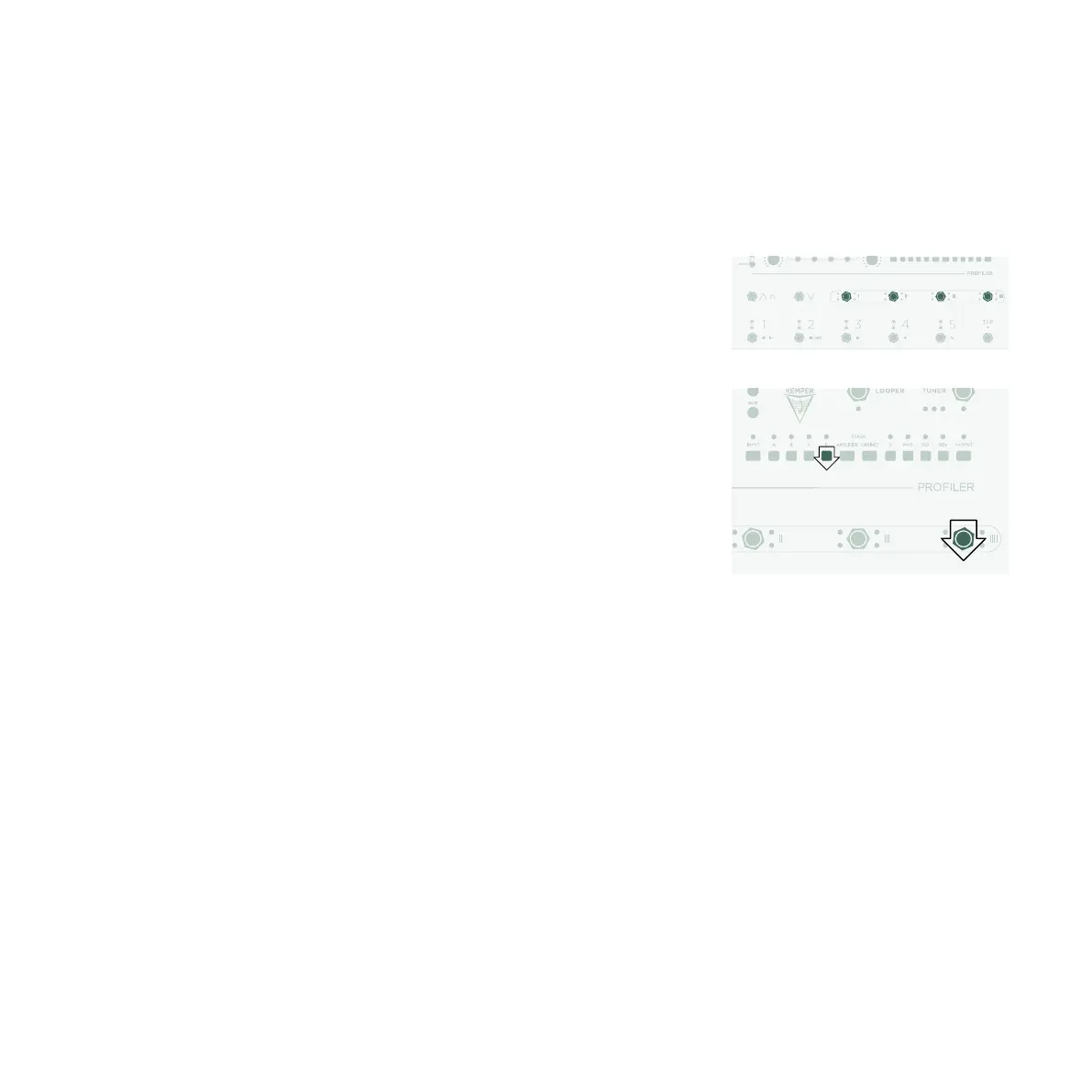
The PROFILER Stage oers four dedicated Eect Buttons (I to IIII)
to activate eect modules. Each can toggle a single module or a
combination of modules.
To assign one of the eect modules to an Eect Button:
» Press and hold the button of the relevant eect module.
» Press the Eect Button.
» Release both buttons.
These Eect Button assignments are specific to each Rig, so you
must store the Rig to keep the changes you’ve made.
Note: The above process can also be used to remove an
assignment.


 To Next Page