23PROFILER STAGE QUICKSTART
SOFTWARE UPDATE VIA RIG MANAGER
To update your PROFILER with the latest software available,
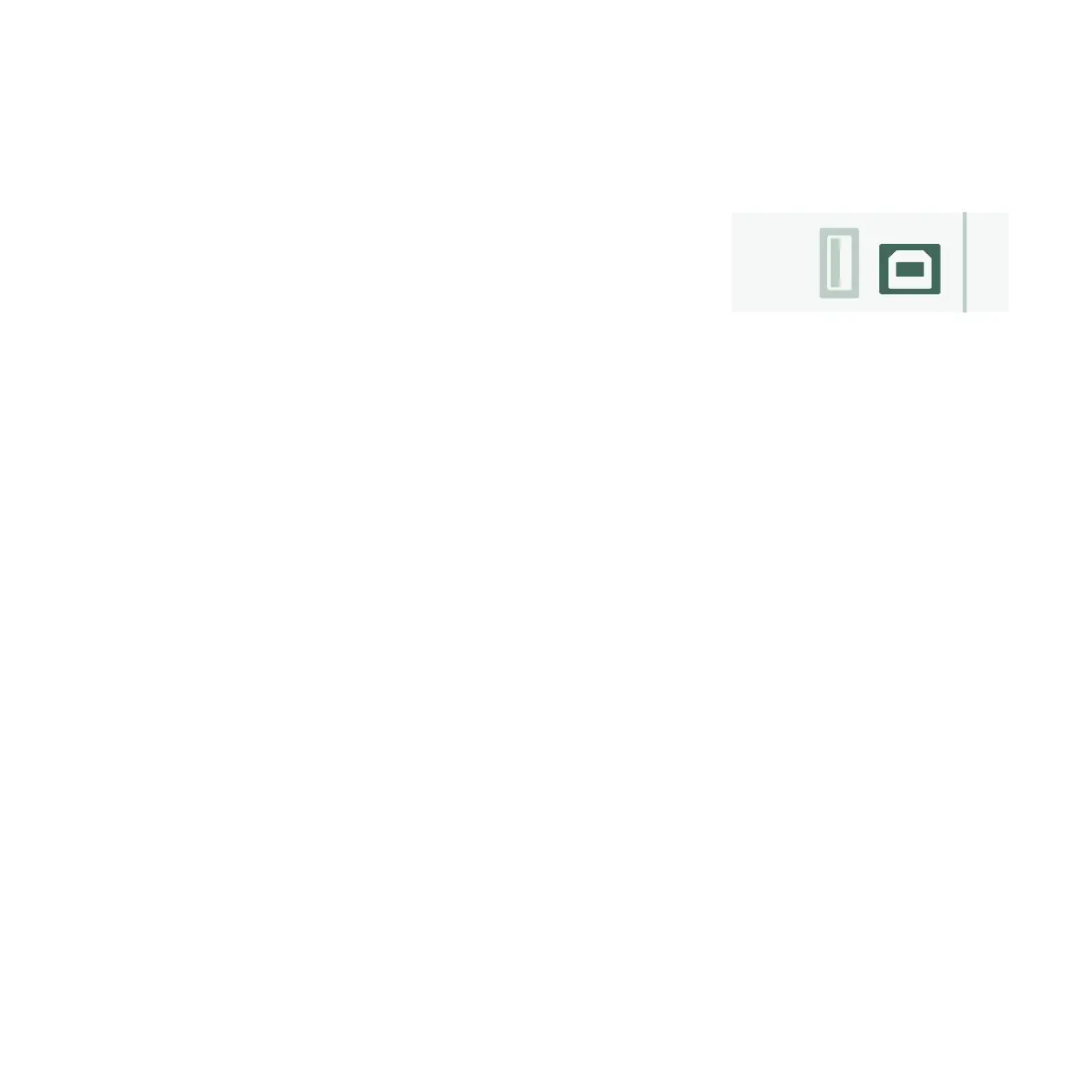
simply connect it to your computer using a standard USB cable as
illustrated.
Open Rig Manager and make sure that your PROFILER is switched
on. If software updates are available, Rig Manager will ask you for
permission to install them after a couple of minutes. The whole
procedure might take some time, initially.
SOFTWARE UPDATE VIA USB MEMORY STICK
» This update method requires you to prepare a USB memory stick, download software, and copy it over to the
stick.
» Connect the USB memory stick to your PROFILER.
» Most USB sticks will work o-the-shelf and the top row of the display will immediately show “USB Stick”.
» If the memory stick is formatted in a way that is not compatible with the PROFILER, the display will show
“Are you sure? USB stick needs to be formatted”. Acknowledge the dialog with “Yes” and follow the onscreen
instructions. Be aware that this reformatting will delete all data from the memory stick!
» Point your internet browser to: www.kemper-amps.com/start, choose “Updates”, proceed to the downloads
section and select the category “Operating System Updates”. Download the update and open the archive. Copy
the file “kaos.bin” from the archive to the “OS Updates” folder on your memory stick. Make sure that you read the
enclosed ReadMe as well as the Addendum Manual.
» Plug the USB stick into your PROFILER and an update dialog will appear shortly after. Acknowledge the update
and follow the onscreen instructions.


 To Next Page