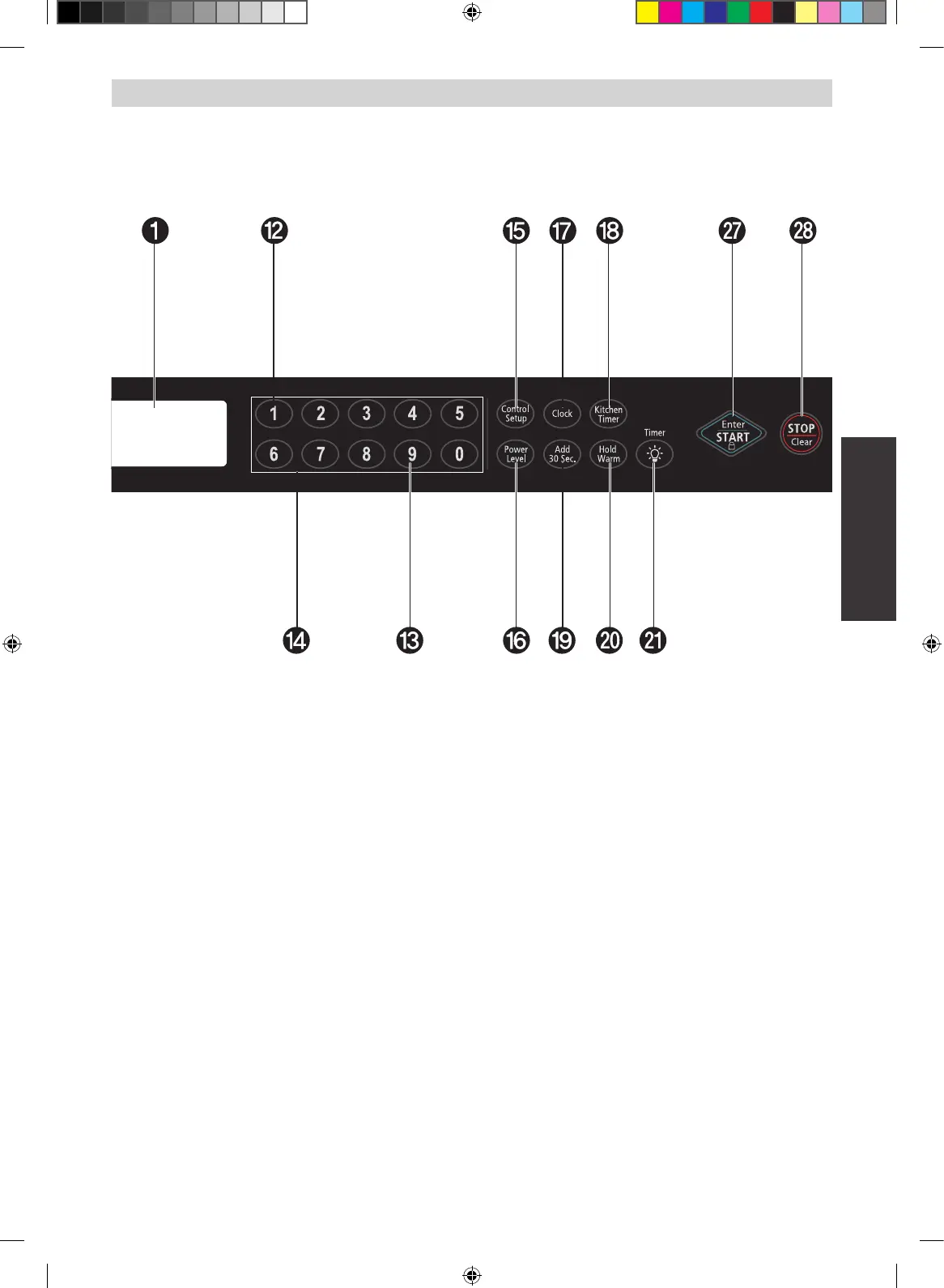
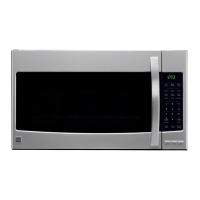
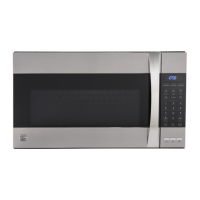
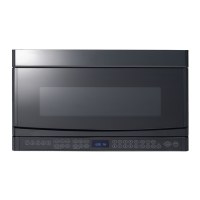
14 NUMBER: Touch number pads to enter cooking
time, power level, quantities, or weights
15
CONTROL SETUP: Touch this pad to change
the oven’s default settings
16
POWER LEVEL: Touch this pad to select a
cooking power level
17
CLOCK: Touch this pad to enter the time of day
18
KITCHEN TIMER: Touch this pad to set the
kitchen timer
19
ADD 30 SEC: Touch this pad to set and start
cooking quickly at 100% power level
20
HOLD WARM: Touch this pad to keep hot,
cooked food warm in your microwave oven for up
to 99 minutes 99 seconds
21
LIGHT TIMER: Touch this pad to set the light
timer
22
LIGHT HI/LO/OFF: Touch this pad to turn on the
cooktop light
23
VENT ON/OFF: Touch this pad to turn the fan
on/off
24
VENT 3 SPEED: Touch this pad to choose one of
3 fan speeds
25
VENT BOOST: Touch this pad to turn the boost
fan on/off
26
VENT DELAY OFF: Touch this pad when setting
ventilation time (1, 3, 5, 10, 30 minutes)
27
ENTER/START: Touch this pad to start a
function If you open the door after oven begins
to cook, close the door and touch ENTER/START
pad again
28
STOP/CLEAR: Touch this pad to stop the oven
or to clear all entries


 To Next Page