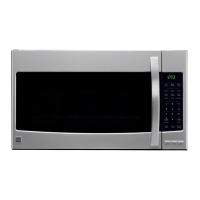
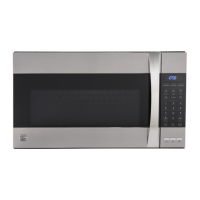
Light Timer
You can set the LIGHT to turn on and off
automatically at any time The light comes on at the
same time every day until reset
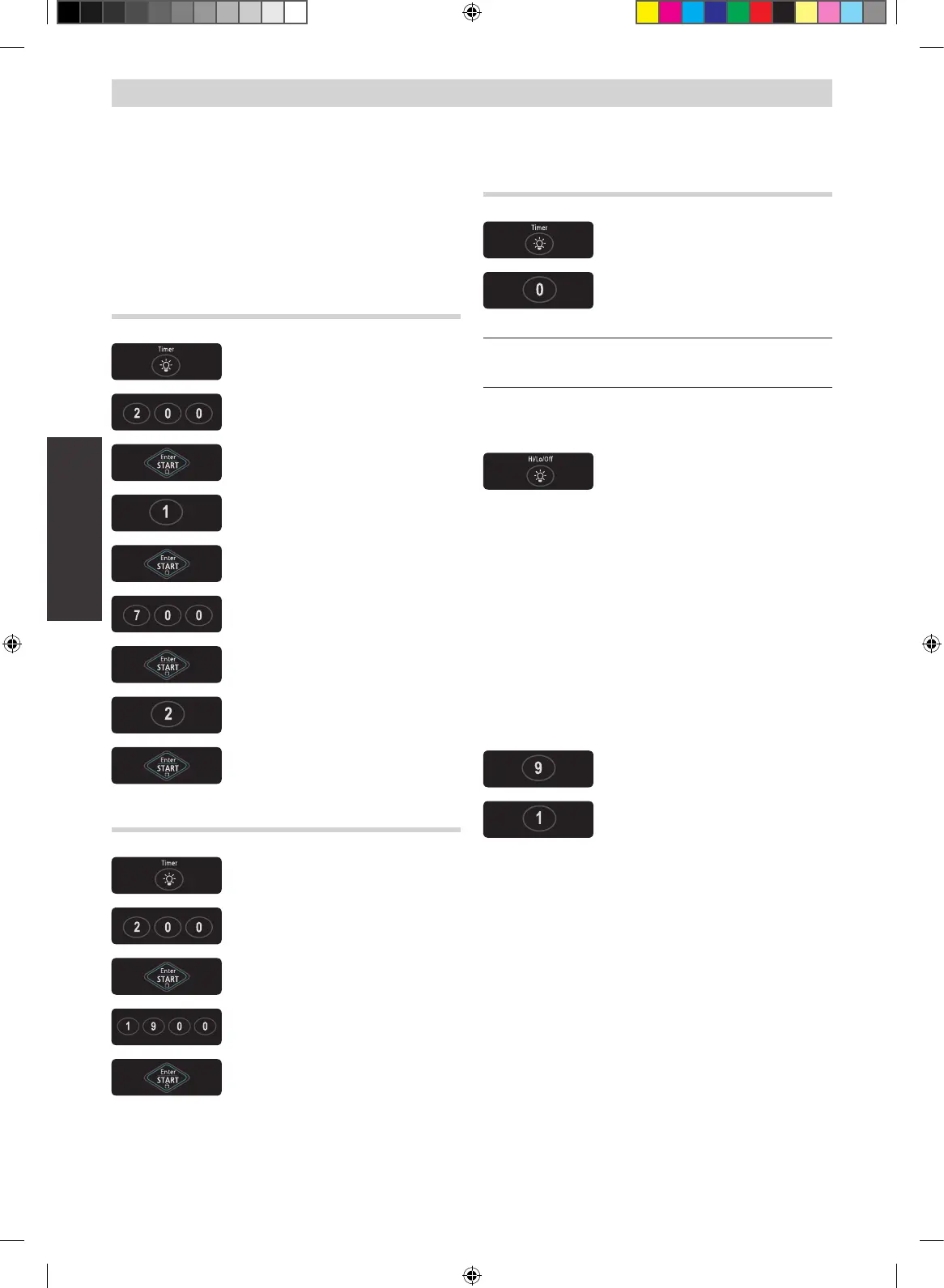
Example: Turn on 2:00 AM, turn off 7:00 PM.
12 hour clock mode.
1 Touch TIMER pad
2 Enter the time you want the
LIGHT to turn on
3 Touch ENTER/START pad
4 Touch 1 for AM
5 Touch ENTER/START pad
6 Enter the time you want the
LIGHT to turn off
7 Touch ENTER/START pad
8 Touch 2 for PM
9 Touch ENTER/START pad
24 hour clock mode.
1 Touch TIMER pad
2 Enter the time you want the
LIGHT to turn on
3 Touch ENTER/START pad
4 Enter the time you want the
LIGHT to turn off
5 Touch ENTER/START pad
To cancel the light timer.
1 Touch TIMER pad
2 Touch 0 pad
NOTE:
If you want to cancel the LIGHT TIMER in operation,
touch the 0 pad
Light Hi/Lo/Off
Touch LIGHT HI/LO/OFF pad once
for bright light, twice for night light,
or three times to turn the light off
More/Less
The More(9)/Less(1) pads allow you to adjust pre-set
cooking times
They only work in the Sensor Reheat, Sensor
Cooking(except Beverage), Add 30 sec, Custom
Cook or Time Cook modes Use the More(9)/Less(1)
pads only after you have already begun cooking with
one of these procedures
Follow these instructions to add or reduce cooking
times for an automatic cooking procedure;
Touch the More(9) pad to add time
(10 sec)
Touch the Less(1) pad to reduce
time (10 sec)


 To Next Page