Maintaining Your Water Optimizer
Maintaining Your Water Optimizer 10
down, and prevent triggering
R
Leak Detection Sensor.
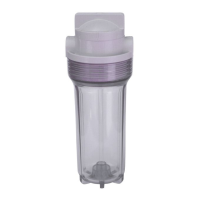
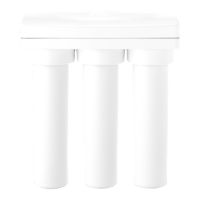
11. Replace the applicable lters in the following order. Filters can be removed by
twisting counter clockwise. To insert new lters, press lter upward into
P
Internal Filter Mounts while twisting clockwise.
F1
Particle Filter
F2
Chemical Filter
F3
ULTRA Filter
F4
Polishing Filter
12. Close
M
Stainless Steel Cabinet Door, and discard the old lters.
13. Open the
C
1/4 in. Quick Connect Shuto Valve, to enable water ow.
14. Place your container below the center dispenser one last time, and press the
C
Ambient Mode Button to repressurize the system. Once water is steadily dispensing,
you can stop.
15. Finally, plug
U
110v Power Cord back into the electrical outlet. You’re nished!


 To Next Page