26
MASTER mode (Nikon)
The ashgun can be used with a Nikon camera:
• As a MASTER ash
• In full auto wireless mode
• In manual wireless MASTER mode
• In multi wireless MASTER mode
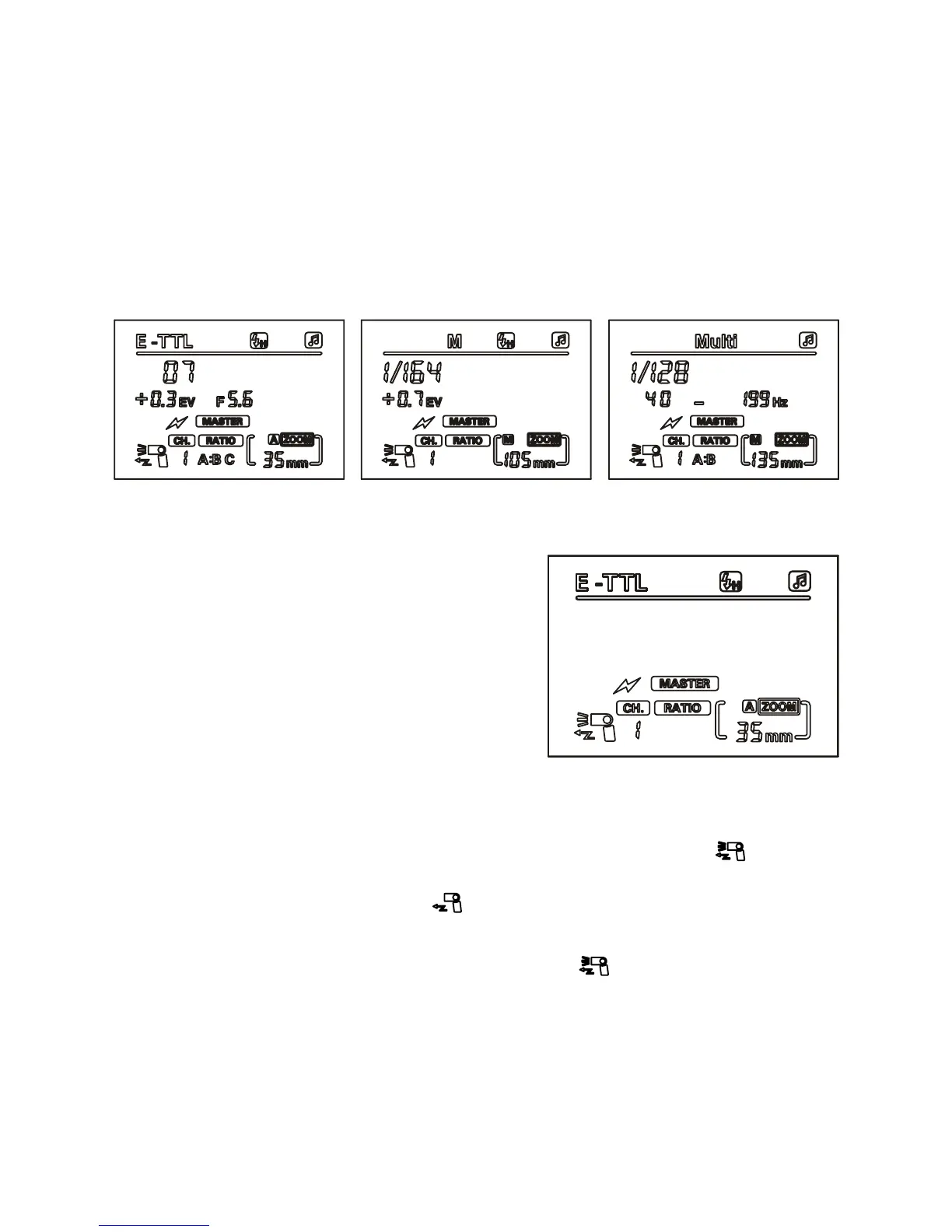
MASTER unit wireless channel settings
To select the wireless channel number
for your MASTER unit, rst press the
‘left clear’ button until the LCD display
shows the MASTER controls for i-TTL,
then press the ‘zoom’ button twice until
the wireless channel number ashes.
Use the left and right buttons to select
a channel number from 1-4.
MASTER unit ash switch settings
If you only need the SLAVE function, you can switch off the MASTER
function on your speedash. Press the ‘zoom’ button until
begins to ash, then use the left button to switch off the MASTER
function so that the LCD display shows
To switch MASTER mode back on, follow the steps above, but press
the right button until the LCD display shows again.
Note: Using this unit as a Nikon MASTER ash, you have the option
to use a range of SLAVE units in various groups and power settings.
SLAVE unit power settings can be the same as or independent from
the MASTER.


 To Next Page