4 Press Mode (+10) on the fascia to scroll from code 00 to 10 on the menu.
5 Choose code 10 from the menu and press Enter to set the code.
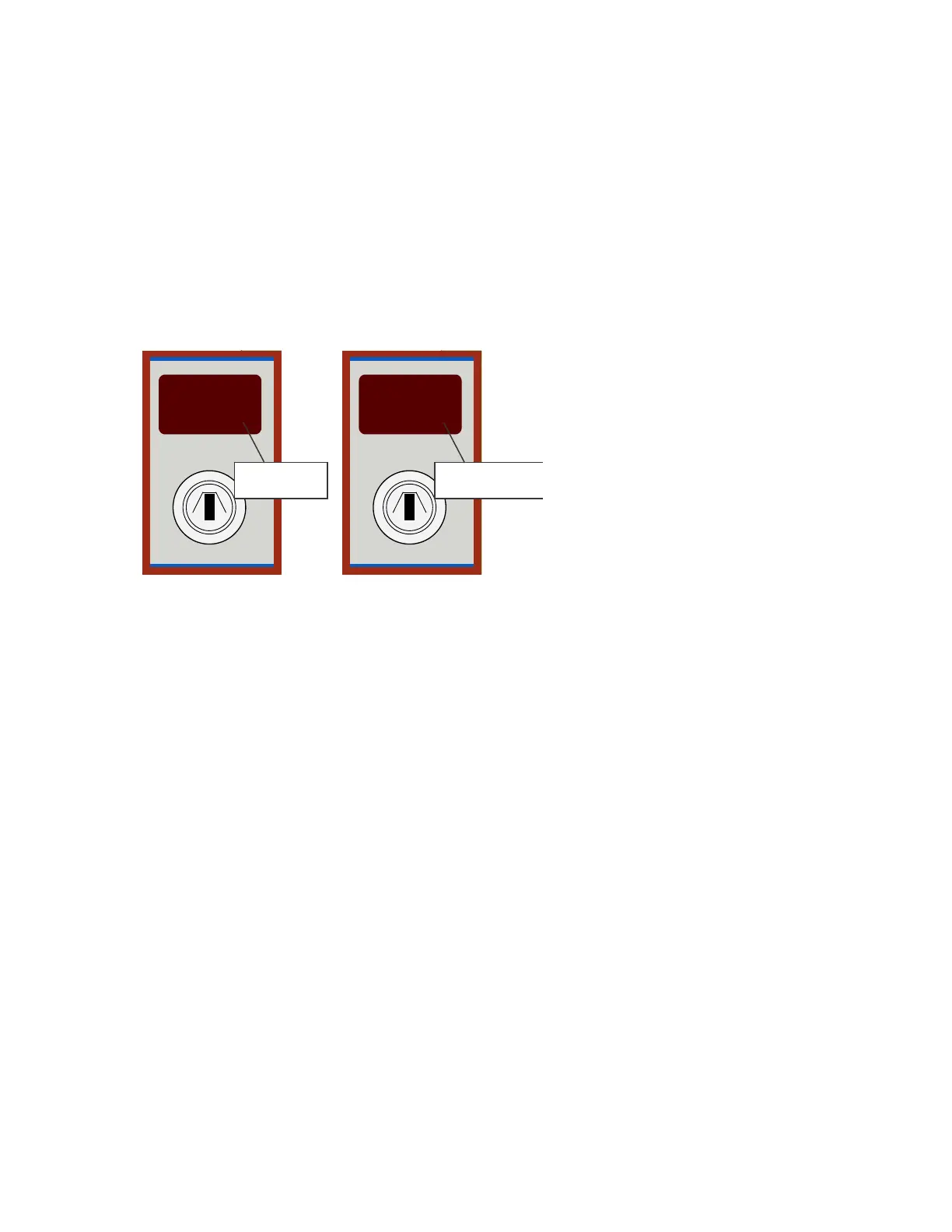
A flashing dot is displayed in the lower-right-corner of the Mode LED to identify the set code.
The figure below illustrates a code 10 set and a code 10 not set in the menu:
Figure 4- 5
Code 10 Set and Code 10 Not Set
6 Turn the Enable Access key to the left to exit Access Level 2 and return the fire control panel to the Normal
Standby condition.
Clearing Remaining Configuration Options
Clear all other codes in memory before programming the new fire control configuration. Clearing
previous settings provides a clean default condition for accepting the new fire control configuration.
To clear all codes in memory and maintain default settings:
1 Press Mode (+10) and then Select (+1) to inspect the range of codes 21-E8 for programming.
2 Press Enter to clear all programmed codes in the 21-E8 range.
3 Move the Write Enable slide-switch to the right to exit Access Level 3.
4 Turn the Enable Access key to the left to exit Access Level 2 and return the fire control panel to the
Normal Standby condition.
Mode
Enable Access
10.
Code Set When
Dot Flashing
Mode
Enable Access
10
Code Set When Not
Dot FlashingNot
A flashing dot is shown in the left
Mode illustration indicating that
the configuration code is set.
A flashing dot is absent from the
right Mode illustration indicating
that the configuration code
is not set.
www.acornfiresecurity.com
www.acornfiresecurity.com


 To Next Page