EasyManua.ls Logo

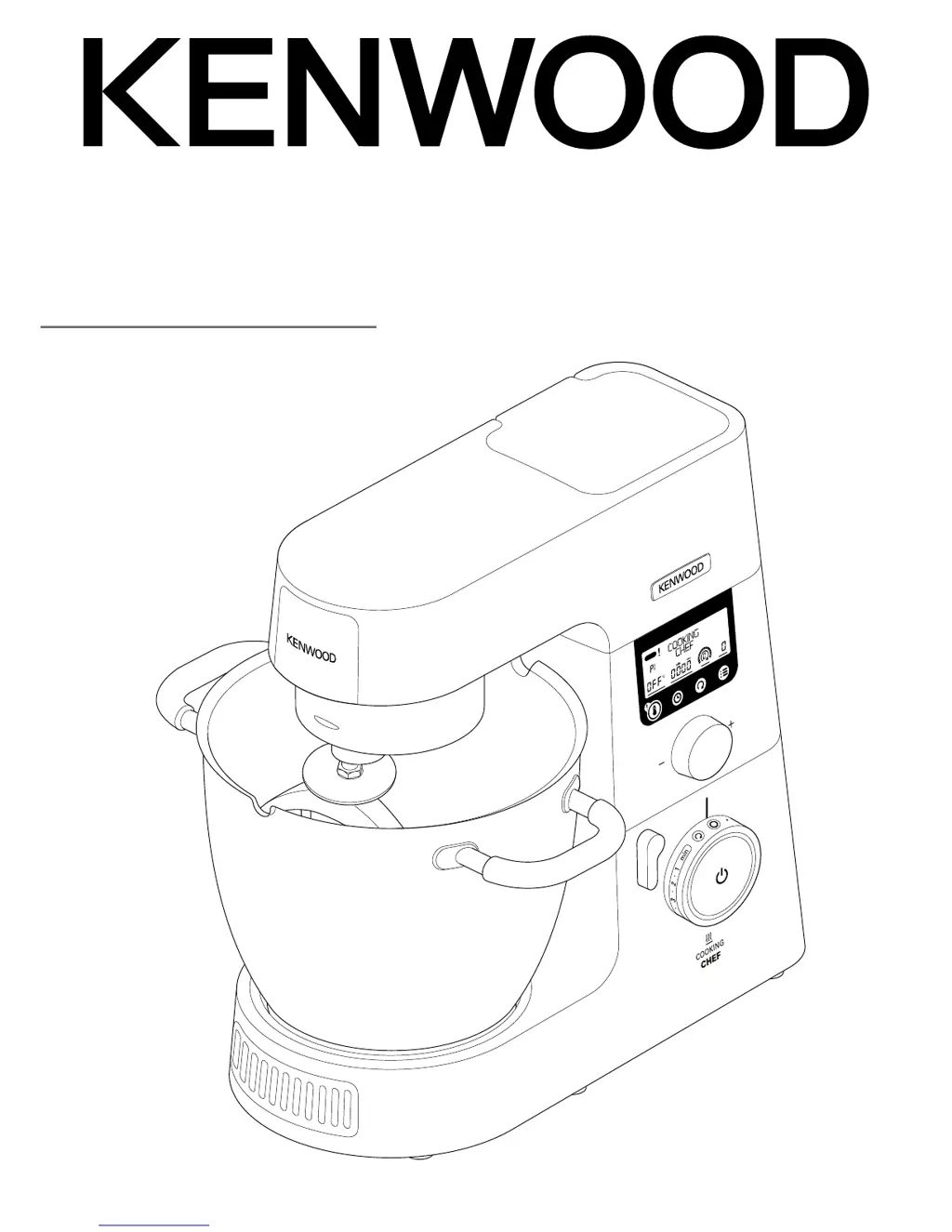
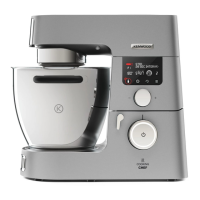
Kenwood KCC90 - User Manual

Kenwood KCC90
51 pages
Print Icon
To Next Page IconTo Next Page
Loading...
2
TYPE KCC90
instructions

Questions and Answers

  • B
    Brenda SandersSep 23, 2025
    What to do if standby light off whilst machine plugged in my Kenwood Food Processor?
    • T
      Tiffany LoveSep 23, 2025
      If the standby light is off while your Kenwood Food Processor is plugged in, the machine has been left plugged in for more than 30 minutes without being operated and has gone into Standby mode. Press the Standby button once to reset.
  • S
    stephen31Aug 25, 2025
    Why is the motor speed limited when using attachments on my Kenwood Food Processor?
    • W
      williamsandersAug 25, 2025
      The motor speed is limited when using attachments on your Kenwood Food Processor because a hot bowl is fitted. Remove the bowl, or cool the bowl to below 60°C.
  • K
    kellystephanieAug 25, 2025
    What to do if my Kenwood KCC90 Mixer stops during operation and the standby light is flashing rapidly?
    • D
      Deanna WhiteAug 26, 2025
      If your Kenwood Kitchen Machine stops and the standby light flashes rapidly, it indicates that the overload protection or overheat system has been activated, or the maximum capacity has been exceeded. Unplug the machine and check for any obstructions or overloading. Turn the speed control to “O” and then restart. If it still won’t operate, remove some ingredients to reduce the load and restart. If the problem persists, unplug the appliance and let it stand for 15 minutes, then plug it back in and reselect the speed. If the machine still doesn't restart, no other solution is available.
  • A
    Angela CookAug 26, 2025
    What to do if food is burning on the base of my Kenwood KCC90 bowl?
    • F
      floreselizabethAug 27, 2025
      If food is burning on the base of your Kenwood Mixer bowl, it could be due to several reasons: 1. The temperature setting may be too high – reduce the temperature or power settings. 2. The wrong tool might be in use – check you are using the most suitable tool and that it's adjusted correctly. 3. The stir delay may be too long – increase the frequency of the stir delay or switch to continuous operation. 4. The tool may not be low enough in the bowl – adjust the tool. 5. The timer may be set for too long – cook for a shorter time, ensuring the food is thoroughly cooked. 6. The sensor or the underside of the bowl may not be clean – ensure these areas are kept clean and dry.
  • M
    Michael ThompsonSep 23, 2025
    What to do if the whisk, K-beater or creaming beater knock against the stir assist clip in my Kenwood Food Processor?
    • U
      uperrySep 23, 2025
      If the whisk, K-beater, or creaming beater knocks against the stir assist clip in your Kenwood Food Processor, it means that the stir assist clip is fitted. Remove the stir assist clip, as it should only be used when using the stir tool.
  • A
    Amy ThomasSep 13, 2025
    What to do if my Kenwood Food Processor stops during operation and the standby light is flashing slowly?
    • W
      William JenkinsSep 13, 2025
      If your Kenwood Food Processor stops during operation and the standby light is flashing slowly, it could be due to a few reasons: 1. The heat shield or an outlet cover has been removed. Fit the heat shield or outlet cover, then turn the speed control to “O” and restart. 2. The mixer head has been lifted. Lower the mixer head, then turn the speed control to “O” and restart. 3. An outlet attachment has exceeded its maximum running time. Turn the speed control to “O” and restart.
  • P
    pamelalunaSep 12, 2025
    Why is my Kenwood Food Processor speed limited or changing during cooking?
    • R
      Robin FullerSep 12, 2025
      The speed of your Kenwood Food Processor is automatically limited when the bowl contents reach 60°C, and the hot temperature warning indicator will turn on. This is a safety feature.
  • J
    Joyce LoweSep 12, 2025
    What to do if my Kenwood Food Processor is burning food on the base of the bowl?
    • E
      emilyfitzgeraldSep 12, 2025
      If food is burning on the base of the bowl of your Kenwood Food Processor, here are some possible causes and solutions: 1. The temperature setting may be too high. Reduce the temperature or power settings. 2. The incorrect tool may be in use. Check that you are using the most suitable tool and that it is adjusted correctly. 3. The stir delay may be too long. Increase the frequency of the stir delay or switch to continuous operation. 4. The tool may not be low enough in the bowl. Adjust the tool. 5. The timer may be set for too long. Cook for a shorter length of time, ensuring the food is thoroughly cooked. 6. The sensor and/or the underside of the bowl may not be clean. Ensure that these areas are kept clean and dry.
  • D
    David GarciaSep 4, 2025
    Why is the whisk, K-beater, or creaming beater knocking against the stir assist clip on my Kenwood Mixer?
    • N
      Nicholas TrujilloSep 4, 2025
      If the whisk, K-beater, or creaming beater knocks against the stir assist clip, it is because the stir assist clip is fitted. Remove the stir assist clip, as it should only be used when using the stir tool.
  • W
    Wendy BarnesSep 1, 2025
    What to do if it's difficult to shut the mixer head on my Kenwood KCC90 Mixer?
    • B
      Bobby RobbinsSep 2, 2025
      If it's difficult to shut the mixer head on your Kenwood Mixer, it could be due to: 1. Firm ingredients such as chocolate in the bottom of the bowl preventing the mixer head from locking down – add ingredients after the mixer head is lowered. 2. The stir tool being incorrectly fitted – ensure the stir tool is fitted into the stir tool outlet.

Summary

Safety

Before Plugging In

Instructions on how to correctly connect the appliance to the power supply.

Before Using for the First Time

Procedures to follow before the initial operation of the appliance.

Bowl Tools and Their Uses

Using the Cooking Chef

Manual Mode Operation

High Speed, High Temperature Mode (HSHT)

Instructions for operating in the high-speed, high-temperature mode.

Cooking Settings

Savoury Programmes

Main Meals

Guides for preparing main meal dishes like ragout and risotto.

Sweet Programmes

Chocolate Tempering

Process for accurately tempering chocolate for confectionery.

Slow Cook Programmes

Steam Programme

Adjusting Tool Height

Maximum Capacities and Recommended Speeds

Care and Cleaning

Service and Customer Care

Troubleshooting Guide

Kenwood KCC90 Specifications

General IconGeneral
Product NameKenwood KCC90
CategoryMixer
Power1000W
Bowl Capacity6.7L
Bowl MaterialStainless Steel
Speed Settings6
Electronic Speed ControlYes
Planetary Mixing ActionYes

Related product manuals