EasyManua.ls Logo

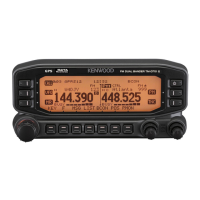
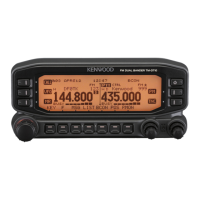
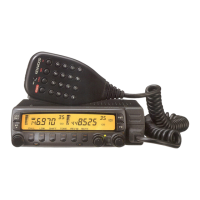
Kenwood TM-D700A - User Manual

Kenwood TM-D700A
55 pages
Print Icon
To Next Page IconTo Next Page
Loading...
© B62-1273-20 (K,E,M)
09 08 07 06 05 04 03 02 01
KENWOOD CORPORATION
INSTRUCTION MANUAL
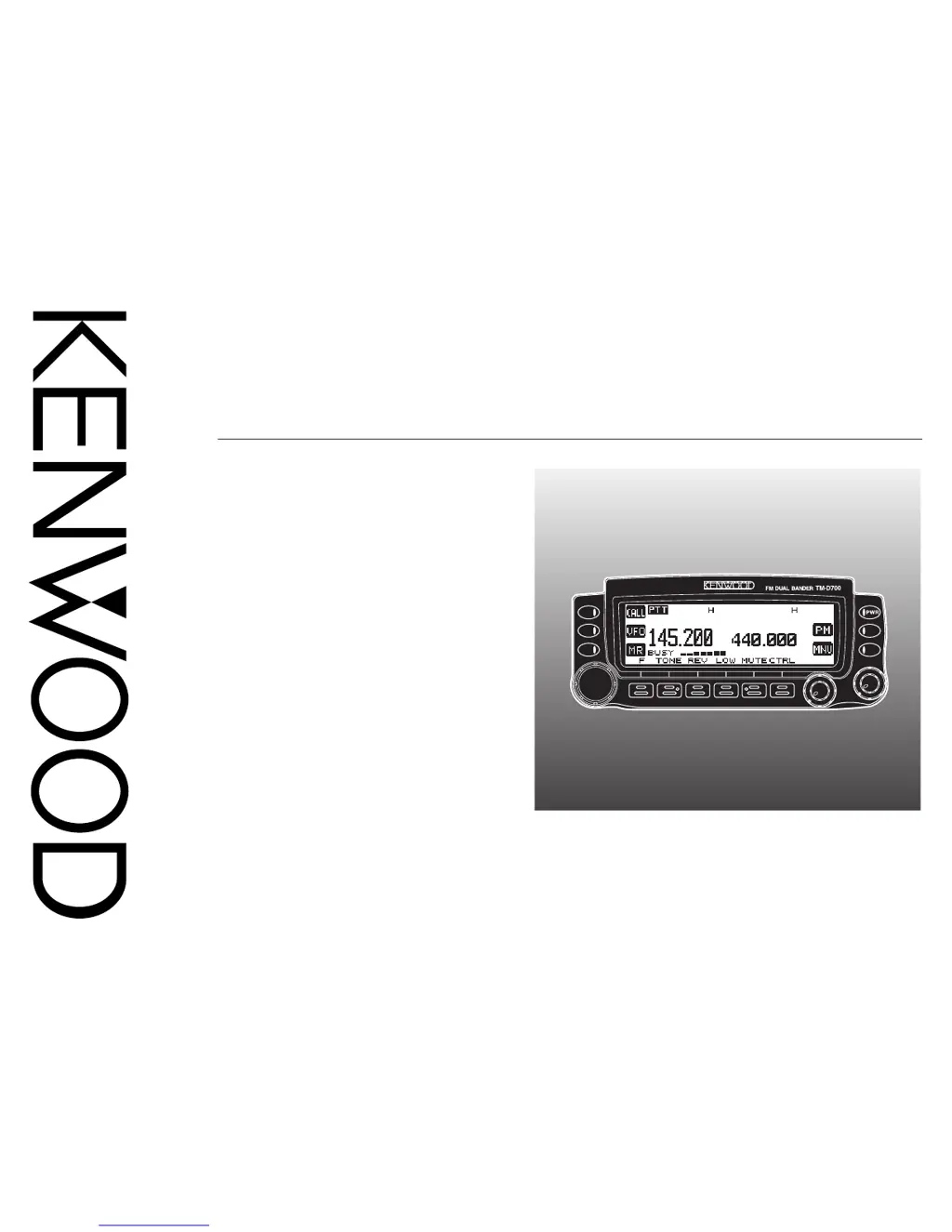
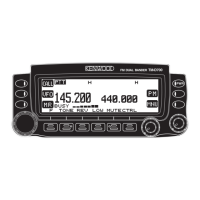
144/440 MHz FM DUAL BANDER
144/430 MHz FM DUAL BANDER
TM-D700A
TM-D700A
144/430 MHz FM DUAL BANDER
TM-D700E
SPECIALIZED COMMUNICATIONS

Table of Contents

Other manuals for Kenwood TM-D700A

Questions and Answers

  • J
    Jessica RodriguezAug 13, 2025
    Why can't I transmit APRS data on my Kenwood TM-D700A Transceiver?
    • A
      Ashley LeeAug 13, 2025
      If you're unable to transmit APRS data on your Kenwood Transceiver, several factors could be the cause. First, ensure that the Beacon is turned ON by pressing [F] (1 s), [BCON]. Second, adjust the squelch level so that it opens only when signals are present. Third, if the data band is inactive, activate it by pressing the appropriate [BAND SEL] (1 s). Fourth, make sure you've selected APRS mode by pressing [F] (1 s), [TNC] so that “TNC APRS” appears. If Packet mode is selected instead, press [F] (1 s), [TNC], then [F] (1 s), [TNC] again to switch to APRS mode. Finally, verify that you've correctly programmed your call sign using Menu 3–1.
  • S
    steventaylorAug 16, 2025
    What to do if I don't receive any APRS packet on my Kenwood TM-D700A?
    • S
      Susan RobertsAug 17, 2025
      If you aren't receiving APRS packets on your Kenwood Transceiver, there are a few things to check. First, make sure you've correctly programmed a group code by accessing Menu 3–E and programming “APK101”. Second, verify that you've correctly set the data length and parity bit by selecting Packet mode, sending the following commands to the TNC: AW 8 [ENTER], PAR 0 [ENTER], then RESTART [ENTER], and then selecting APRS mode. Finally, ensure that you've selected the appropriate packet transfer rate (generally 1200 bps) using Menu 3–J.
  • K
    Kenneth RobertsAug 20, 2025
    How to fix packet operation that results in no connects with other stations on Kenwood Transceiver?
    • C
      Christina GutierrezAug 20, 2025
      If packet operation isn't connecting with other stations on your Kenwood Transceiver, it could be due to a couple of reasons. First, check the squelch level and ensure it's set correctly so that it opens only when signals are present. Second, verify that you've selected the same transfer rate as the target station using the HBAUD command to select the appropriate transfer rate.
  • K
    Kimberly HigginsAug 25, 2025
    What to do if I cannot activate Visual Scan, Remote Control, nor Repeater on my Kenwood TM-D700A Transceiver?
    • J
      joshuapetersonAug 25, 2025
      If you cannot activate Visual Scan, Remote Control (Menu 1–A–3), nor Repeater (Menu 1–7–6) on your Kenwood Transceiver, it may be because you have selected APRS or Packet mode. To resolve this, press [F] (1 s), [TNC] repeatedly so neither “TNC APRS” nor “TNC PKT” is visible.
  • A
    Ashley MartinezAug 28, 2025
    What causes the inability to program the VC-H1 with a SSTV mode on a Kenwood Transceiver?
    • E
      Eric VargasAug 28, 2025
      If you're unable to program the VC-H1 with a SSTV mode on your Kenwood Transceiver, it might be due to bad cable connections. Refer to the instruction manual for the VC-H1 and correctly connect the VC-H1 to the transceiver.
  • T
    tonylawrenceSep 1, 2025
    Why Kenwood Transceiver doesn't transmit position data when using GPS receiver with AUTO selected?
    • A
      Ann AdamsSep 1, 2025
      If you're not transmitting position data when using a GPS receiver with “AUTO” selected in Menu 3–C (PACKET TX) on your Kenwood Transceiver, the GPS receiver might not have started correct measurement yet. With “AUTO” selected, the transceiver must first receive any NMEA data in order to transmit your position data. If you are not using a GPS receiver, access Menu 3–2 and select “NOT USED”.
  • C
    Christina HoodSep 4, 2025
    Why am I not receiving DX cluster data on my Kenwood Transceiver?
    • K
      Kenneth RobertsonSep 4, 2025
      If you're not receiving any DX cluster data on your Kenwood Transceiver, the issue might be that you haven't selected the APRS mode. To enter APRS mode, press [F] (1 s), [TNC] to enter APRS mode; “TNC APRS” should appear.
  • L
    Lori ToddSep 8, 2025
    How to superimpose information onto the VC-H1 monitor on Kenwood TM-D700A?
    • M
      Maria FletcherSep 8, 2025
      If you're having trouble superimposing information onto the VC-H1 monitor with your Kenwood Transceiver, the problem might be that you haven't correctly entered the information to be superimposed. Use Menu 2–1 to 2–6 to correctly enter the desired information.

Summary

Mic Keypad Direct Entry

Packet Operation Overview

Connect to Personal Computer

Operating the TNC

Packet Operation Preparation Flow

Select Data Band

DCD Sense Setting

DX Packet Clusters Monitor

PACSAT Operations

APRS System Overview

Packet Path and Digipeater Configuration

Connect GPS Receiver

APRS Operation Quick Start Flow

Adjust Internal Clock

Setting Time

Set the current time on the transceiver for packet logging.

Setting Date

Set the current date on the transceiver for packet logging.

Setting UTC Offset

Select APRS Data Band

Select Packet Transfer Rate

Receiving APRS Data

Access Received APRS Data

Program Call Sign

Select Station Icon

Program Position Data

Select Position Comment

Store Status Text

Program Group Code

Program Packet Path

Select Packet Transmit Method

Select Packet Transmit Interval

Select Status Text Transmit Rate

Restrict APRS Data Reception

Program Position Ambiguity

Packet Monitor Display

Set as Digipeater

APRS Message Function

Receive APRS Message

Enter APRS Message

Access Received APRS Messages

Transmit APRS Message

Auto Answer Reply Setting

Program Group Code

SSTV with VC-H1

Connection with VC-H1

Connect the VC-H1 unit to the transceiver for SSTV.

Enter Call Sign, Message, or RSV

Select SSTV Display Color

Execute SSTV Superimposition

Change SSTV Mode

VC-H1 Remote Control

Troubleshooting Common Issues

Appendix

TNC Commands List

Detailed list of supported TNC commands and their parameters.

Kenwood TM-D700A Specifications

General IconGeneral
ModeFM
Output Power50W (VHF), 35W (UHF)
Channel Memory1000 channels
Weight1.2 kg
Supply Voltage13.8V DC
APRSYes
RF Power Output50W (VHF), 35W (UHF)
Antenna Impedance50 ohms
Temperature Range-20°C to +60°C
Frequency Range144-148 MHz, 430-450 MHz
GPSBuilt-in GPS
Current Consumption13 A (High Power)

Related product manuals