10 Spec. calibration
♦ Before calibrating, please adjust the mini jumper SWA1 to “ADJ” position.
♦ After finish the calibration, please re-adjust the mini jumper SWA1 to “LOCK”
position.
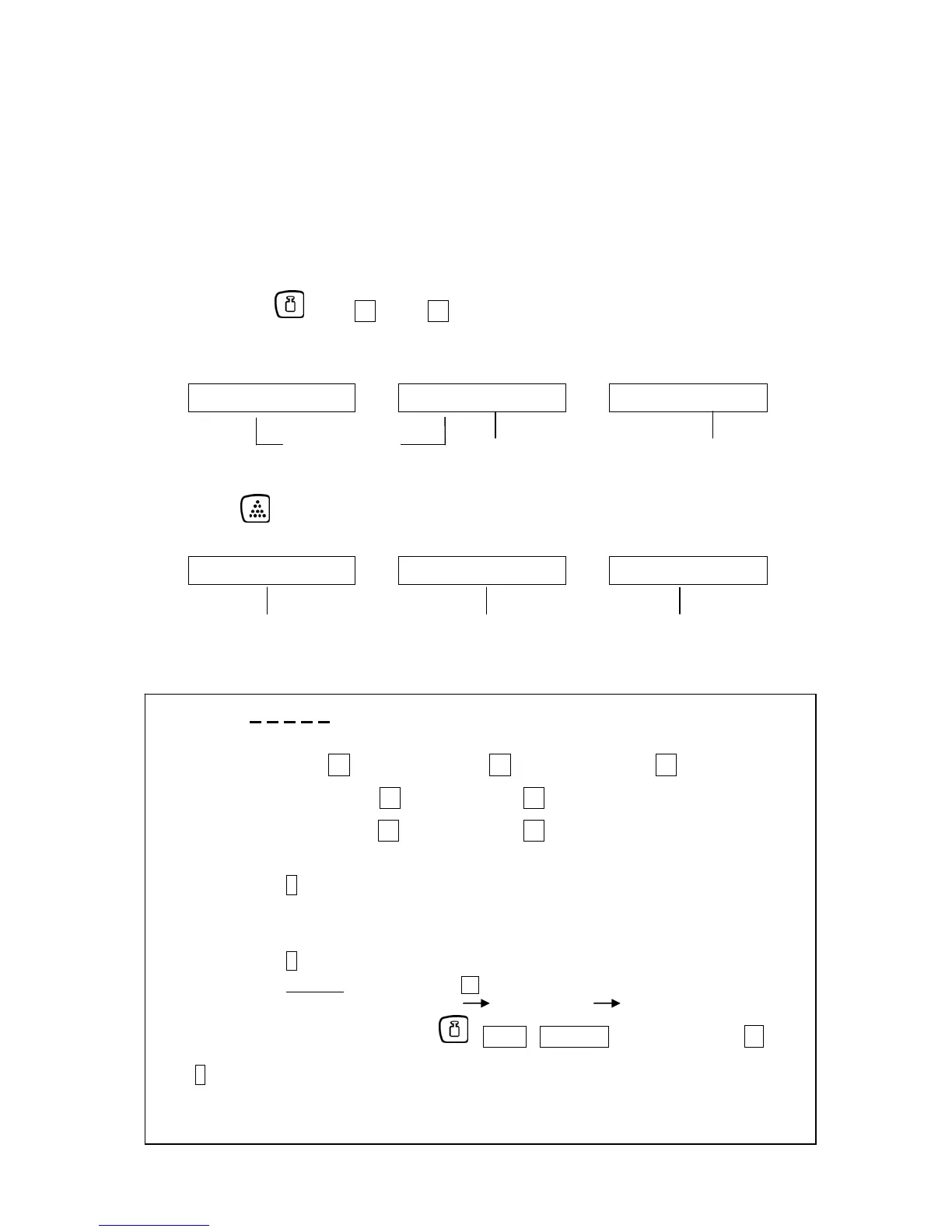
n Turn on the machine, after the scale resets back to zero,
then press key + 1 key + 7 key (at the same time) to enter the spec.
calibration mode.
Weight Piece Weight Pcs
0 3 0 0 1 0 2 1 X X 2 0 2 0 5 3
program version keyboard default value core value
(to check keyboard function) (internal value of zero)
see chapter 3
“General Information“
o Press key
Weight Piece Weight Pcs
Ñ0Ò0 0 0 0 0 0 0 0 0 0 0 0 0 0 1
full capacity setting preset calibrated value refer to “Approx. 1”
key in “ full scale+9d ” suggest key in “full scale”
(overload function max.+ 9d)
Approx. 1: 0 0 0 0 0 1
a b c d e
a ⇒ input the division 1 = e.g. 1g / 10g 2 = e.g. 0,2g / 2g 5 = e.g. 0,5g / 5g
b ⇒ input the decimal point 0 = e.g. 1g 1 = e.g. 0,2g
2 = e.g. 0,01kg 3 = e.g. 0,001kg
c ⇒ input the unit of the unit weight 0, 1, 2, 8, 9 (full capacity are 10
n
of division)
d ⇒ define the keyboard function of ; kg/lb ; PST CE keys (use always 1 )
0 = PST CE, unit weight in kg
1 = 10 preset, unit weight in kg (OIML approval model)
2 = kg/lb (1
st
unit = kg, 2
nd
unit = lb) 3 = 10 preset, kg/lb (1
st
unit kg, 2
nd
unit lb)
4 = PST CE, lb unit only 5 = 10 preset, lb unit only
6 = lb/kg (1
st
unit lb, 2
nd
unit kg) 7 = 10 preset, lb/kg (1
st
unit lb, 2
nd
unit kg)
0 = 10
0
(x 1) » CXB 15K1 / CXB 30K2
1 = 10
1
(x 10)
2 = 10
2
(x 100)
8 = 10
-2
(x 0.01)
9 = 10
-1
(x 0.1) » CXB 3K0.2 / CXB 6K0.5
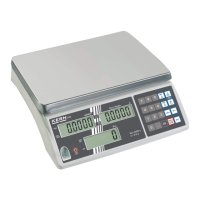
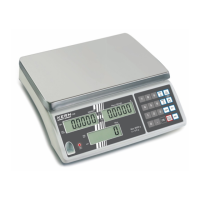
Example: CXB 3K0.2 a= 2.
value of a x 10
n
= Readout 2 x 10
-1
= 0,2g c= 9
CXB-SH-e-0913 15


 To Next Page