6.9 Weighing units (Unit)
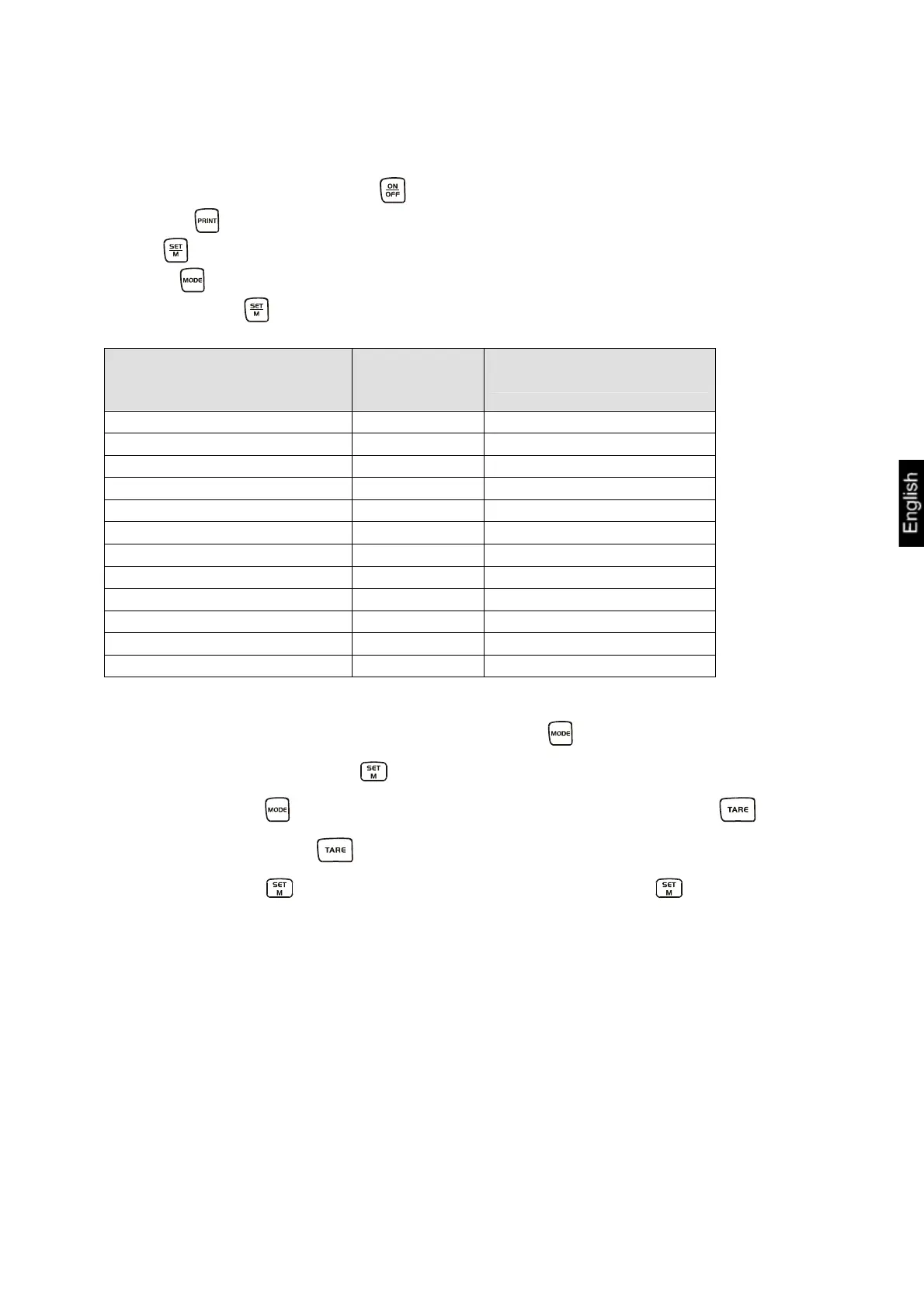
Switch-on the balance using the key and wait for the „0“ display.
Press the key and keep it pressed until „UNIT“ appears on the display.
Press shortly, the selected unit appears in the display.
Use the key to select between the different units (see table).
By pressing the key the selected weighing unit is taken over.
Display Conversion factor
1 g =
Gram g 1.
Pound lb 0.0022046226
Unze oz 0.035273962
Troy Unze ozt 0.032150747
Tael Hongkong tlh 0.02671725
Tael Taiwan tlt 0.0266666
Grain gn 15.43235835
Pennyweight dwt 0.643014931
Momme (mom) 0.2667
Tola tol 0.0857333381
Carat ct 5
Freely selectable factor *) FFA xx.xx
*)
In order to enter an own conversion factor, press the key as explained above until
„FFA“ is displayed. Press the key to reach to the selection. The last digit begins
to flash. Using the
key, the displayed value is increased by 1, with the key it
is reduced by 1. Use the key to jump one digit to the left. When all the changes
are ready, use the
key to save this value and by pressing the key the
„Freely selectable factor“ is taken over as current weighing unit.
DE-BA-e-1052
21


 To Next Page
 Loading...