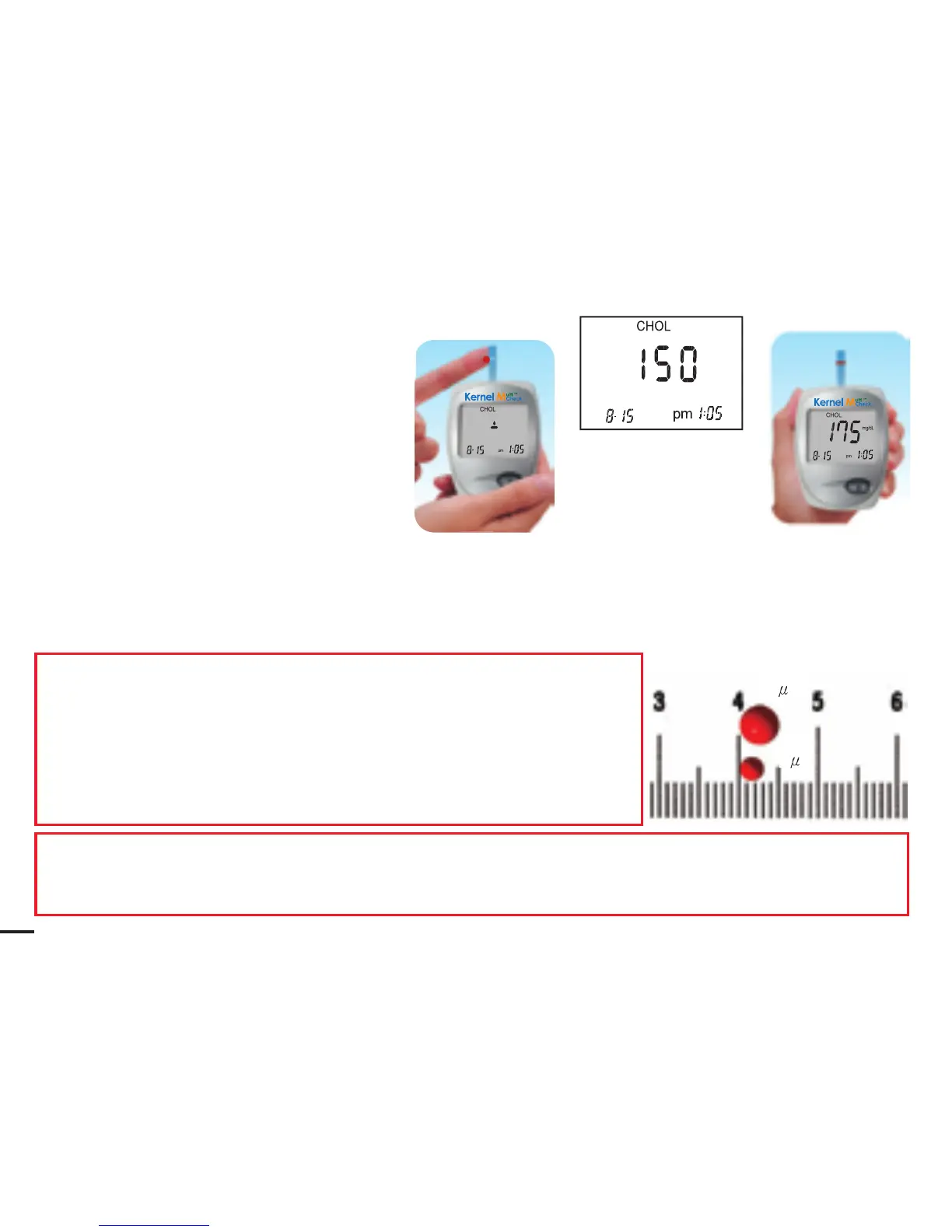
6. Press the trigger on the puncturer.
7. Lift up the puncturer.
8. Get a drop of blood.
9. Put the drop of blood on one side or the other side of the test strip target area. The blood
will be absorbed and cause the target area to turn red. The testing reaction starts when the
meter beeps. The meter will start to count down 150 seconds then show your result on
the screen. The meter stores your result in its memory automatically.
NOTE:
How much blood should be applied?
Although only a small amount of blood is needed,
it is very important that you put enough blood on your
test strip so that the entire reaction zone is covered
with blood. This ensures that your meter can give
accurate and reliable results.
Example:
The blood volume needed in cholesterol test is more than that in glucose test. You need to apply
15μl blood sample in cholesterol test and 4μl blood sample in glucose test.
15 l
4 l
28



 To Next Page