Review the Stored Hemoglobin Test Results
1.
insert the hemoglobin code key (pink color) into the code key slot on
the meter.
g/dL
Hb
2.
3.
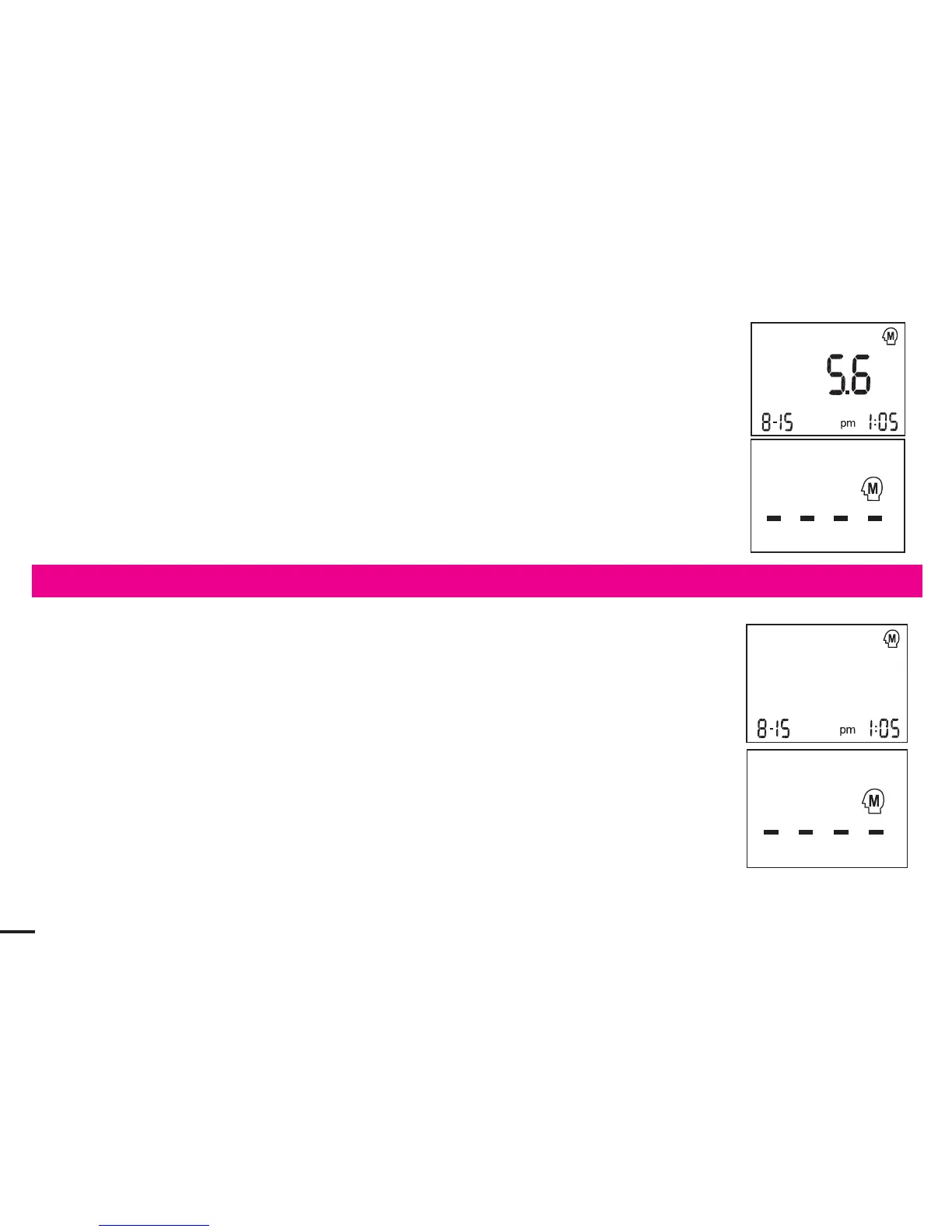
The stored results with date are displayed in order from the most recent
to the oldest via pressing the “M” button. The meter will turn off automatically
in 3 seconds when the symbol “----” is displayed on the screen.
If you decide to stop checking the results, stop pressing the “M” button. The
meter will turn off automatically in 30 seconds o via pressing “S” buttonr.
Hb
4.
No test can be performed when you are checking the stored results. If you
wish to perform a new test, please turn off the meter first and restart the
steps described in the section【Blood Glucose/Cholesterol/ Uric Acid/
Hemoglobin Testing】.
mg/dL
UA
2.
3.
The stored results with date are displayed in order from the most recent
to the oldest via pressing the “M” button. The meter will turn off automatically
in 3 seconds when the symbol “----” is displayed on the screen.
If you decide to stop checking the results, stop pressing the “M” button. The
meter will turn off automatically in 30 seconds o via pressing “S” buttonr.
UA
4.
No test can be performed when you are checking the stored results. If you
wish to perform a new test, please turn off the meter first and restart the
steps described in the section【Blood Glucose/Cholesterol/ Uric Acid/
Hemoglobin Testing】.
38
20



 To Next Page