5.
If you decide to stop checking the results, stop pressing the “M” button. The
meter will turn off automatically in 30 seconds or via pressing “S” button.
6.
No test can be performed when you are checking the stored results. If you
wish to perform a new test, please turn off the meter first and restart the
steps described in the section
【Blood Glucose/ Cholesterol/ Uric Acid/ Hemoglobin Testing】.
Glu
Review the Stored Cholesterol Test Results
1. Insert the cholesterol code key (blue color) into the code key slot
on the meter.
m
g
/
d
L
p
m
C
HO
L
C
H
O
L
2.
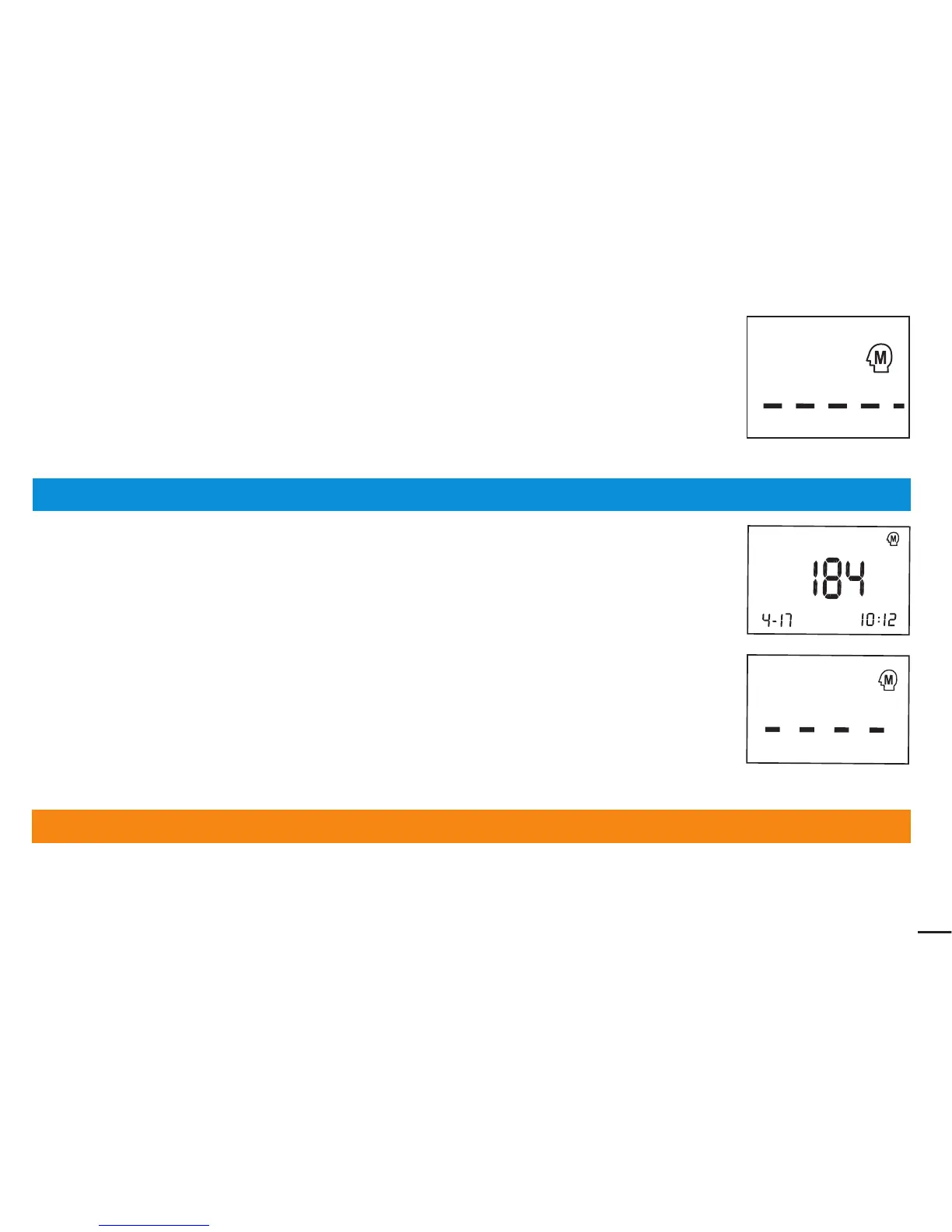
The stored results with date are displayed in order from the most recent to the
oldest via pressing the “M” button.The meter will turn off automatically in
3 seconds when the symbol “----” is displayed on the screen.
3.
If you decide to stop checking the results, stop pressing the “M” button.
The meter will turn off automatically in 30 seconds or via pressing “S” button.
4.
No test can be performed when you are checking the stored results. If you
wish to perform a new test, please turn off the meter first and restart the steps
described in the section
【Blood Glucose/Cholesterol/Uric Acid/Hemoglobin Testing 】.
Review the Stored Uric Acid Test Results
1.insert the uric acid code key (orange color) into the code key slot on the meter.
37



 To Next Page