16:11
CHINA MOBLLE
Attachment
ON
RFID
On
Wireless Sir en
Wireless Soc ket
Illegal armi ng
ON
Siren J009
alarm indicator lit constantly to enter learning state; Then on wireless strobe siren
page, press menu key to switch【Wireless Strobe Siren】ON or OFF, host will send
signal as shown in picture 4-26; wireless strobe siren will beep twice and indicator
flashes twice after receiving the signal, which means the code match successfully,
then press the SET key of strobe siren to exit the learning state.
Check the Success of Code Match: after wireless strobe siren exit learning state,
press menu key to switch【Wireless Strobe Siren】ON or OFF, if it ’s OFF, strobe siren
will beep “di di”; if it ’s ON, siren will alarm siren, which means the host match code
successfully with wireless strobe siren.
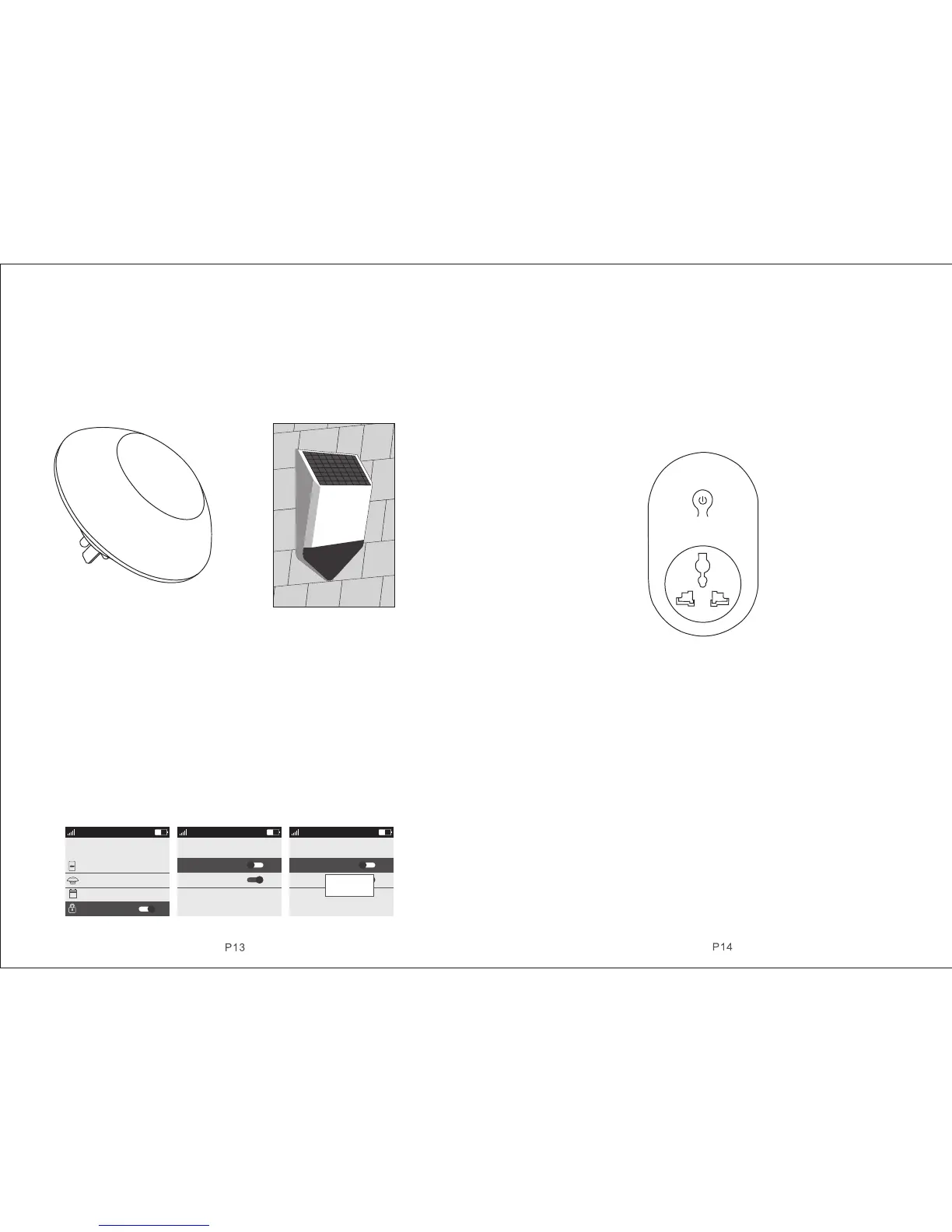
Solar Strobe Siren J1
4.7.4.2 Alarm Siren
On wireless strobe siren page, press key【DOWN】to move the cursor behind【
Alarm Siren】, press menu key to switch ON or OFF, then press key【OK】to save.
The factor y default is ON.
When【Alarm Siren】is ON, if host alarms, the wireless strobe siren learned will alarm
as well. After disarm or host alarm ends, strobe siren will stop alarm.
When【Alarm Siren】is OFF, if host alarms, the wireless strobe siren learned will not
alarm siren.
Picture 4-27 Picture 4-28 Picture 4-29
4.7.5 Wireless Alarm Linkage Switch
On accessories manage page, as shown in picture 4-27. Press key【UP/DOWN】
to move the cursor behind【Wireless Alarm Linkage Switch】, as shown in picture
4-27, then press key【OK】or number 5 directly to enter wireless alarm linkage
switch page, as shown in picture 4-28.
4.7.5.1 Code Match between Host and Smart Socket
Code Match Method: In smart socket standby mode, long press key SET for 5s
until the socket indicator light turns out to enter learning state; Then on wireless
alarm linkage switch page, press menu key to switch【Wireless Alarm Linkage
Switch】ON or OFF, host will send signal as shown in picture 4-29; smart socket
indicator light flashes twicel, which means the code match successfully, then
press the SET key of smart socket to exit the learning state.
Check the Success of Code Match: after smart socket exit learning state, press
menu key to switch【Wireless Alarm Linkage Switch】ON or OFF, if it’s OFF, smart
socket lit RED; if it ’s ON, socket lit BLUE, which means the host match code
successfully with smart socket.
mart socket S71
4.7.5.2 Alarm Linkage
As shown in picture, on wireless alarm linkage switch page, press key【DOWN】
to move the cursor behind【Alarm Linkage】, press menu key to switch ON or OFF,
then press key【OK】to save. The factory default is ON.
When【Alarm Linkage】is ON, if host alarms, the smart socket learned will close
automatically; After disarming or host alarm ends, it turns off automatically.
When【Alarm Linkage】is OFF, if host alarms, the smart socket learned will not
close automatically.
4.7.6 Illegal Arm
On accessories manage page, press key【UP/DOWN】to move the cursor behind
【Illegal Arm】or press number 6 directly, as shown in picture 4-30. Then press
menu key to switch【Illegal Arm】ON or OFF. This can be used to check if door is
closed. If the function is ON, and when you go out to arm it if the door is open, host
will voice prompt “XXX Zone is open”. If the function is OFF, there is no indication
to the unclosed door.
16:11
CHINA MOBLLE
Wireless Socket
Output with al arm
OFF
ON
Wireless Soc ket
Off
On
16:11
CHINA MOBLLE
Wireless Socket
Output with al arm
OFF
ON
Wireless Soc ket
Off
On
Senging…



 To Next Page
 Loading...




