RFID 01
Added
Empty
Note: the siren in this function includes internal and external siren.
4.7.2.4 Zone Attribute
On detector learning page, press key【DOWN】to move cursor to Attribute as
shown in picture 4-18. Press number key to select: 【1】Normal,【2】Stay,【3】
Intelligent,【4】Emergency,【5】Close,【6】Chime,【7】Welcome,【8】Help
Senior, then press key【OK】to save.
No, call alarm OFF, then press key【OK】to save. If selecting OFF, the host will not
alarm if there is an alert in this zone. The factor y default of call alarm is ON.
4.7.2.5 Network Event Code
On detector learning page, press key【DOWN】to move the cursor to Event Code
as shown in picture 4-19. Press number key to select: 【 1】Medical 【 2 】Fire, ,
【3】Robbery 【4】Silent Robber y 【5】Burglar 【6】Perimeter 【7】Gas, then , , , ,
press key【OK】to save.
4.7.2.6 NO alarm/NC alarm in Wired Zone
Select wired zones (51-52), and press key【OK】to enter detector learning page,
press key【DOWN】to move the cursor behind【NO/NC】as shown in picture 4-20,
and press【1】to select NC alarm; 【2】to select NO alarm, then press key【OK】
to save. The factor y default is NO.
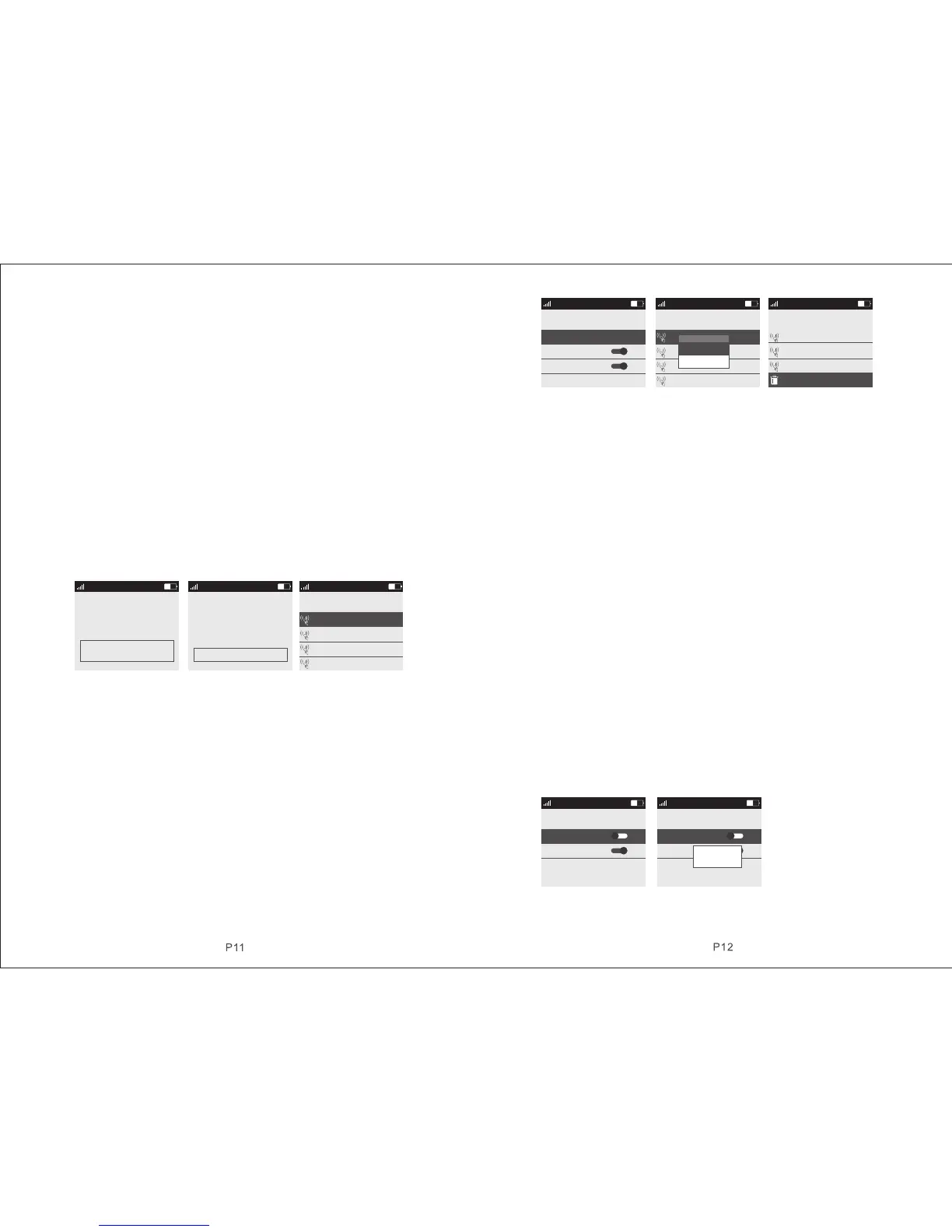
Picture 4-19 Picture 4-20 Picture 4-21
4.7.3 Access Card
4.7.3.1 Study Access Card
On accessories manage page, as shown in picture 4-7. Press key【UP/DOWN】to
move the cursor behind【Access Card】, then press key【OK】or number 3 directly
to enter access card page, as shown in picture 4-21. There are 20 zones in the
page, and only one access card can be learned in one single zone. Press key
【UP/DOWN】to select zone and the press key【OK】to enter access card study
page as shown in picture 4-22. At this moment, put the access card on the host
card reader location, host will beep “di ” if the card be learned successfully, and
the “unlearned” displayed on the screen will change to “learned”; If user continues
to learn access card in the zone has been learned, host will prompt wrong voice,
and it flashes “do not learn” on the screen; If user programs the access card being
learned to the zone unlearned, host will also prompt wrong voice, and it flashes “
re-code” on screen, which means the access card can’t be programmed
repeatedly. The host could learn as much as 20 different access cards.
Picture 4-22 Picture 4-23 Picture 4-24
4.7.3.2 Delete Access Cards
Delete access card in single zone: after entering access card page, press key
【UP/DOWN】to select the zones needed to be deleted, press key【OK】, host
will pop up a small menu as shown in picture 4-23. If selecting【Edit/Add】, it can
change the set of【 Read Card to Disarm 】and【 Card Read SMS Inform】; if
selecting【Delete】, host will pop up a confirmation menu, select【Yes】, press
key【OK】to confirm, then the access card in this zone be deleted.
Delete all access cards: As shown in picture 4-24, there is Delete All function at
the bottom of access card page. Press key【UP/DOWN】to select this function,
then press key【OK】, it will pop up the confirmation menu, then press key【OK】
again to delete all the access cards in all zones.
4.7.3.3 Read Card to Disarm
On access card learning page, press key【DOWN】to move the cursor behind
【Read Card to Disarm】, then press menu key to switch ON or OFF, press key【
OK】to save. If selecting ON, the access card can disarm the host. The factor y
default is OFF.
4.7.3.4 Card Read SMS Inform
On access card learning page, press key【DOWN】to move cursor behind【Card
Read SMS Inform】, press menu key to switch ON or OFF, then press key【OK】
to save. If selecting ON, after swiping access card, host will text to the alarm
number with access card and the message is “XX number is home”. The factor y
default is OFF.
4.7.4 Wireless Strobe Siren
On accessories manage page as shown in picture 4-7. Press key【UP/DOWN】to
move cursor behind【Wireless Strobe Siren】, then press key【OK】or input number
4 directly to enter wireless strobe siren page, as shown in picture 4-25.
Picture 4-25 Picture 4-26
4.7.4.1 Code Match between Host & Wireless Strobe Siren
Code Match Method: In strobe siren standby mode, long press key SET until the
51 Zone Detector
Have added:
Total:
Siren: on
Attrebute: Norm al
2 PCS
5 PCS
CID eventcod T hief
16:10
CHINA MOBLLE
16:11
CHINA MOBLLE
RFID
RFID 02
RFID 03
RFID 04
Added
Empty
Add RFID
Added
16:11
CHINA MOBLLE
01 RFID
RFID Disarm:
RFID SMS notic e:
ON
ON
RFID 01
Added
Empty
16:11
CHINA MOBLLE
RFID
RFID 02
RFID 03
RFID 04
Added
Empty
Delete
Edit / Add
RFID 18
Added
Empty
16:11
CHINA MOBLLE
RFID
RFID 19
RFID 20
Added
Delete all
16:11
CHINA MOBLLE
Wireless Siren
Output with al arm
OFF
ON
Wireless Sir en
Off
On
16:11
CHINA MOBLLE
Wireless Siren
Output with al arm
OFF
ON
Wireless Sir en
Off
On
Senging…
ON
ON
01 Zone Detector
Have added:
Total:
Siren: on
Attrebute: Norm al
2 PCS
5 PCS
CID eventcod T hief
1.Ambula 2.Fire 3 .Hi jac k 4.S ile nt
5.Thief 6.Around 7.Gas
16:10
CHINA MOBLLE
NO/N C: N O
1.NC 2 .N O


 To Next Page
 Loading...





