Micro 2 / Guitar
https://www.ketron.it/images/ketron/Manuali_HTML/SD9/english/32_input.html[12/05/2020 16:18:10]
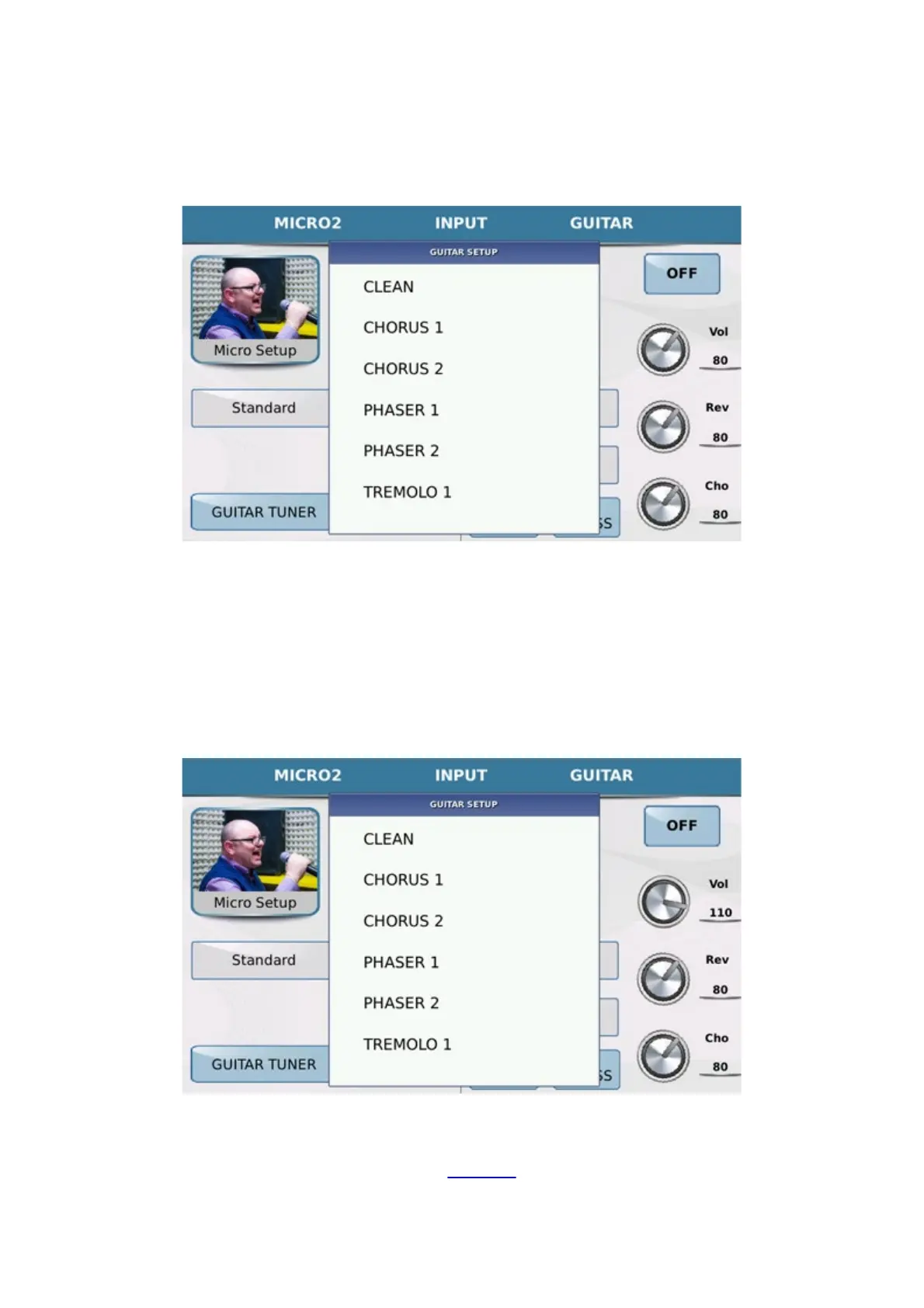
In Guitar mode you will also find a number of virtual knobs that may be selected on the Touch Screen and modified
with the Dial, that function on the Volume, Reverb and Chorus as well as various setups and insert effects especially
for the guitar.
When you touch the box GUITAR SETUP a Pop up is displayed with 16 factory setups that may be
selected simply by touching the setup you need. By pressing EXIT you escape from the drop-down menu and
return to the previous screen.
Each setup selected has an insert effect which is displayed in the box INSERT EFX1. You may change the
insert effect of the setup by touching the corresponding box and selecting the effect you prefer from the drop-down
menu that is displayed in the same way as that described for the Guitar setups.
Finally, each guitar effect may be edited by pressing the
EDIT key.
Any the changes made to the effect may be saved in a Setup by pressing the SAVE key on the panel. The display



 To Next Page