LaunchPad
https://www.ketron.it/images/ketron/Manuali_HTML/SD9/english/78_launchpad.html[12/05/2020 16:24:01]
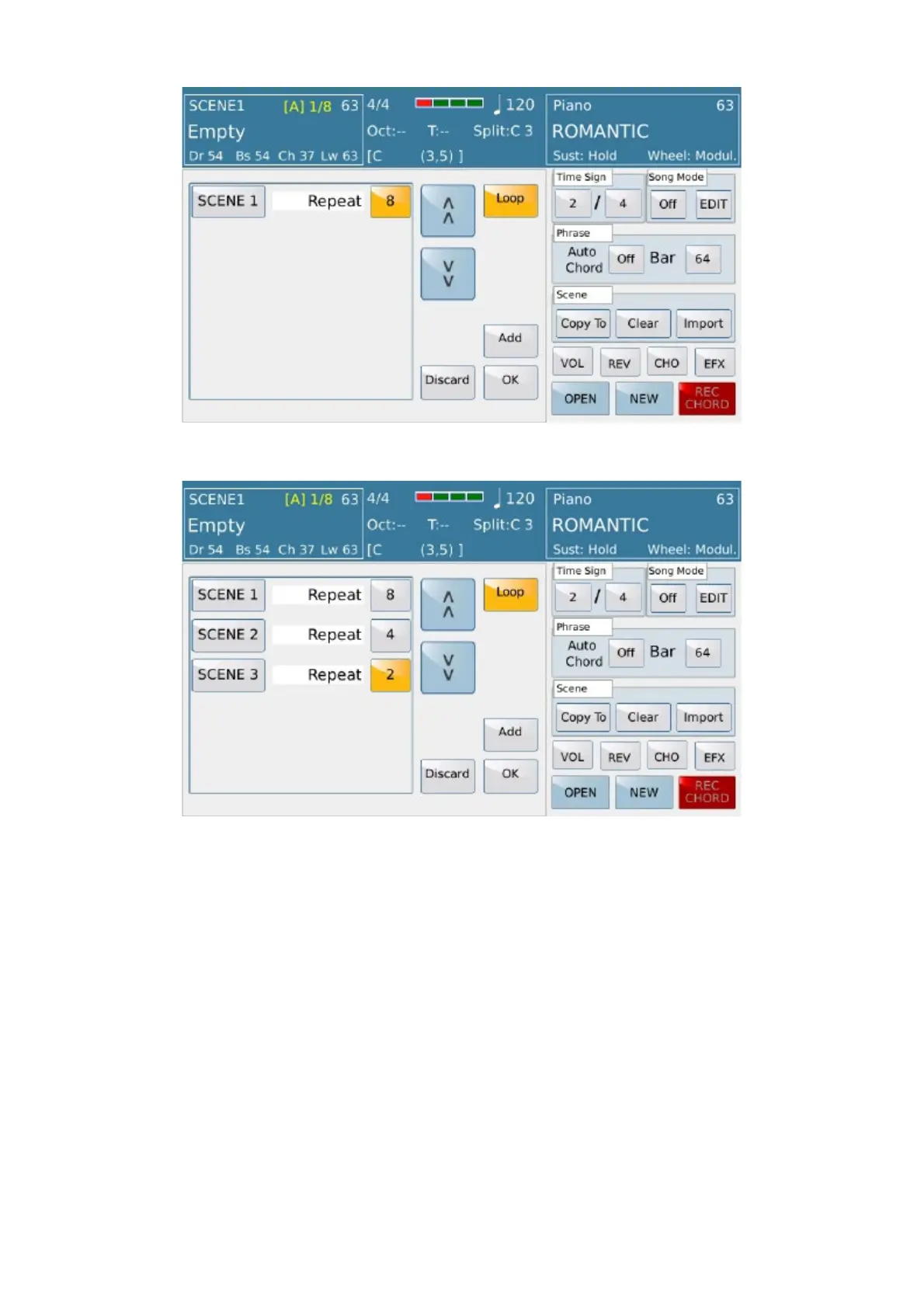
Song Mode Edit menu:
- SINGLE / LOOP:
This button is used to determine whether the sequence of
scenes will stop when arrived at the end or start again .
- ADD: The button adds a part on sequence where you can set a scene and how
measures it will play (Repeat) automatically. Once these measures is played, the sequence
goes to the next phase or stops if last.
- DISCARD:This button clear all edited part
- OK:This button confirm all edited parts and leave main Edit menu
At this point, putting to "On" the Song Mode and giving start on LAUNCH PAD, these parts of the scenes are
performed in succession as set on edit.



 To Next Page